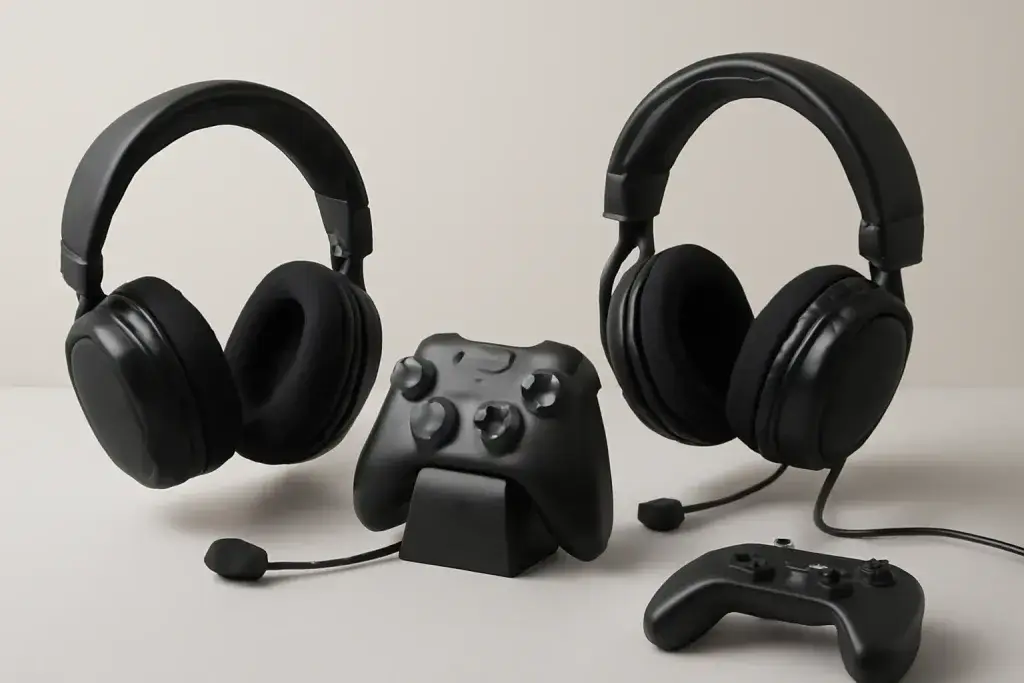
Start here if you are choosing a gaming headset or fixing the one you have. The quick picks name specific headsets from the makers' own spec pages, and the sections below explain how to choose by connection, platform, microphone and comfort, then link every headset guide on the site.
Shop on Amazon
Sponsored
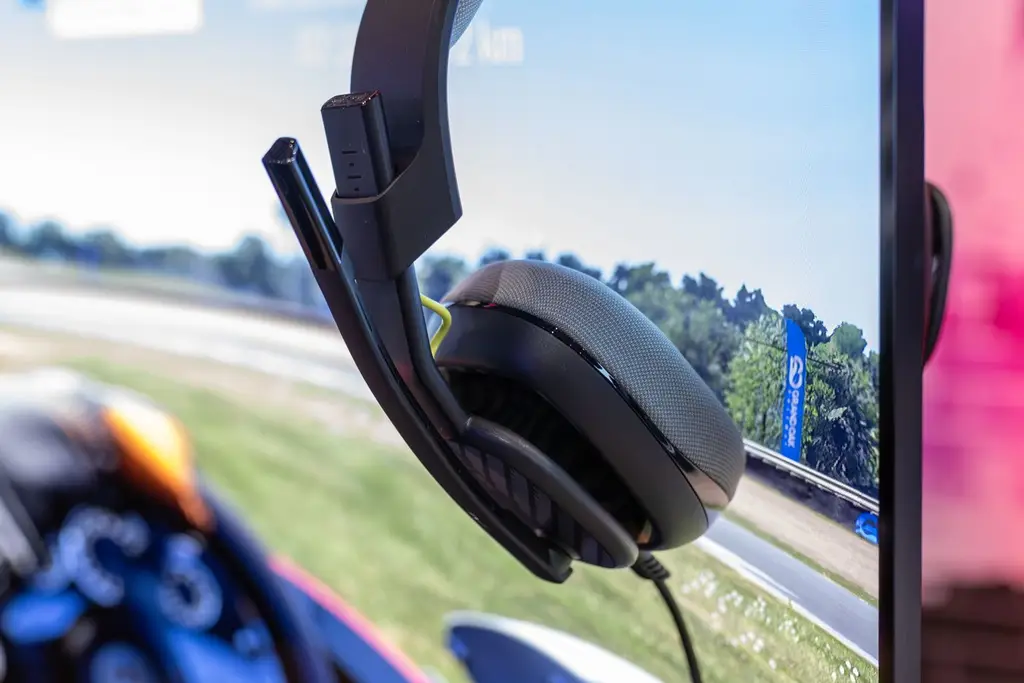
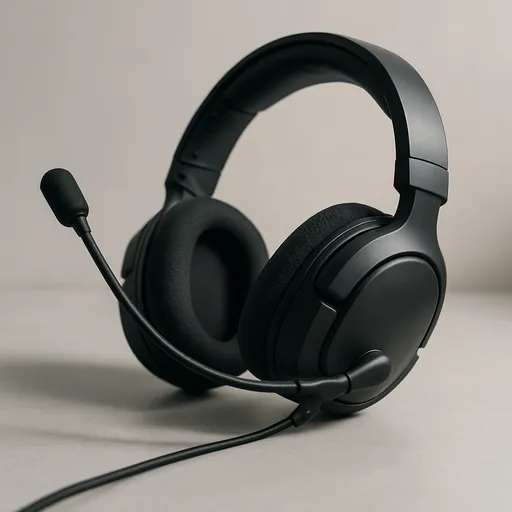
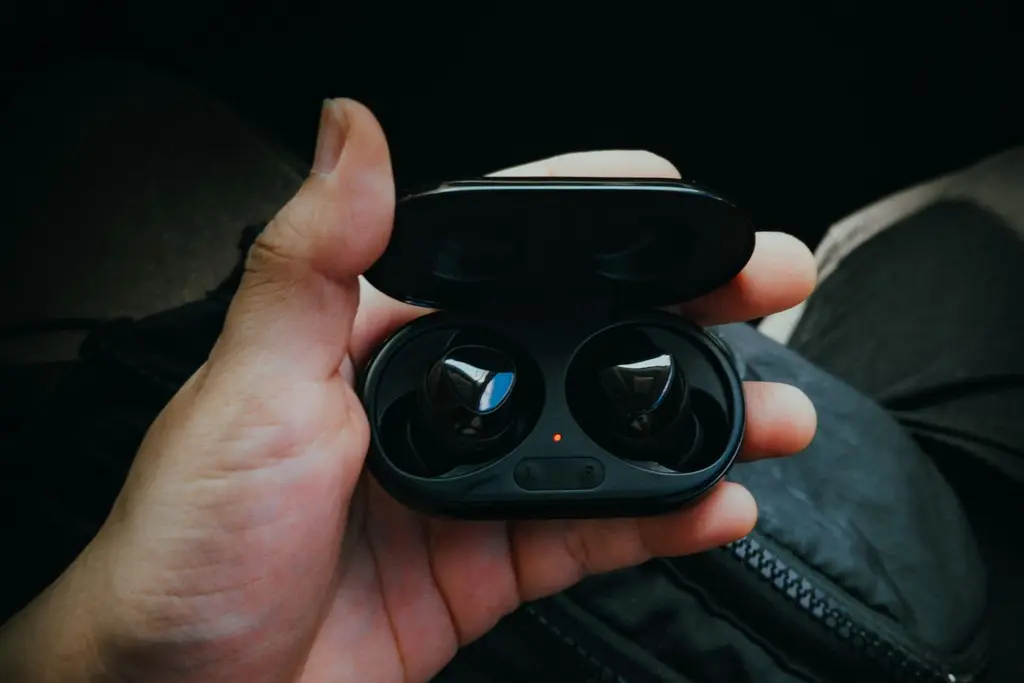
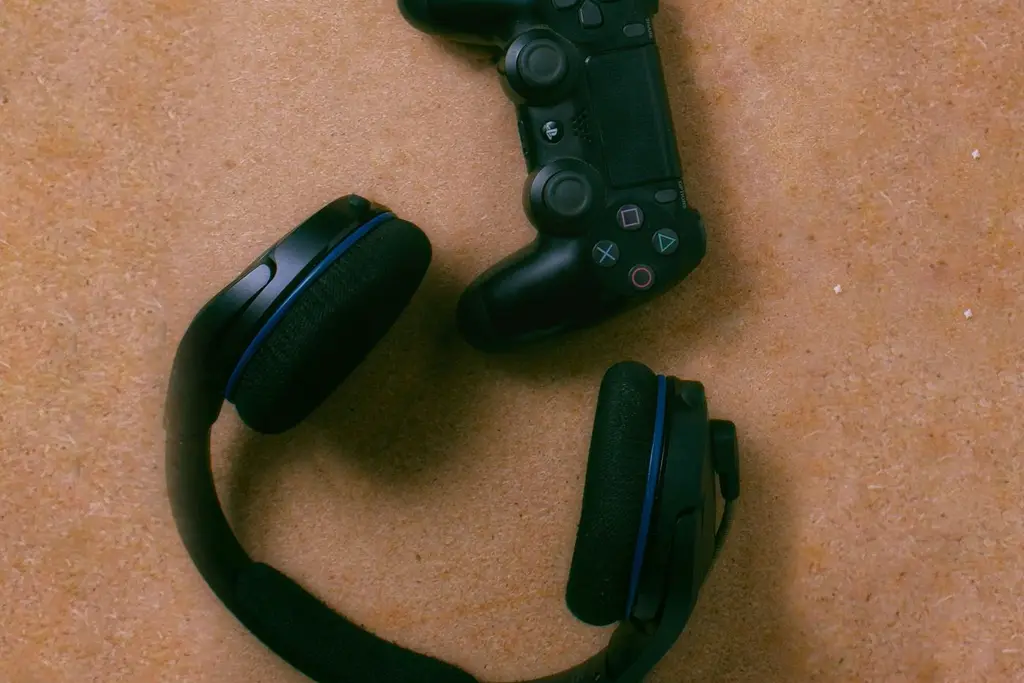
As an Amazon Associate, GameGearLab earns from qualifying purchases. Affiliate disclosure. Images are generic illustrations, not the exact listing.
Gaming Headsets
A general starting point for browsing gaming headsets, covering wired and wireless options across consoles and PC.
Choose in this order: platform, connection, microphone, comfort, then sound. The platform decides everything else, because a headset that cannot send game audio to your console is no use however good it sounds.
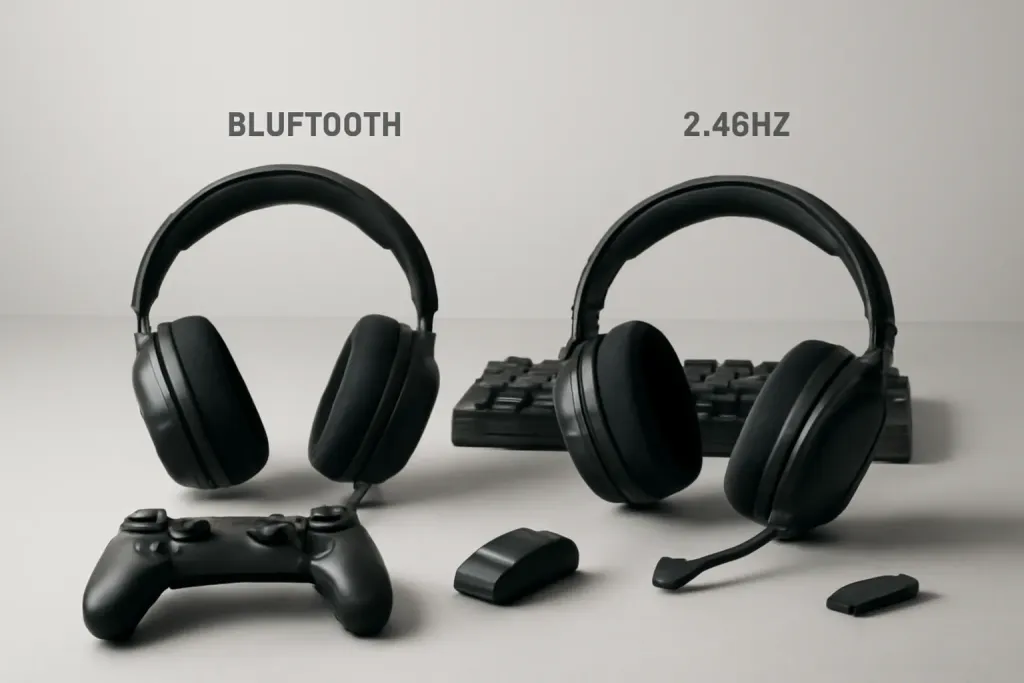
Wireless or wired comes next. A wired headset has no battery and no dongle, and it costs less for the same drivers. A wireless one removes the cable and, on the best models, adds Bluetooth so you can take a phone call. Our wired vs wireless comparison walks through the trade-off, and Bluetooth vs 2.4 GHz explains why the dongle matters for games.
Three ways a headset connects. A USB dongle or a cable carries game audio to a console. Bluetooth is for phones and PCs, and PS5 does not send game audio over it.
Connection types
A 2.4 GHz USB dongle is the usual wireless choice for games, because it is built to keep delay low. Bluetooth is for phones and, on PC, for casual use. A 3.5 mm cable works almost everywhere with a single plug. USB cables work on PC and PS5.
Some headsets combine two links. SteelSeries lists game audio over its dongle and calls over Bluetooth at once on the Arctis Nova 7 Gen 2, and Sony lists PlayStation Link plus Bluetooth on the PULSE Elite. If you move between a PC and a phone, multipoint Bluetooth is worth understanding.
Microphone quality
The mic is the weak point on many wireless headsets. A detachable or flip-to-mute boom is a good sign, and a mute you can find by feel is more useful than it sounds. If chat matters more than anything, weigh the mic above driver size.
Check your mic after setup with our free Mic Test, which shows your level in the browser and keeps the audio on your device. For a PC headset with a removable boom, see headsets with a detachable mic.
Comfort, fit and sound type
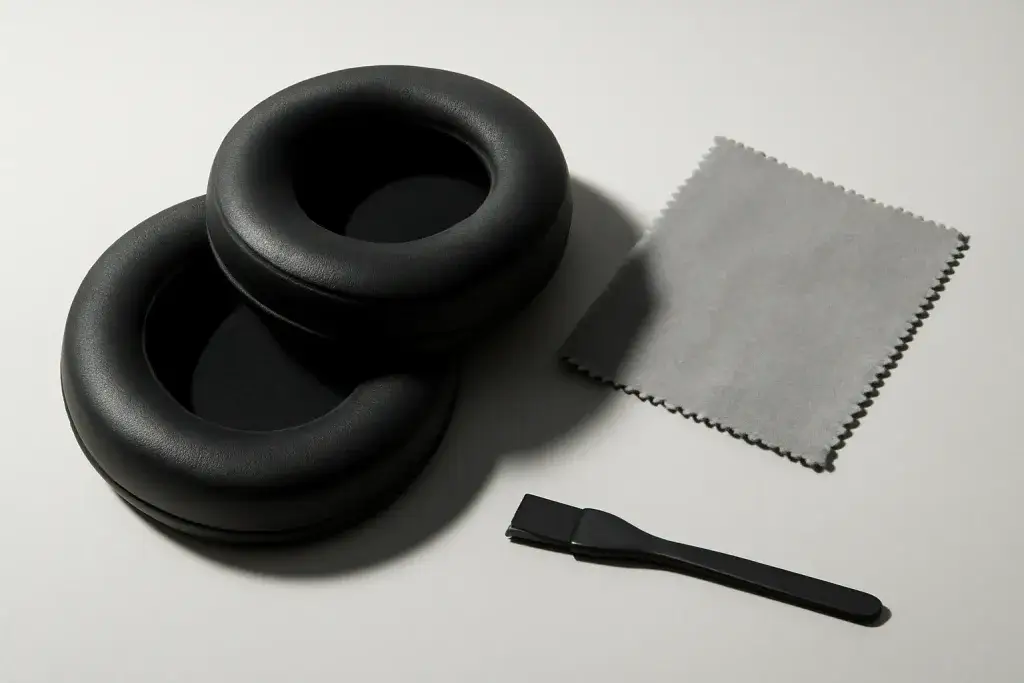
Comfort depends on clamp force, ear-cup padding and weight, and only you can judge it. Glasses wearers should read our guide on headsets for glasses. Keep ear pads clean; cleaning ear cushions shows how.
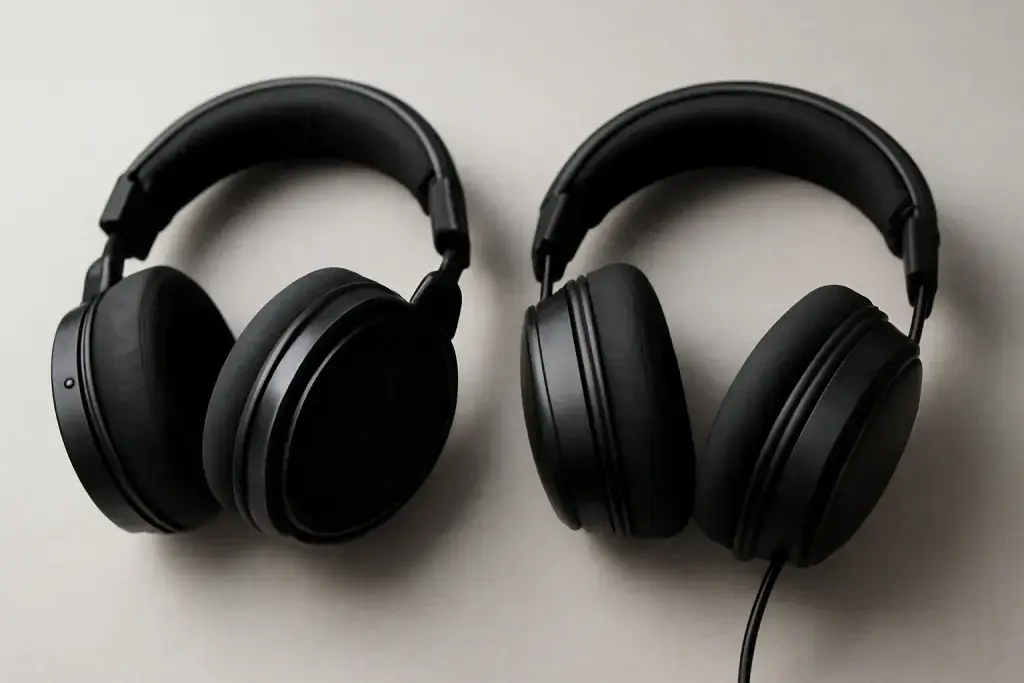
Closed-back headsets block outside sound; open-back ones sound airier but leak noise. Our open-back vs closed-back guide explains which suits a shared room. If you game on PS5, Tempest 3D AudioTech works over standard stereo headphones, so you do not need a special model for it.
Earbuds and stands
Gaming earbuds are lighter and portable, but they have shorter battery life and mics that sit near the ear. Console earbuds need a dongle; Bluetooth-only earbuds will not carry PS5 game audio. See gaming earbuds.
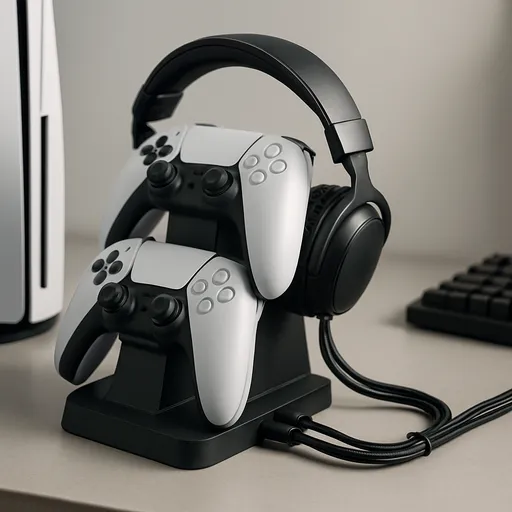
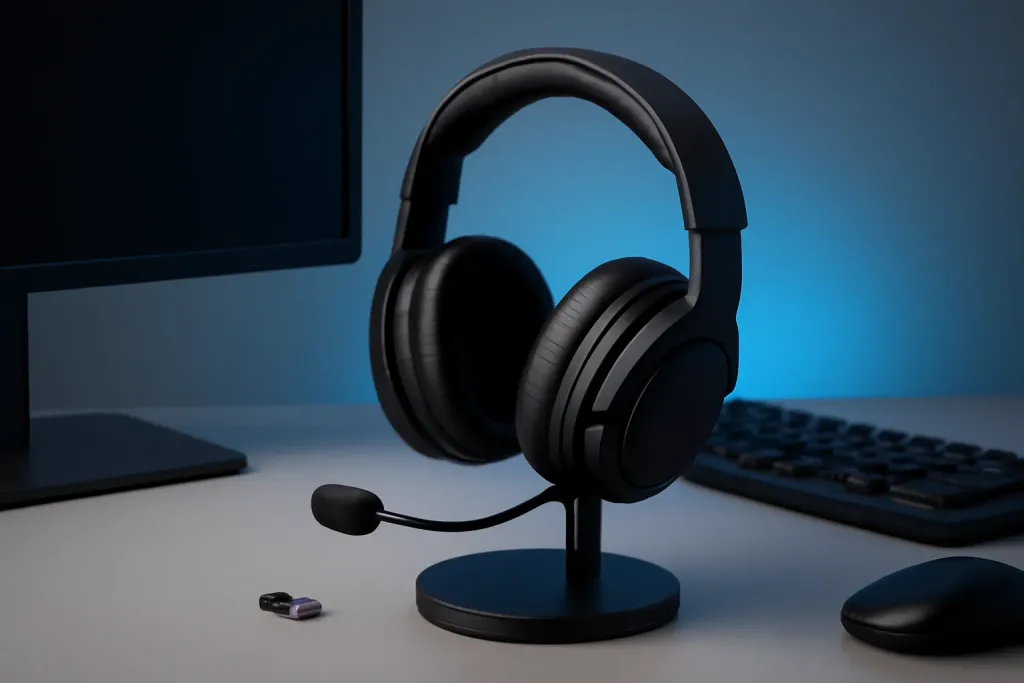
A headset stand keeps the cushions off the desk. Our headset stand guide covers what to check on a stand with a USB hub.
The speaker element in each ear cup. Size is listed in millimetres, but size alone does not tell you how a headset sounds.
Closed-back / open-back
Closed cups block outside noise and keep sound in. Open cups let air through for a wider sound and leak noise both ways.
2.4 GHz dongle
A small USB transmitter that links the headset wirelessly. It is the usual way to get game audio on a console or PC.
Bluetooth
A phone-friendly wireless link. Many headsets add it as a second connection, but PS5 does not send game audio over it.
Multipoint
Connecting to two devices at once, such as a PC and a phone. Support varies, so read the maker's page.
Sidetone / mic monitoring
Hearing your own voice in the headset so you do not shout.
Spatial audio
Software that places sound around you. PS5's Tempest 3D AudioTech and Windows options work over ordinary stereo output.
Planar magnetic
A driver type used in some premium headsets, including Sony's PULSE Elite. It is a design choice, not a guarantee of better sound.
Mistakes to avoid
The most common mistake is assuming "wireless" means it will work on your console. Check the platform and the connection on the exact listing. The second is buying on driver size or a bass claim and forgetting the microphone, which you use every time you talk to friends.
A third is ignoring the return policy. Fit is personal, and a headset that looks perfect on paper can press on glasses or feel hot after an hour. Buy from a seller with a clear return window, and wear the headset for a full session during that window.
Finally, do not trust one battery number. Makers rate battery life under their own conditions. Volume, lighting and features all change real use, so use the figure to compare two headsets, not to plan your week.
Who should buy what
PS5 players who want the simplest setup should start with Sony's PULSE Elite. Players who move between a console, a PC and a phone should look for a dongle plus Bluetooth, as on the Arctis Nova 7 Gen 2. Players who forget to charge should favour the longest battery rating, like the Cloud III S at up to 120 hours on 2.4 GHz.
PC players who also want a cable fallback can look at the PRO X 2 LIGHTSPEED. Switch and handheld players may prefer earbuds or a 3.5 mm headset; our Switch guide covers the options. Anyone on a tight budget should compare current prices on wired models, since a wired headset on a controller jack is the cheapest way into voice chat.
Care and setup
Keep the ear pads clean and replace them when they flake. Store the headset on a stand so the headband keeps its shape. Update the firmware from the maker's app when it asks, since updates can fix connection problems. After any change, run a quick mic check so you know your friends can hear you.
All Gaming Headsets guides
Every gaming headsets guide on the site, in one place:
Best Gaming Headset for PS5: Our Picks: The best gaming headset for PS5: six named picks from maker specs, a comparison table, and what to check on connection, mic and 3D audio before you buy.
Do Gaming Headsets Work with Phone Calls?: Yes—most gaming headsets can handle phone calls, but mic quality, compatibility, and Bluetooth or cable setup affect results.
How to Clean Gaming Headset Ear Cushions: Learn how to clean gaming headset ear cushions safely with simple, practical steps for leatherette, fabric, and removable pads.
Why Does My Wireless Headset Keep Cutting Out?: Learn why your wireless gaming headset keeps cutting out, from interference and battery issues to software settings, dongle placement, and hardware wear.
Best Gaming Headset Under $100: Four Picks: The best gaming headset under $100: four named wired and wireless picks, a comparison table from maker specs, and what to check on mic, comfort, platform.
Best Xbox Series X Headset: Four Picks: The best Xbox Series X headset: four named picks, wireless and wired, with a comparison table from maker specs and how to check your Xbox connection.
Browse Gaming Headsets on Amazon
A general-purpose pick for shoppers who want a solid starting point before narrowing down to a specific feature set.
The best gaming headset for PS5: six named picks from maker specs, a comparison table, and what to check on connection, mic and 3D audio before you buy.
The best gaming headset under $100: four named wired and wireless picks, a comparison table from maker specs, and what to check on mic, comfort, platform.
How Sony's Tempest 3D AudioTech works with gaming headsets on PS5, what actually requires special hardware, and how to calibrate it for the best result.
Learn why your wireless gaming headset keeps cutting out, from interference and battery issues to software settings, dongle placement, and hardware wear.
A practical wireless vs wired gaming headset comparison covering sound, latency, comfort, battery life, setup, and value for gamers.
Updated 2026-08-26
Frequently asked questions
What is the best gaming headset?
It depends on your platform and connection. For PS5 the PULSE Elite is the simplest; for several devices the Arctis Nova 7 Gen 2 and Cloud III S cover the most platforms. See the quick picks.
What is a gaming headset?
A headset with headphones and a microphone built for gaming chat, usually with a boom mic and controls. Many connect by USB dongle, Bluetooth or a 3.5 mm cable.
Wired or wireless headset for gaming?
Wired is simpler and needs no charging. Wireless removes the cable and adds battery management. Choose by how you sit and play.
Can I use a gaming headset with my phone?
Yes if it has Bluetooth or a single 3.5 mm plug. A dongle-only headset usually will not pair with a phone.
How do I choose a gaming headset?
Start with platform, then connection, microphone, comfort and sound type. Our how-to-choose section above covers each step.
Does my headset need special hardware for 3D audio?
No. PS5's Tempest 3D AudioTech works over standard stereo output, so any compatible headset can use it.