Gaming PCs live or die by component balance: a fast graphics card with a weak processor, or the reverse, wastes money. Prebuilt listings change every week, so this hub teaches you to judge any listing rather than naming models that go stale, and links our buying guides.
Shop on Amazon
Sponsored
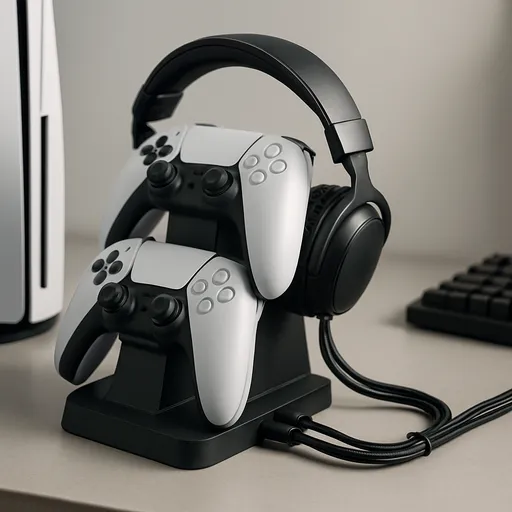
As an Amazon Associate, GameGearLab earns from qualifying purchases. Affiliate disclosure. Images are generic illustrations, not the exact listing.
Gaming PCs
A general starting point for browsing gaming PCs and components, covering common configuration tiers.
A recent model with enough cores for current games
An old-generation chip
Memory
16 GB or more, in two modules
8 GB or a single module
Storage
1 TB NVMe solid state drive
A hard drive as the only drive
Power supply
Named brand and wattage
No brand or rating listed
Case and cooling
Mesh front, rear fan, standard sizes
Closed front, proprietary parts
Seller
Clear returns and support
No contact or return details
How to choose a gaming PC
Start from the games you play and the resolution you want. A 1080p player needs less than a 4K player. Then decide your total budget, including the monitor, keyboard and mouse, because the PC is only part of it.
Next decide whether to build or buy. Building gives you control over each part and often more performance per dollar, but takes time. A prebuilt arrives ready to run. Our gaming PC buying guide for beginners walks through the trade-offs.
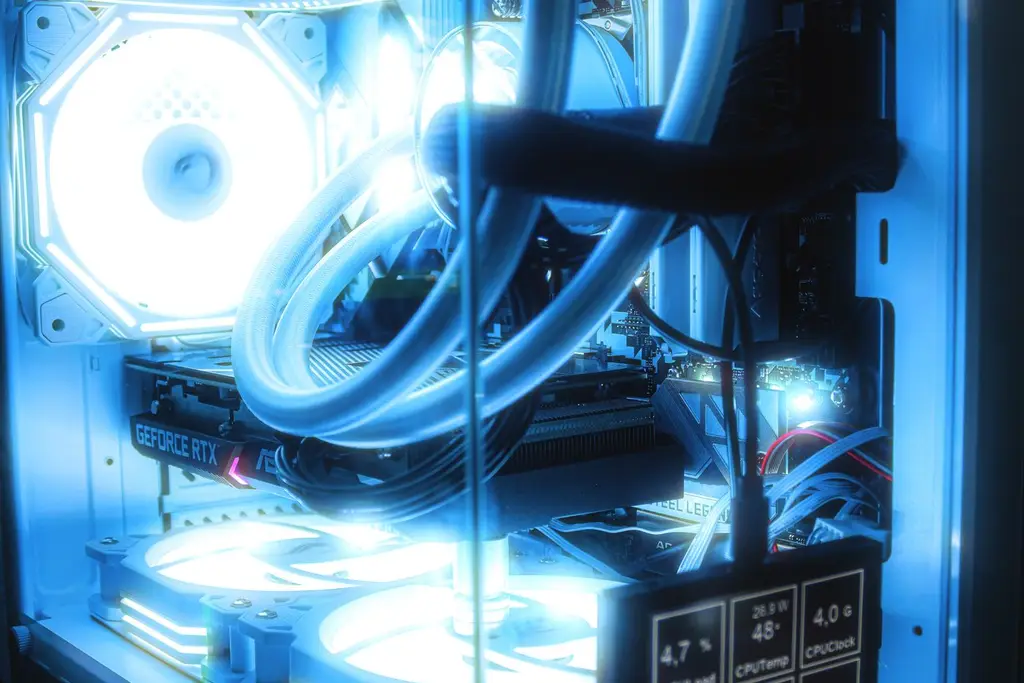
The five parts that set a gaming PC's level. Graphics card first, then the processor that keeps up with it. Memory, storage and power supply are the parts that make the rest work reliably.
The parts and how they balance
The graphics card sets the resolution and frame rate you can reach. The processor must keep up with it. Memory, storage and the power supply make the rest work reliably. Spending nearly everything on one part and skimping on the others leaves you with a bottleneck.
The table above lists what to look for and what to avoid on a prebuilt. Look for a named graphics card, 16 GB of memory in two modules, a 1 TB solid state drive and a named power supply.
Gaming PCs around $1000
Around the $1,000 mark you can expect a mid-range graphics card and a modern processor, but configurations vary week to week. Our best gaming PC under $1000 guide gives a checklist for judging listings instead of naming models that go stale.
Check the system information against the listing, update the graphics driver from the maker, and run a game you know well. Keep the packaging until you are sure the PC is stable. If a part does not match, use the return window.
PC terms you will see on listings
GPU
The graphics card. It sets resolution and frame rate.
CPU
The processor. It needs to keep up with the graphics card.
RAM
Memory. 16 GB is the practical floor, in two modules for dual channel.
NVMe SSD
A fast solid state drive. It loads games much faster than a hard drive.
PSU
The power supply. It should have a named brand and wattage.
Dual channel
Two memory modules working together for more bandwidth.
Bottleneck
When one part holds back the others.
Prebuilt / system integrator
A company that assembles and sells a complete PC.
Mistakes to avoid
Buying a listing that does not name the graphics card is the clearest warning sign. A close second is a single memory module, which runs in single channel and holds back performance. Do not ignore the power supply either: a no-name unit risks instability.
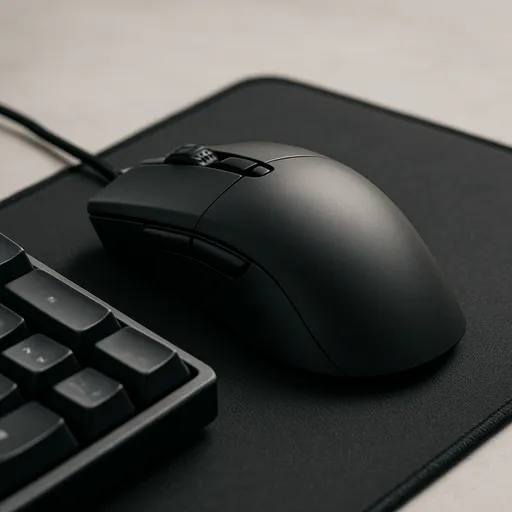
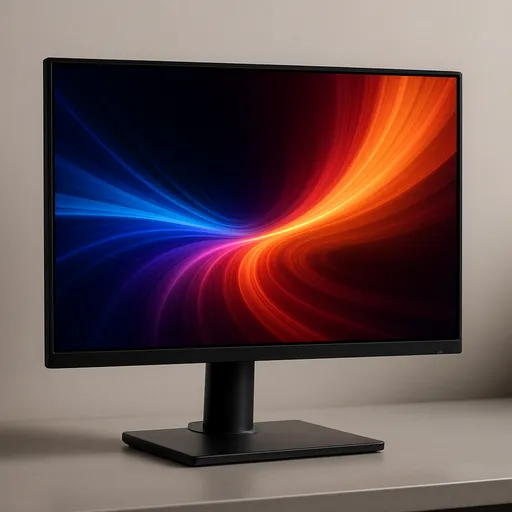
Do not spend the whole budget on the PC. A monitor, a keyboard and a mouse matter as much to how the game feels. And do not buy on a "gaming" label alone; compare parts.
Who should buy what
First-time PC gamers who want to start playing should consider a prebuilt that names every key part. Tinkerers may enjoy building to get more from the budget. Console players moving over should plan for a monitor and a mouse as well as the PC.
Competitive players should put the graphics card first and then a high-refresh monitor they can feed.
Care and upgrades
Keep vents clear, dust the filters every few months and keep the PC off carpet. Update the graphics driver and the operating system. If you have a free slot and standard sizes, you can add storage or memory later. Back up saves and files you care about.
A buying checklist
Games and resolution. Decide what you play and at what resolution.
Total budget. Include the monitor, keyboard and mouse.
Parts. Check the graphics card, processor, memory, storage and power supply.
Cooling and case. Look for airflow and standard sizes.
Seller. Clear returns, support and a firm listing.
Upgrade room. Free slots for memory and storage.
Quick troubleshooting
If a game stutters, check the frame rate and temperatures, close background apps and update the graphics driver. If the PC shuts down under load, check cooling and the power supply. If it is loud, clean dust from fans and filters and check fan curves in the BIOS. If it does not boot, reseat the memory and graphics card and check cables.
If a problem persists in the first weeks, use the seller's return or support route before you open anything.
Build or buy: a closer look
Building lets you choose each part, often gets more performance per dollar and teaches you how the machine works. It takes time, a clean workspace and patience, and you take on the troubleshooting. A prebuilt saves time and gives one support route. The cost is usually a premium, proprietary parts in some cases and less choice. Neither route is wrong; the better one is the one you will finish.
Whichever you choose, write down the full part list. It is the thing you will need for support and upgrades.
How we choose in this category
We build quick picks from the makers' own spec pages and platform holders' support pages, looking at whether the listing names the graphics card, processor, memory, storage and power supply. A named parts list comes first because it is the only way to compare two listings fairly. We do not run lab tests, we do not quote prices, and we leave out any spec we cannot confirm on the maker's page.
Specs change between versions, so confirm the details on the current listing for your region before you buy. Our about page explains our editorial method, and our affiliate disclosure explains how the site earns.
Where to go next
Use the quick picks to shortlist, read the guide linked to each one for the comparison, and use the free tools to check your setup. If you are still not sure, start with the guide that matches your platform. Browse the free tools or the full guides index for anything not listed here.
Prebuilt, boutique and DIY options
Large retailers sell prebuilts at a range of prices, boutique builders sell higher-end machines with better parts and support, and DIY lets you choose everything. Each has different support routes and different risks. Read the return and support terms before you commit, and look for a listing that names every key part.
A laptop is a separate decision with its own trade-offs; this hub covers desktop PCs.
Questions to ask the seller
Before you order, ask which exact graphics card, processor, memory and drive the listing includes, whether the parts are standard sizes, how the seller handles returns and repairs, and what support contact you get. A seller that answers clearly is a good sign. Ask for the part list in writing so you can compare it to what arrives.
Keep the box and the receipt until the PC has run stably for a few weeks.
All Gaming PCs guides
Every gaming pcs guide on the site, in one place:
Best Gaming PC Under $1000: What to Look For: Best gaming PC under $1000: the parts to check on a prebuilt, a spec checklist table, red flags to avoid and how to compare listings that change often.
Gaming PC Buying Guide for Beginners: A beginner's guide to buying a gaming PC: how components balance against each other, prebuilt vs building your own, and what to check before you buy.
Gaming Setup Ideas: A Checklist to Plan Yours: Gaming setup ideas for a desk that works: layout zones, a shopping checklist by priority, four named gear picks, and cable and lighting tips to finish it.
Editorial picks in Gaming PCs
A general-purpose pick for shoppers exploring gaming PC and component options.
Best gaming PC under $1000: the parts to check on a prebuilt, a spec checklist table, red flags to avoid and how to compare listings that change often.
Gaming setup ideas for a desk that works: layout zones, a shopping checklist by priority, four named gear picks, and cable and lighting tips to finish it.
Updated 2026-10-26
Frequently asked questions
What should I look for in a gaming PC?
A named graphics card, a modern processor, 16 GB or more of memory in two modules, a 1 TB solid state drive and a named power supply.
Is it cheaper to build a gaming PC?
Often you get more performance per dollar by building, but it takes time and care. A prebuilt gives you one support contact.
How much should I spend on a gaming PC?
Set a total budget that includes the monitor and peripherals. Spend the largest share on the graphics card.
What is a good prebuilt gaming PC?
One whose listing names every key part and the seller has clear returns. Configurations change often, so judge the listing, not the brand.
How much memory do I need?
16 GB is the practical floor for current games. More helps if you stream or multitask.
Can I upgrade a prebuilt later?
Often, if the parts use standard sizes. Check the motherboard and power supply details.