







How we chose
We chose four headsets from the makers' own pages, wired and wireless, that makers position at the low end. We show no prices; check the current listing against your limit. We did not test them. This guide also covers the lowest-cost end, where a wired headset is the practical choice.
Why wired is the safe choice
At this budget, a wired 3.5 mm headset gives you no battery to charge and works on nearly everything, including consoles and phones. Wireless is possible, as the Barracuda X shows, but check the connection type: a USB dongle and Bluetooth do different jobs. See wireless vs wired.
Mic and comfort
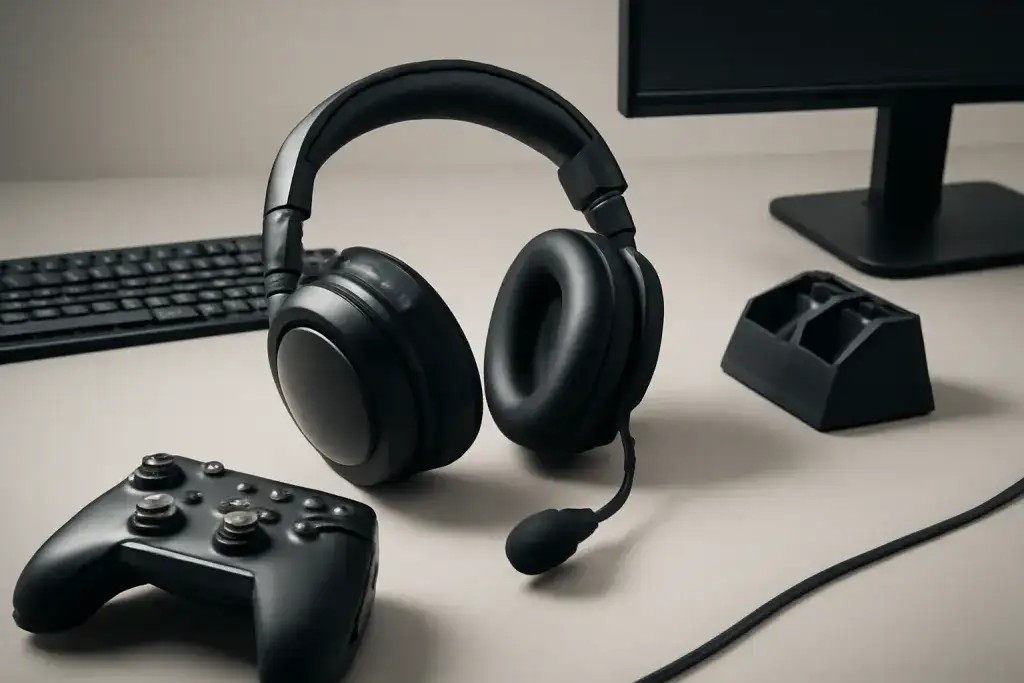
Comfort over a long session decides a headset more than the spec sheet, so check the weight and the ear cup shape. Test the mic with our Mic Test in the first days. A flip-to-mute boom is easy to use mid-game.
Check your platform
Wired 3.5 mm headsets plug into most controllers and PCs, but a PC with separate mic and headphone sockets may need a splitter. For PS5 audio features see PS5 headset picks.
Shop on Amazon
SponsoredAs an Amazon Associate, GameGearLab earns from qualifying purchases. Affiliate disclosure. Images are generic illustrations, not the exact listing.
-
Gaming Headsets
A general starting point for browsing gaming headsets, covering wired and wireless options across consoles and PC.
Browse gaming headsets on Amazon: Gaming Headsets on Amazon -
Gaming PCs
A general starting point for browsing gaming PCs and components, covering common configuration tiers.
Browse gaming PCs on Amazon: Gaming PCs on Amazon -
Console Accessories
A general starting point for browsing console and setup accessories, covering stands, hubs, and cable routing tools.
Browse console accessories on Amazon: Console Accessories on Amazon -
Controllers
A general starting point for browsing controllers, covering standard and alternative layouts for PC and consoles.
See controller options on Amazon: Controllers on Amazon -
Gaming Keyboards
A general starting point for browsing mechanical gaming keyboards, covering common layouts and switch styles.
Browse gaming keyboards on Amazon: Gaming Keyboards on Amazon -
Gaming Mice
A general starting point for browsing gaming mice, covering common shapes and grip-friendly designs.
Check current mouse options on Amazon: Gaming Mice on Amazon -
Gaming Monitors
A general starting point for browsing gaming monitors, covering common refresh-rate and resolution tiers.
Browse gaming monitors on Amazon: Gaming Monitors on Amazon -
Gaming Chairs
A general starting point for browsing gaming chairs, covering common adjustability features to look for.
See gaming chair options on Amazon: Gaming Chairs on Amazon
Mistakes to avoid
Do not pay for features you will not use, such as virtual surround on a game that already has good stereo. Do not skip checking the headset's weight and clamp if you wear glasses; see our guide for glasses wearers. And do not assume Bluetooth works on a console, because most do not accept it for game audio.
Before you buy
Check the connector (3.5 mm, USB or wireless dongle), the platform list and whether the mic detaches or flips up. Read the ear cup material and consider replacement pads, which are sold for many models. Our guide to cleaning ear cushions shows how to keep a cheaper headset comfortable for longer.
Quick checklist
- Confirm the connector: 3.5 mm for most consoles and phones, a USB dongle for a console that supports it, or Bluetooth for a phone.
- Check whether the mic detaches or flips up, and whether it can be muted by the headset itself.
- Read the weight and the ear cup material, particularly if you wear glasses or play for hours.
- Test the mic and the sound in the first few days, and use the return window if either falls short.