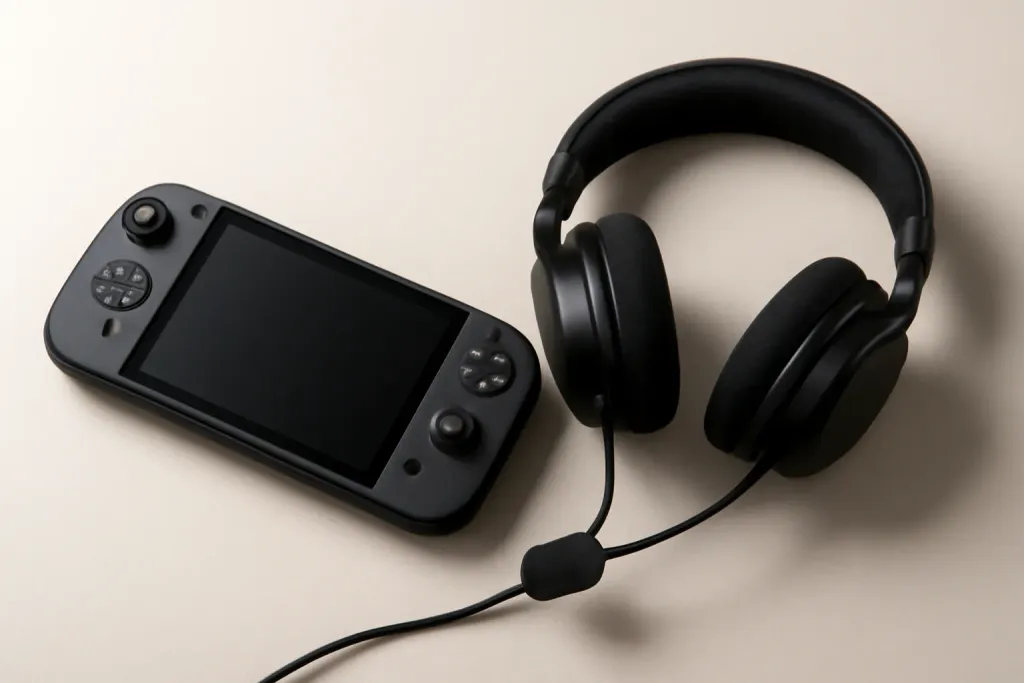








Short Answer: Yes, Usually
Yes, you can use a gaming headset on Nintendo Switch in many cases, but gaming headset nintendo switch compatibility depends on how the headset connects. A wired headset with a 3.5 mm plug is the simplest option for handheld mode, while USB and wireless headsets may work in docked mode or through a USB adapter. The Switch family supports audio in a few different ways, but not every gaming headset gets full features on every setup.
If you only need game sound and basic chat for supported titles, a standard gaming headset is often enough. If you want voice chat, microphone support, or surround-style features, the details matter more. Nintendo’s system and game-specific chat options can limit what a headset can actually do, so it helps to match the headset type to how you play.
How Nintendo Switch Handles Headsets
The Nintendo Switch supports headsets differently depending on the mode you use. In handheld mode, the easiest path is the console’s 3.5 mm audio jack, which can carry both game audio and microphone input for many headsets. In docked mode, USB audio can be available through the dock’s USB ports, which is useful for some wired USB headsets and many wireless headset dongles.
That said, support is not always uniform. Some headsets work for audio but not mic input. Some wireless models need their own USB transmitter. Others may connect but only offer stereo sound instead of every feature the headset can provide on a PC or PlayStation. For buyers, that means reading the product’s Switch notes is more important than relying on the term “gaming headset” alone.
Nintendo also uses system-level and game-level chat in different ways, so voice chat may require the Nintendo Switch Online app for certain games or may be handled directly by the game. In practice, the headset can be compatible while the chat experience still depends on the title and platform rules.
Wired Headsets: The Safest Bet
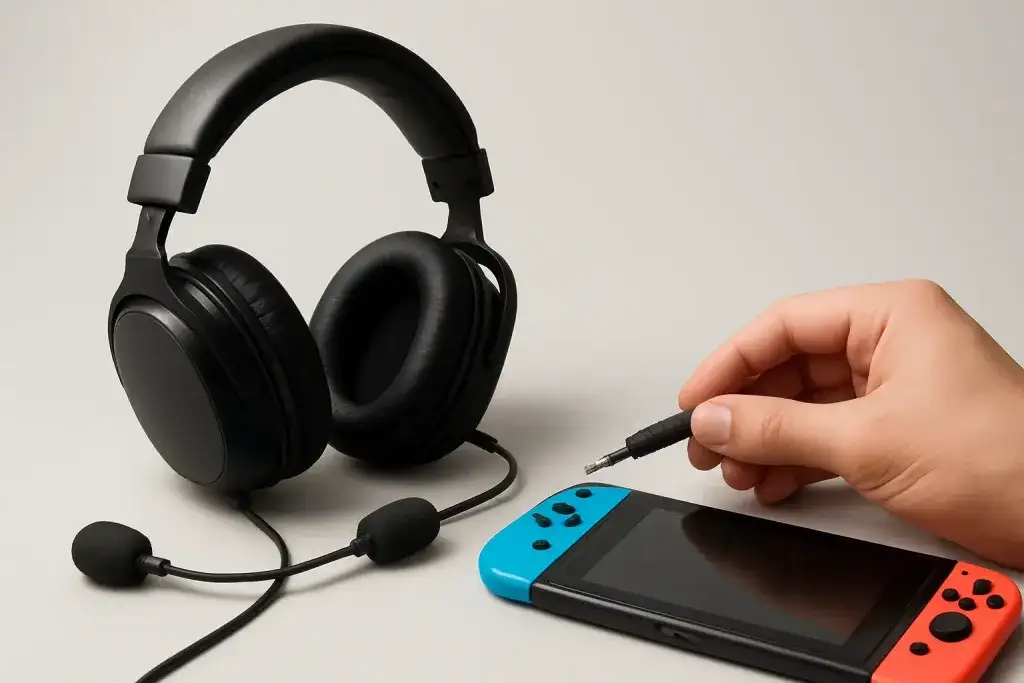
If you want the least complicated setup, a wired headset with a 3.5 mm plug is usually the best place to start. Plug it into the Switch console and you can typically get immediate audio without extra pairing steps. This is especially convenient in handheld mode, where the headset acts like a straightforward extension of the console.
For many shoppers, this is the most reliable choice because it avoids battery life concerns and wireless dongle confusion. It is also the most likely option to work across different Switch models, including the original system, Switch OLED, and Switch Lite, as long as the headset uses the standard audio jack.
There are a few trade-offs. A wired cable can feel restrictive, and some headsets include features that may not translate fully on Switch, such as advanced virtual surround processing or software-based mic tuning. Still, for people who want simple plug-and-play use, a wired headset is often the safest answer to gaming headset nintendo switch compatibility.
USB and Wireless Dongle Headsets
USB headsets can work with Nintendo Switch, especially when the console is docked. In that setup, the dock’s USB ports can support certain USB audio devices, including some gaming headsets and their included wireless dongles. This makes USB headsets appealing if you prefer a cleaner setup with no cable running to the console.
However, USB support is not a universal guarantee. Some headsets may need a specific dongle, firmware, or operating mode to function. Others may connect only for audio output and skip microphone input. If you use a headset that was designed primarily for PC or console software suites, some of its extra features may not be accessible on Switch.
Wireless dongles are often more practical than Bluetooth for gaming headsets because they can provide lower-latency audio and easier microphone support. Even so, the Switch’s actual compatibility depends on the headset maker’s implementation. If you are shopping specifically for Nintendo Switch use, look for explicit support rather than assuming any USB headset will behave the same way.
Shop on Amazon
SponsoredAs an Amazon Associate, GameGearLab earns from qualifying purchases. Affiliate disclosure. Images are generic illustrations, not the exact listing.
-
Gaming Headsets
A general starting point for browsing gaming headsets, covering wired and wireless options across consoles and PC.
Browse gaming headsets on Amazon: Gaming Headsets on Amazon -
Gaming PCs
A general starting point for browsing gaming PCs and components, covering common configuration tiers.
Browse gaming PCs on Amazon: Gaming PCs on Amazon -
Console Accessories
A general starting point for browsing console and setup accessories, covering stands, hubs, and cable routing tools.
Browse console accessories on Amazon: Console Accessories on Amazon -
Controllers
A general starting point for browsing controllers, covering standard and alternative layouts for PC and consoles.
See controller options on Amazon: Controllers on Amazon -
Gaming Keyboards
A general starting point for browsing mechanical gaming keyboards, covering common layouts and switch styles.
Browse gaming keyboards on Amazon: Gaming Keyboards on Amazon -
Gaming Mice
A general starting point for browsing gaming mice, covering common shapes and grip-friendly designs.
Check current mouse options on Amazon: Gaming Mice on Amazon -
Gaming Monitors
A general starting point for browsing gaming monitors, covering common refresh-rate and resolution tiers.
Browse gaming monitors on Amazon: Gaming Monitors on Amazon -
Gaming Chairs
A general starting point for browsing gaming chairs, covering common adjustability features to look for.
See gaming chair options on Amazon: Gaming Chairs on Amazon
Bluetooth Headsets: Useful, But Limited
The Switch does support Bluetooth audio, which sounds convenient for wireless listening. But Bluetooth headset use on Nintendo Switch is often more limited than people expect. It can be fine for basic game audio, but microphone support and advanced headset functions are not always part of the experience.
Bluetooth can also introduce trade-offs that matter to players, such as extra setup steps or reduced convenience compared with a simple wired headset. Some users choose Bluetooth mainly for clutter-free listening rather than for full gaming-headset functionality. If your goal is chat plus game audio, Bluetooth may not be the most dependable route.
For that reason, Bluetooth is best viewed as an option for casual use, not as the default recommendation for every buyer. If you already own a Bluetooth headset, it may be worth trying. But if you are purchasing new gear specifically for Switch, a wired 3.5 mm model or a headset with a known USB dongle usually offers fewer surprises.
What About the Mic and Voice Chat?
Microphone support is one of the most important parts of headset compatibility, and it is also where expectations often need adjusting. A headset may work for listening without fully supporting voice chat on every Switch game. Whether your mic works can depend on the headset connection, the game, and how that game handles chat features.
Some players assume any gaming headset with a mic will automatically enable in-game voice chat on Switch, but that is not always how Nintendo’s ecosystem works. Certain multiplayer titles may use their own chat systems, while others rely on companion apps or separate voice solutions. The headset can be compatible at the hardware level and still not solve every communication need.
If mic use matters to you, check for explicit mention of microphone support on Switch. Look for language such as “headset with mic supported,” “USB voice chat supported,” or “3.5 mm CTIA compatibility.” Those details are more useful than broad marketing claims because they tell you whether the headset is likely to carry your voice as well as game sound.
What to Check Before You Buy
Before buying a headset for Switch, start with the connection type. If you play mostly handheld, a 3.5 mm wired headset is usually the easiest path. If you play mostly docked, a USB headset or wireless dongle model may make more sense. If you want to move the headset between Switch and other devices, look for a model that clearly lists multi-platform support.
Next, check whether the headset explicitly mentions Nintendo Switch compatibility. That note matters because some headsets are designed with console or PC software in mind and may behave differently on Switch. Also confirm whether the mic works through the same connection or only through a separate setup.
Other practical points include cable length, comfort for longer sessions, and whether the headset has volume controls you can easily reach. None of these details guarantee better sound, but they do affect everyday use. For a portable console, small conveniences often matter more than flashy feature lists.
- Choose 3.5 mm for the simplest handheld setup.
- Use USB or a dongle for docked play when supported.
- Check mic support separately from audio support.
- Confirm whether the headset needs software to unlock features.
- Prefer clear Switch compatibility notes over general marketing language.
Best Fit by Player Type
For most Switch owners, the best headset choice depends on how they actually use the console. Handheld-first players usually benefit from a wired 3.5 mm headset because it is simple, portable, and less dependent on extra accessories. Docked players can consider USB or dongle-based headsets if they want a cleaner setup and are okay with checking compatibility details first.
If you split time between Switch and other systems, a versatile wired headset is often the easiest buy. It can travel with you and avoid platform-specific setup headaches. If you care most about voice chat, focus on models that specifically mention mic support on Switch rather than assuming the headset’s PC features will carry over.
For shoppers comparing options on Amazon, the smartest approach is to read the connection notes and compatibility language closely. A headset that works well on Switch is usually one that matches your play style with the fewest extra steps. That is the real answer to gaming headset nintendo switch compatibility: the headset may work, but the connection method decides how well it works for your needs.