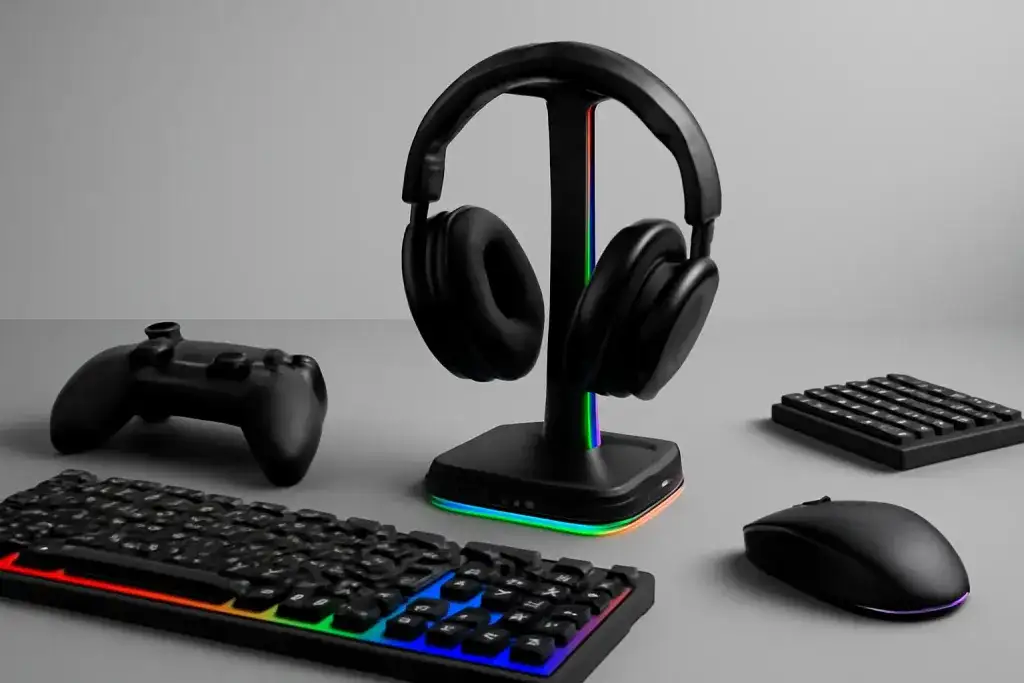








Why RGB Headset Stands with USB Hub Are Worth Considering
RGB headset stands with USB hub appeal to gamers who want a cleaner desk and a few extra connection points in one accessory. Instead of leaving a headset on the monitor, chair, or desk corner, a stand gives it a fixed place. The built-in hub can also make it easier to plug in a mouse, keyboard dongle, controller cable, flash drive, or charging lead without reaching behind a PC tower every time. That convenience is the main reason these products exist.
Still, a combined stand and hub is not automatically better than buying separate items. The stand takes up vertical and horizontal space, so it only makes sense if your desk can spare the footprint. Some models lean more toward display than function, using bright lighting and a tall frame while offering only a small number of ports. Others focus on practicality but look more basic. The right choice depends on whether you want a desktop organizer, a lighting accent, or a simple place to park your headset.
It also helps to think about how the hub will actually be used. If you mainly need a spot for a wireless dongle and a charging cable, almost any working hub may be enough. If you plan to connect busier accessories, port placement and power delivery matter more. In that case, the stand should feel like a useful extension of the PC, not just a glowing shelf. The best RGB headset stands with USB hub strike a balance between appearance, stability, and easy everyday access.
One more practical point: these products are usually one part cable management tool, one part decor. That means the value comes from how neatly they fit into your setup. A good model should reduce clutter, keep your headset easy to reach, and avoid adding another cable tangle. If those basics are not handled well, the RGB effect will not make up for it.
Check the USB Hub Specs First
The USB hub is the part that can make or break the experience, so start there. Look at how many ports the stand includes and what type they are. A basic two- or three-port hub may be enough for a dongle and a small accessory, while a larger setup may need more room. Also check whether the ports are USB-A only or whether there is any USB-C support. That detail matters if you already use newer cables and devices.
Pay attention to whether the hub is meant for data, charging, or both. Product pages do not always explain this clearly, but it changes how useful the stand will be. A port that only passes simple data may be fine for a receiver or flash drive, while a charging cable may need more output than the hub can provide. If the listing is vague, assume the hub is best for low-demand accessories rather than high-power gear. That is a safer expectation than assuming every port behaves like a strong desktop charging dock.
Cable routing matters too. Some RGB headset stands with USB hub place the input cable in a way that helps with tidy placement behind the monitor, while others make the cord awkwardly visible. If the cable is short, the stand may have to sit close to the PC. If it is longer, you get more flexibility but also more slack to manage. Check whether the cable exits from the rear, side, or base so you can picture it on your desk before buying.
Finally, consider whether the hub works as a true extension or just as a convenient extra set of ports. That sounds subtle, but it affects day-to-day use. A thoughtful hub is easy to reach and simple to understand. A poorly planned one can make you move cables around more than you expected. The goal is not just more ports, but better access to the ones you already use most.
Look at Power, Lighting, and Control Options
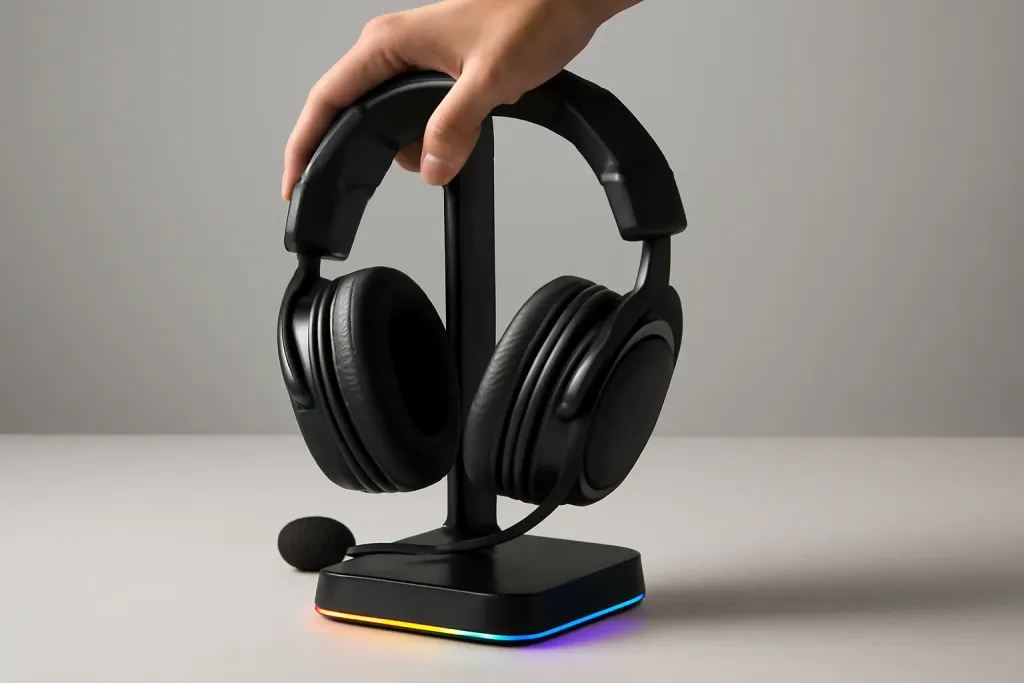
RGB lighting is often the first thing people notice, but the lighting setup should be judged as part of the whole product, not as a separate feature. Some stands offer fixed lighting effects, while others provide multiple modes that cycle through colors or patterns. More modes can be fun, but they are not always more useful. If you prefer a calmer desk, you may care more about the ability to turn lighting down or off than about having every effect possible.
Check how the stand gets power. Some models use the same USB connection for both the hub and the lighting, which keeps the design simple. Others may require extra power arrangements. A setup with one cable is usually easier to manage, but it may also mean the stand shares power across its functions. That can be perfectly fine for light use, yet it is worth understanding before you buy. If the listing is unclear, treat the lighting as a visual feature first and the hub as the practical feature.
Control options also deserve attention. A button on the stand can be convenient if you want quick changes without software. On the other hand, software control may offer more customization, but it adds another layer of setup and another program to keep track of. For many desks, simple physical controls are the better fit. They are easier to use, easier to explain, and less likely to become annoying later.
Brightness is another detail that gets overlooked. Bright RGB can look sharp in product photos, yet it may feel stronger in a dark room than you expect. If your PC, monitor, keyboard, and mouse already light up the desk, the stand does not need to compete with everything else. A good RGB headset stand should complement the setup, not drown it out. The best versions let you choose a look that matches the rest of your gear without forcing it.
Shop on Amazon
SponsoredAs an Amazon Associate, GameGearLab earns from qualifying purchases. Affiliate disclosure. Images are generic illustrations, not the exact listing.
-
Console Accessories
A general starting point for browsing console and setup accessories, covering stands, hubs, and cable routing tools.
Browse console accessories on Amazon: Console Accessories on Amazon -
Gaming Mice
A general starting point for browsing gaming mice, covering common shapes and grip-friendly designs.
Check current mouse options on Amazon: Gaming Mice on Amazon -
Gaming Monitors
A general starting point for browsing gaming monitors, covering common refresh-rate and resolution tiers.
Browse gaming monitors on Amazon: Gaming Monitors on Amazon -
Gaming Chairs
A general starting point for browsing gaming chairs, covering common adjustability features to look for.
See gaming chair options on Amazon: Gaming Chairs on Amazon -
Gaming PCs
A general starting point for browsing gaming PCs and components, covering common configuration tiers.
Browse gaming PCs on Amazon: Gaming PCs on Amazon -
Gaming Headsets
A general starting point for browsing gaming headsets, covering wired and wireless options across consoles and PC.
Browse gaming headsets on Amazon: Gaming Headsets on Amazon -
Controllers
A general starting point for browsing controllers, covering standard and alternative layouts for PC and consoles.
See controller options on Amazon: Controllers on Amazon -
Gaming Keyboards
A general starting point for browsing mechanical gaming keyboards, covering common layouts and switch styles.
Browse gaming keyboards on Amazon: Gaming Keyboards on Amazon
Build Quality and Headset Fit Matter
A headset stand is only useful if it holds your gear securely and fits the shape of your headphones well enough for daily use. Start with the base. A wider, heavier base usually feels more stable than a narrow one, especially if you often grab your headset quickly with one hand. A stand that tips easily is frustrating and can make the desk feel cluttered instead of organized. Even if the product looks sleek, stability should come before style.
The top support matters too. Some stands use a curved cradle, while others use a straight or flat hanger-style shape. A curved design often spreads the contact area more gently across the headband, while a narrow point of contact may be fine for lighter use but less comfortable over time. The actual fit will depend on your headset shape, clamp force, and headband width. Since headset designs vary a lot, it is smart to look at the stand dimensions and compare them with your own gear rather than assuming one shape works for everything.
Materials can influence both appearance and feel. Plastic housings are common and can keep the weight down, while metal accents may add a more solid impression. Neither option is automatically better. What matters is whether the stand feels sturdy when you lift the headset on and off. Buttons, port edges, and seams should also feel clean, since rough edges can make the product seem cheaper than it looks online.
Be cautious with designs that are highly decorative but leave little room for practical use. Some RGB headset stands with USB hub put visual styling first, which may be fine if you want an accent piece. But if the top hook is too short or the base is too light, the stand becomes less helpful. The right build should support the headset naturally and keep the whole unit planted on the desk.
Size, Placement, and Cable Management
Before buying, think about where the stand will live on your desk. RGB headset stands with USB hub can range from compact to surprisingly tall, and their footprint matters more than people expect. If your keyboard, mouse pad, microphone arm, speaker, or controller dock already uses a lot of space, a bulky stand may become one more obstacle rather than a neat organizer. Measure the area visually, then decide whether the stand belongs beside the monitor, next to the PC, or farther off to the side.
Cable management is part of that placement decision. A good headset stand should help hide clutter, not create it. Check where the input cable leaves the unit and whether the hub ports face a direction that makes cable routing easy. Ports on the front are often convenient, but they can also mean visible cables. Ports on the side or rear may look cleaner, though they are not always as easy to reach. There is usually a trade-off between appearance and convenience.
Also consider how you use your desk during the day. If the stand sits near your mouse hand, you may knock it when reaching for other gear. If it sits too far away, the headset can feel less accessible and the hub may not save much effort. The best placement is the one that fits your routine, not just the one that looks neat in a product image.
Some setups benefit from a stand that doubles as a small connection point, while others are better served by a separate hub tucked behind the monitor. If you rarely unplug devices, the stand’s hub may be more of a nice extra than a daily tool. That is not a flaw; it just means the product should be judged by real desk habits. The more honestly you map the stand to your layout, the better the purchase will fit your space.
Who Should Buy One and Who Should Pass
RGB headset stands with USB hub make the most sense for people who want a tidy gaming desk and like the idea of one accessory doing two jobs. If you regularly set down a headset between sessions and also want a few easy-to-reach ports, the combination can feel very practical. The stand gives your headset a home, and the hub can reduce the need to reach behind the PC for simple connections. For smaller desks, that convenience may be enough to justify the product category.
These stands are less compelling if you already have a strong USB hub, a dedicated headset hanger, or very limited space. In that case, the combined design may duplicate gear you already own without solving a real problem. You may also want to skip them if you dislike visible lighting or prefer a minimal desktop. RGB can be attractive, but it is still a style choice. If you do not want another glowing item on the desk, a plain stand may fit your setup better.
It is also worth thinking about how often you use the hub side of the product. If the ports will mainly serve a dongle and one cable, then the lighting and stand design may matter more than raw hub size. If you need several active connections all the time, a dedicated desktop hub may be a more practical answer. The headset stand can still be useful, but it should not be asked to do everything.
In the end, the best RGB headset stands with USB hub are the ones that solve a specific desk problem without creating new ones. Look for stable construction, sensible port placement, clear power expectations, and a size that matches your space. If the product meets those basics, the RGB lighting becomes a bonus rather than the main reason to buy.