A gaming chair is a long-term comfort purchase, so fit and adjustability matter more than styling. This hub names specific chairs from the makers' own pages, explains how to choose by size, lumbar and materials, and links our ergonomic chair guide and gaming desk picks.
Shop on Amazon
Sponsored
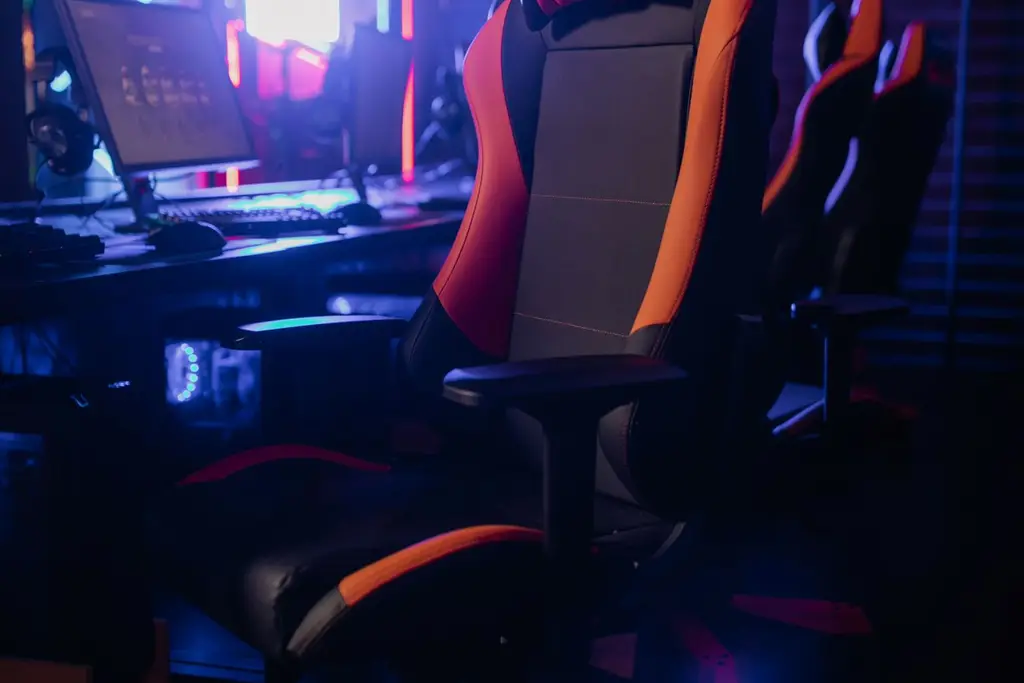
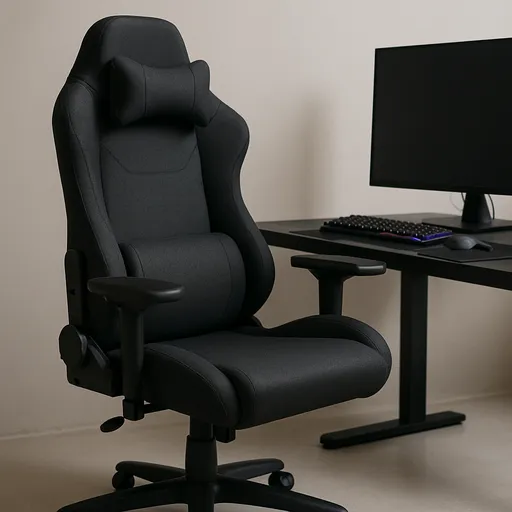
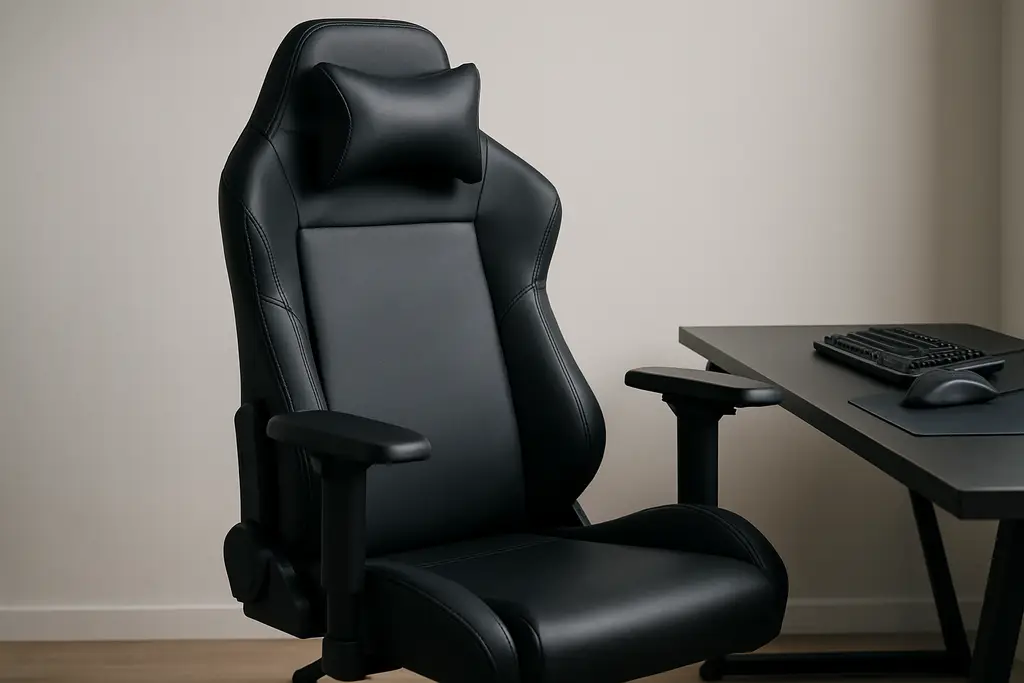
As an Amazon Associate, GameGearLab earns from qualifying purchases. Affiliate disclosure. Images are generic illustrations, not the exact listing.
Gaming Chairs
A general starting point for browsing gaming chairs, covering common adjustability features to look for.
Named chairs we chose from the makers' own pages. We did not sit in or test them; read the maker's sizing and weight limits for your size. Links are affiliate links.
Sized for you
Secretlab TITAN Evo
Three sizes and a 4-way adjustable lumbar system; choose the size for your height and weight. Ergonomic chair guide.
Three sizes: Small, Regular and XL
4-way L-ADAPT lumbar support
Check the weight limit for your size on Secretlab's page
A size for your height and weight, with the maker's stated limit
A chair that is too big or small never fits
Lumbar support
Adjustable height and depth
It supports the lower back in the curve you sit in
Armrests
Height, width, and angle adjustment
Keeps shoulders relaxed at the desk
Seat depth and tilt
Room behind the knee, lockable recline
Prevents pressure behind the legs
Materials
PU leather, fabric or mesh
Affects heat and wear
Wheels and base
Steel or reinforced base, caster size
Stability and floor protection
How to choose a gaming chair
Choose by fit first. Look at the size chart and the weight limit for your size, then check what adjusts: seat height, armrests, recline and lumbar. A chair that adjusts in more ways is more likely to suit you, but only if the adjustments are easy to use.
Our ergonomic gaming chair buying guide goes through the checklist, and the table above summarises it. We avoid health claims; if you have back pain, talk to a professional.
Sizing and lumbar support
Brands such as Secretlab sell more than one size so the lumbar sits where your back curves. The Razer Iskur V2 lists a 6D adaptive lumbar and a rating for users 160 to 200 cm tall. Check the maker's own sizing page; do not guess from a photo.
Lumbar support should be adjustable up and down, and in and out. A fixed lumbar arch, like the Iskur V2 X, suits some bodies and not others.
Zones on a gaming desk. Monitor at the back, keyboard and mouse in the front reach zone, and the cables off the surface. Check each against the desk's real depth and width.
Materials and heat
PU leather wipes clean but can run warm. Fabric is breathable but harder to clean. Mesh breathes best and looks different from a typical gaming chair. Think about your room and how long you sit.
The desk and setup around the chair
The best chair needs a desk of the right height. Chair armrests should slide under the desk, and your forearms should rest level when typing. See best gaming desk for sizes, and plan the cables with our cable management guide.
Assembly, care and budgeting
Plan time to assemble the chair, because many are heavy and need two people to lift. Wipe PU leather with a damp cloth and avoid harsh cleaners. Tighten bolts after a month. If you are on a tight budget, an ergonomic office chair is a reasonable alternative to a racing-style gaming chair; we compare the two in future guides.
Chair terms you will see on listings
Lumbar support
A pad or curve for the lower back. Adjustable ones move up, down, in and out.
4D armrests
Armrests that adjust in four directions: height, forward and back, side to side and angle.
Class 4 gas lift
A commonly listed rating for the seat-height cylinder.
Multi-tilt / tilt lock
The mechanism that lets the seat tilt and lock.
PU leather
A synthetic leather that wipes clean.
Cold-cure foam
A common seat foam type that holds its shape.
Weight capacity
The maker's stated limit. It varies by model and size.
Seat depth
The front-to-back size of the seat. It affects room behind the knee.
Mistakes to avoid
Do not buy the biggest size by default. A chair that is too large makes your feet dangle or leaves the lumbar in the wrong place. Do not ignore the weight limit for your size. And do not pick on looks, because a chair you cannot adjust is just a seat.
Also check returns. Chairs are heavy and awkward to ship back, so read the policy before you open the box.
Who should buy what
Players who want a size matched to their height should look at Secretlab's TITAN Evo sizes. Players who value a lot of lumbar adjustment can look at the Razer Iskur V2. Players who sit very long hours should read our ergonomic buying guide and may prefer an adjustable office chair.
Everyone should pair the chair with a desk that fits it; see our desk picks.
Care and assembly
Assemble the chair on a clear floor with a helper, tighten bolts again after a month, and check the gas lift is firmly seated. Wipe PU leather with a damp cloth, vacuum fabric, and avoid harsh cleaners. Use a mat on hard floors to protect them.
A buying checklist
Measure yourself. Height and weight decide the size.
Check the weight limit for that size on the maker's page.
Look at adjustments. Seat height, armrests, recline and lumbar.
Match the desk. Forearms level at the keyboard, armrests that fit under the desk.
Floor. Casters suit hard floors; a mat protects them.
Returns. Check the policy before opening the box.
Quick troubleshooting
If the chair sinks, the gas lift may need reseating or replacing; ask the maker. If it squeaks, tighten the bolts and check the tilt mechanism. If the seat feels too deep, add a cushion behind your back rather than slouching. If the PU leather flakes, clean gently and ask the maker about covers. If you feel pain after sitting, change position often and talk to a professional.
These tips are about comfort and care, not medical advice.
How we choose in this category
We build quick picks from the makers' own spec pages and platform holders' support pages, looking at listed sizes and weight limits, lumbar adjustment, armrest adjustment and materials. Size and adjustment come first because a chair that does not fit cannot be adjusted into comfort. We do not run lab tests, we do not quote prices, and we leave out any spec we cannot confirm on the maker's page.
Specs change between versions, so confirm the details on the current listing for your region before you buy. Our about page explains our editorial method, and our affiliate disclosure explains how the site earns.
Where to go next
Use the quick picks to shortlist, read the guide linked to each one for the comparison, and use the free tools to check your setup. If you are still not sure, start with the guide that matches your platform. Browse the free tools or the full guides index for anything not listed here.
Racing-style, ergonomic and office chairs
A racing-style gaming chair has a high back, bolsters and a head cushion. An ergonomic gaming chair keeps the style but adds more adjustable lumbar and armrests. An office chair may have mesh and a wider range of adjustments with a quieter look. Which suits you depends on how long you sit, your room and whether you want the gaming look.
Try to compare the actual adjustments in the listing, not the label. We plan a guide comparing gaming and office chairs in a later update.
Questions to ask the seller
Before you order, ask what the exact weight limit is for your size, whether replacement parts such as casters, gas lifts and armrest caps are sold, how returns work for a chair that has been assembled, and how long delivery takes. A seller that answers clearly is a good sign. Ask for the assembly guide too, because a heavy chair with unclear steps is a poor start.
Keep the box and the receipt until you are sure the chair suits you.
All Gaming Chairs guides
Every gaming chairs guide on the site, in one place:
Best Gaming Desk: Five Picks by Size and Style: The best gaming desk: five named picks from fixed to standing, with real sizes from the makers, a comparison table and a guide to depth and cable space.
Ergonomic Gaming Chair Buying Guide: An ergonomic gaming chair buying guide covering adjustability, sizing, and materials to check before you buy, with practical criteria, no medical claims.
Best Gaming Chair for Big and Tall: Four Picks: The best gaming chair for big and tall users: named picks with maker size and weight ratings, a comparison table, and how to check seat width and capacity.
Gaming Chair vs Office Chair: Which to Buy?: Gaming chair vs office chair: how they differ on support, adjustability and sizing, a side-by-side table, and named picks of each so you can choose.
Browse Gaming Chairs on Amazon
A chair pick chosen for adjustability and everyday comfort claims that are easy to verify before buying.
The best gaming chair for big and tall users: named picks with maker size and weight ratings, a comparison table, and how to check seat width and capacity.
The best gaming desk: five named picks from fixed to standing, with real sizes from the makers, a comparison table and a guide to depth and cable space.
An ergonomic gaming chair buying guide covering adjustability, sizing, and materials to check before you buy, with practical criteria, no medical claims.