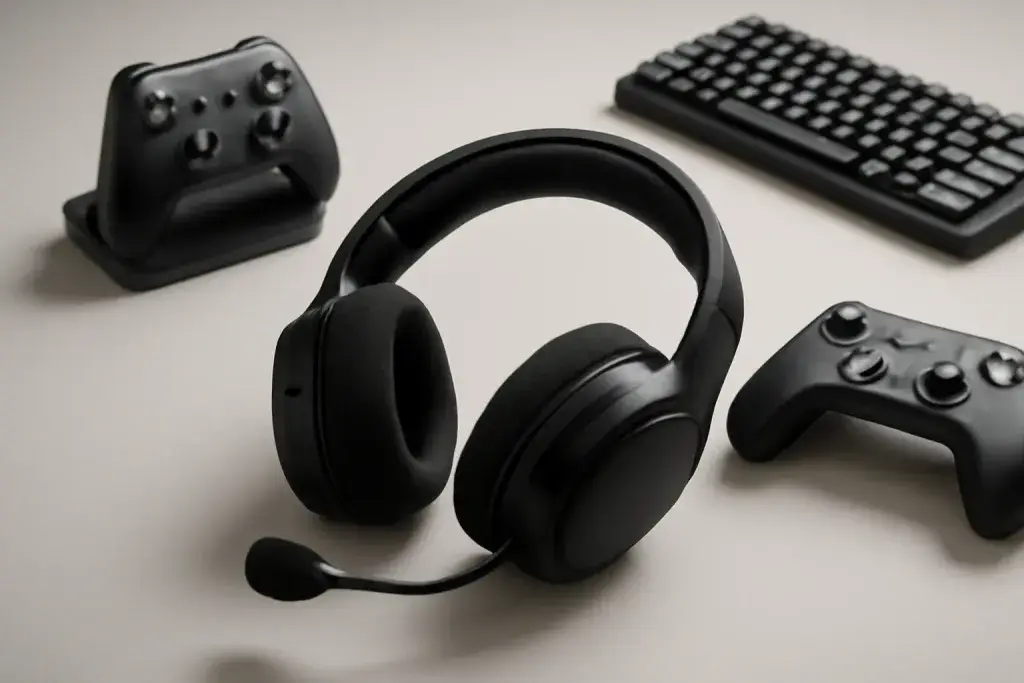








What multipoint Bluetooth actually does
A multipoint bluetooth gaming headset can stay connected to more than one device at the same time, usually a PC and a phone. In everyday use, that means you can be playing on your computer, then take an incoming call or voice message from your phone without fully unpairing and reconnecting the headset. For many people, that is the main reason to buy multipoint in the first place: less fiddling with menus and fewer interruptions when devices compete for attention.
The key detail is that multipoint is not the same thing as mixing two audio sources equally all the time. Most headsets prioritize one active stream and pause or lower the other when a call comes in. That behavior depends on the headset’s own firmware and the software on your devices. Some models handle the handoff smoothly, while others may pause game audio abruptly, mute chat, or take a moment to switch back after the call ends. Those differences matter more than the headline feature name.
It also helps to separate Bluetooth multipoint from other connection types. Some gaming headsets offer a 2.4 GHz USB dongle for the PC and Bluetooth for the phone. Others use Bluetooth on both devices. The dual-connection setup can be convenient, but it can also create confusion if you expect both sources to behave exactly the same. The practical question is whether your headset can keep you reachable on the phone while still letting you play on the PC with minimal friction.
For many users, that is enough. If you routinely move between Discord, calls, music, and games, multipoint can save time and make the headset feel more flexible. If you only use one device at a time, the feature may matter less than comfort, mic quality, and how easy it is to control the headset on the fly.
How switching between PC and phone usually works
Switching between a PC and phone with multipoint Bluetooth is usually designed to feel automatic, but the exact behavior varies. In many cases, the headset remains paired to both devices, and whichever device starts playing audio or receives a call becomes the active source. If you are listening to game audio on the PC and your phone rings, the headset may silence the PC stream and route the call through the headset. When the call ends, the audio often returns to the previous device.
That sounds simple, but there are a few common quirks. Some headsets favor the first connected device unless a call takes priority. Others let one device pause the other only after a delay. A few models require you to manually resume game audio on the PC after the phone call. If you switch often, those small differences become noticeable fast. Before buying, look for clear language about which device gets priority and whether the headset remembers both pairings after power-off.
Windows and mobile operating systems can also affect the experience. On a PC, system sound settings, communication apps, and Bluetooth profiles may all influence what you hear and when. On a phone, notifications and call audio can interrupt gameplay at the wrong moment if the headset treats them as higher priority. That is not usually a flaw; it is how multipoint is meant to protect call audio from getting lost.
For the cleanest routine, many users keep the headset paired to the phone for calls and to the PC for games or voice chat, then rely on the headset button or the incoming call itself to trigger switching. A simple setup is better than one that sounds feature-rich but becomes confusing after a few days of use.
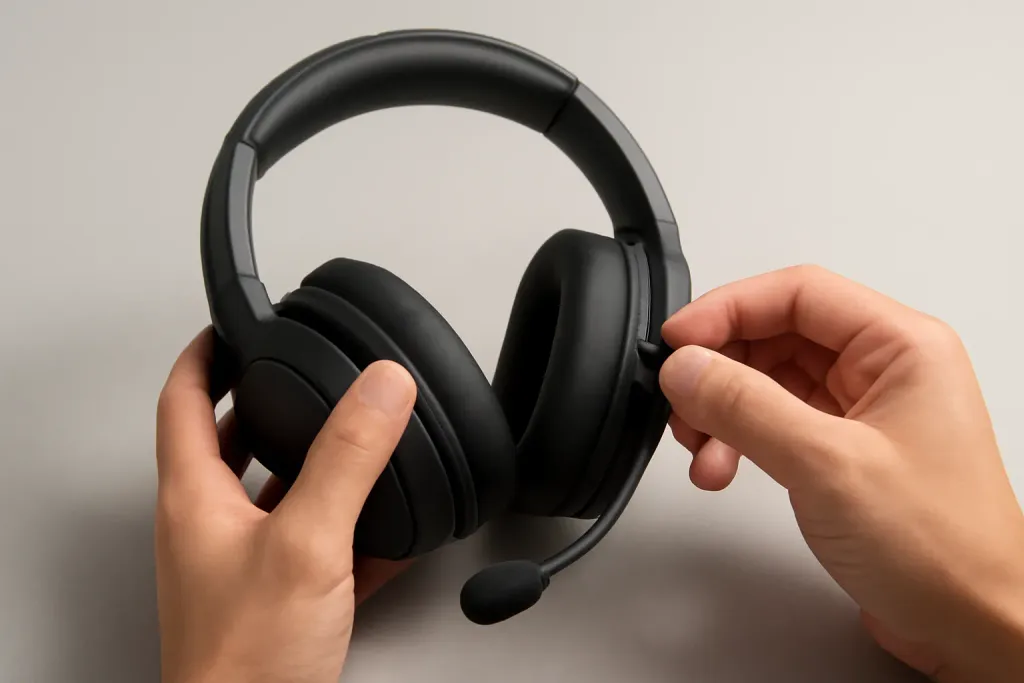
What to look for in a multipoint bluetooth gaming headset
If you are shopping for a multipoint bluetooth gaming headset, focus on the details that shape daily use rather than the feature list alone. Start with supported connection modes. A headset that offers both Bluetooth and a USB dongle can be more versatile than Bluetooth-only models, especially if you care about lower-latency PC audio for games while keeping your phone connected in the background. Not every headset handles both devices equally well, so check whether multipoint works with the PC over Bluetooth, the dongle, or only one path at a time.
Next, think about controls. A dedicated button for call answering, device switching, or media pause can be more useful than extra sound modes you may never touch. If the controls are buried in an app, ask whether the app is optional or required for basic multipoint functions. A headset that depends heavily on software can be fine, but it should not feel fragile if the app is closed or the PC is restarted.
Microphone behavior matters too. Some headsets handle voice calls well enough for casual use but are less ideal when background noise is present. Others may sound clear for phone calls but pick up more room noise during gameplay. Since you may use the same headset for both work calls and gaming chat, it helps to read the product description carefully and look for details about mic positioning, boom versus hidden mics, and any sidetone option that lets you hear your own voice.
Battery life and charging style deserve attention as well. Multipoint can be handy, but only if you can keep the headset powered through your typical day. A model with a fast charging option may be easier to live with than one that asks for long downtime. Finally, check whether the headset can remain comfortable during longer sessions, since dual-device convenience does not help much if the fit feels tiring after an hour.
Shop on Amazon
SponsoredAs an Amazon Associate, GameGearLab earns from qualifying purchases. Affiliate disclosure. Images are generic illustrations, not the exact listing.
-
Gaming Headsets
A general starting point for browsing gaming headsets, covering wired and wireless options across consoles and PC.
Browse gaming headsets on Amazon: Gaming Headsets on Amazon -
Gaming PCs
A general starting point for browsing gaming PCs and components, covering common configuration tiers.
Browse gaming PCs on Amazon: Gaming PCs on Amazon -
Console Accessories
A general starting point for browsing console and setup accessories, covering stands, hubs, and cable routing tools.
Browse console accessories on Amazon: Console Accessories on Amazon -
Controllers
A general starting point for browsing controllers, covering standard and alternative layouts for PC and consoles.
See controller options on Amazon: Controllers on Amazon -
Gaming Keyboards
A general starting point for browsing mechanical gaming keyboards, covering common layouts and switch styles.
Browse gaming keyboards on Amazon: Gaming Keyboards on Amazon -
Gaming Mice
A general starting point for browsing gaming mice, covering common shapes and grip-friendly designs.
Check current mouse options on Amazon: Gaming Mice on Amazon -
Gaming Monitors
A general starting point for browsing gaming monitors, covering common refresh-rate and resolution tiers.
Browse gaming monitors on Amazon: Gaming Monitors on Amazon -
Gaming Chairs
A general starting point for browsing gaming chairs, covering common adjustability features to look for.
See gaming chair options on Amazon: Gaming Chairs on Amazon
PC game audio and phone calls without chaos
The best part of multipoint is not that it lets you hear two devices at once; it is that it helps the right device take over at the right time. In practice, that means game audio on the PC should pause or duck when a phone call arrives, and then return without requiring a long reset. The smoother that handoff is, the less likely you are to miss dialogue, in-game cues, or the first seconds of a call.
That said, it is wise to set expectations. A Bluetooth headset is not always the best choice for ultra-fast reaction audio in competitive play, and multipoint does not change that basic limitation. If the headset is connected to the PC over Bluetooth, game audio behavior may be influenced by Bluetooth codec support, operating-system settings, and how the game handles audio focus. If you use a dongle for the PC and Bluetooth for the phone, that can help isolate the game connection, but the phone still needs to interrupt cleanly.
Voice chat can also complicate things. If you run game chat on the PC and receive a phone call at the same time, the headset may prioritize the call and suspend the chat. That is usually what you want, but it can be awkward if you are coordinating with friends and your phone keeps stealing attention. Some users solve this by muting phone notifications during play, then leaving calls enabled only for important contacts.
For most buyers, the goal is simple: stay reachable without constantly checking pairing menus. If the headset handles call takeovers gracefully and returns to the PC without a fight, multipoint is doing its job. If it creates unexpected pauses, prompts, or manual reconnect steps, the convenience fades quickly.
Common pain points and how to avoid them
Multipoint sounds straightforward until the small annoyances start showing up. One common issue is devices reconnecting in the wrong order after a restart. If the phone grabs priority when you wanted the PC first, you may need to turn Bluetooth off and on again or reconnect manually. Another issue is apps that keep audio sessions alive in the background, which can make the headset behave as if something is still playing even after you have closed a game or call window.
Another pain point is inconsistent button behavior. On some headsets, a short press answers a call, while a long press changes device focus or powers the unit down. If the controls are not intuitive, you can end up triggering the wrong action during a match or meeting. Before relying on a headset every day, spend a few minutes learning the control pattern and, if available, reading the quick-start instructions rather than guessing.
Bluetooth range and interference can also affect the experience. A multipoint headset that works well at your desk may become less reliable if your phone is tucked away in another room, your PC is behind metal furniture, or several wireless devices are competing for the same space. Keeping both source devices reasonably close tends to make switching more predictable.
App support is worth checking, but not every buyer needs it. Companion apps sometimes let you manage priorities, update firmware, or customize button behavior. That can be useful, yet it is better when the headset remains functional even without the app. Think of software as a convenience layer, not the core of the product.
In short, the smoothest multipoint experience usually comes from a headset with simple controls, clear priority behavior, and pairing that survives everyday restarts. Features matter, but reliability in daily switching matters more.
Who multipoint is best for, and when to skip it
Multipoint Bluetooth is a strong fit if you split time between PC gaming and phone use throughout the day. That includes players who want to hear calls without taking off the headset, remote workers who game after hours, and anyone who keeps a phone nearby for messages, alerts, or voice calls while sitting at a desktop. In those cases, the feature can reduce friction enough to feel like a quality-of-life upgrade rather than a gimmick.
It is less compelling if you are deeply focused on one device at a time. If you only game on the PC and rarely answer calls while playing, you may get more value from better comfort, a more dependable mic, or stronger wired and wireless PC performance. Likewise, if your phone use is minimal, multipoint may never earn its keep. The feature is useful when it removes interruptions, not when it adds another setting to manage.
You may also want to skip multipoint if your main priority is the simplest possible gaming setup. Some users prefer a dedicated PC headset and a separate pair of earbuds or speakers for the phone. That can be less elegant, but it may be easier to understand and troubleshoot. Multipoint introduces more variables, especially if you are mixing Bluetooth with a USB dongle or different device types.
If you do want one headset for both, make sure the product description is specific about how dual-device use works. Avoid assuming that every Bluetooth headset handles switching the same way. A good multipoint headset should save you time, keep calls from being missed, and return to gameplay without a lot of manual cleanup. If it cannot do those basics, the convenience factor drops quickly.