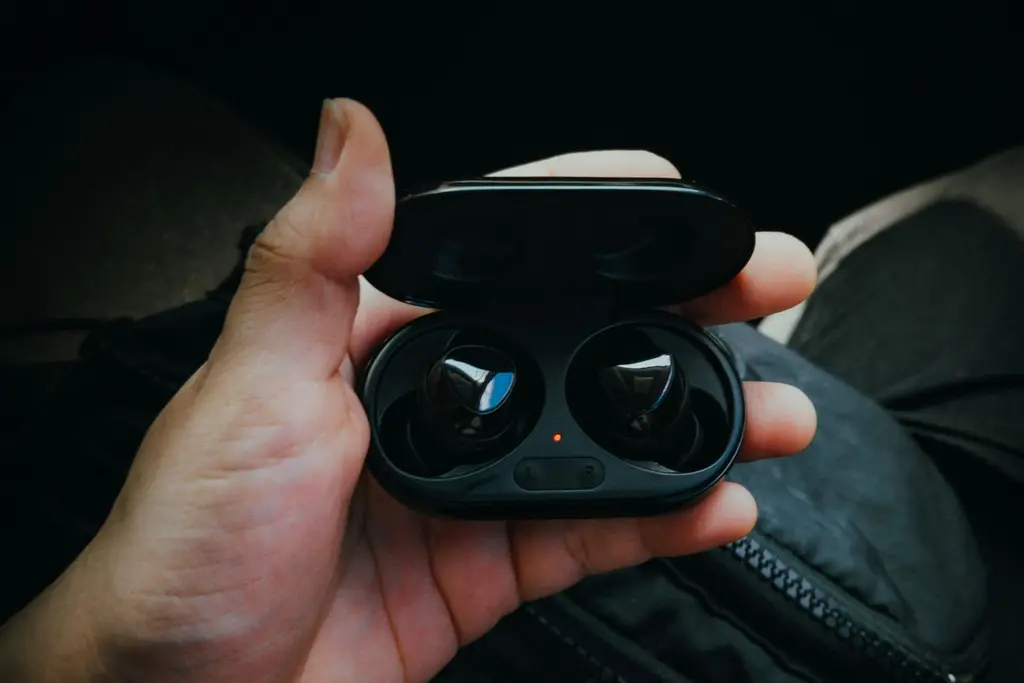








How we chose
We chose five gaming earbuds whose makers list a clear connection method and platform support. We did not test them. Battery figures are the makers' ratings. We left out anything we could not confirm on the maker's page, such as weights.
Dongle or Bluetooth
Console play usually needs a USB dongle. PlayStation does not send game audio over Bluetooth, and Xbox needs its own licensed hardware, which is why SteelSeries sells a separate Xbox GameBuds model. Bluetooth earbuds are for phones, PCs and Switch.
Some earbuds, like the Logitech G FITS, offer both a dongle and Bluetooth in the same pair. Others, like the Scout Air, are Bluetooth only with a game mode to cut delay.
Battery and fit
Earbuds are small, so battery life is shorter than a headset: the picks here run from about 5 to 10 hours per charge, with more in the case. For long sessions, check the case figure and whether you can charge the case with a cable.
Fit decides comfort and passive noise reduction. Most come with several ear tips. Active noise cancelling, on the GameBuds, helps on a train but can drain the battery faster.
Shop on Amazon
SponsoredAs an Amazon Associate, GameGearLab earns from qualifying purchases. Affiliate disclosure. Images are generic illustrations, not the exact listing.
-
Gaming Headsets
A general starting point for browsing gaming headsets, covering wired and wireless options across consoles and PC.
Browse gaming headsets on Amazon: Gaming Headsets on Amazon -
Gaming Monitors
A general starting point for browsing gaming monitors, covering common refresh-rate and resolution tiers.
Browse gaming monitors on Amazon: Gaming Monitors on Amazon -
Gaming Chairs
A general starting point for browsing gaming chairs, covering common adjustability features to look for.
See gaming chair options on Amazon: Gaming Chairs on Amazon -
Gaming PCs
A general starting point for browsing gaming PCs and components, covering common configuration tiers.
Browse gaming PCs on Amazon: Gaming PCs on Amazon -
Console Accessories
A general starting point for browsing console and setup accessories, covering stands, hubs, and cable routing tools.
Browse console accessories on Amazon: Console Accessories on Amazon -
Controllers
A general starting point for browsing controllers, covering standard and alternative layouts for PC and consoles.
See controller options on Amazon: Controllers on Amazon -
Gaming Keyboards
A general starting point for browsing mechanical gaming keyboards, covering common layouts and switch styles.
Browse gaming keyboards on Amazon: Gaming Keyboards on Amazon -
Gaming Mice
A general starting point for browsing gaming mice, covering common shapes and grip-friendly designs.
Check current mouse options on Amazon: Gaming Mice on Amazon
Mics and chat
Earbud mics sit near your ear, not your mouth, so they usually sound less full than a boom mic. If voice chat matters to you most, an over-ear headset is a better fit; see our wireless headset picks. Test your setup with the free Mic Test.
Setting earbuds up on a PS5
Plug the dongle into a USB port on the console, switch the earbuds on and let them pair, then open the console's sound settings and set the output to headphones. SteelSeries notes a front USB-C port and the all-audio-to-headphones setting for its GameBuds. If you hear nothing, check that the dongle is fully seated and that no other headset is paired.
Checklist before you buy
- Is your console named for the exact model?
- Does it ship with a dongle, or is it Bluetooth only?
- Does the maker list hours per charge and for the case?
- Are spare ear tips included, and is the fit adjustable?
- For Switch, is Bluetooth audio fine for the games you play?