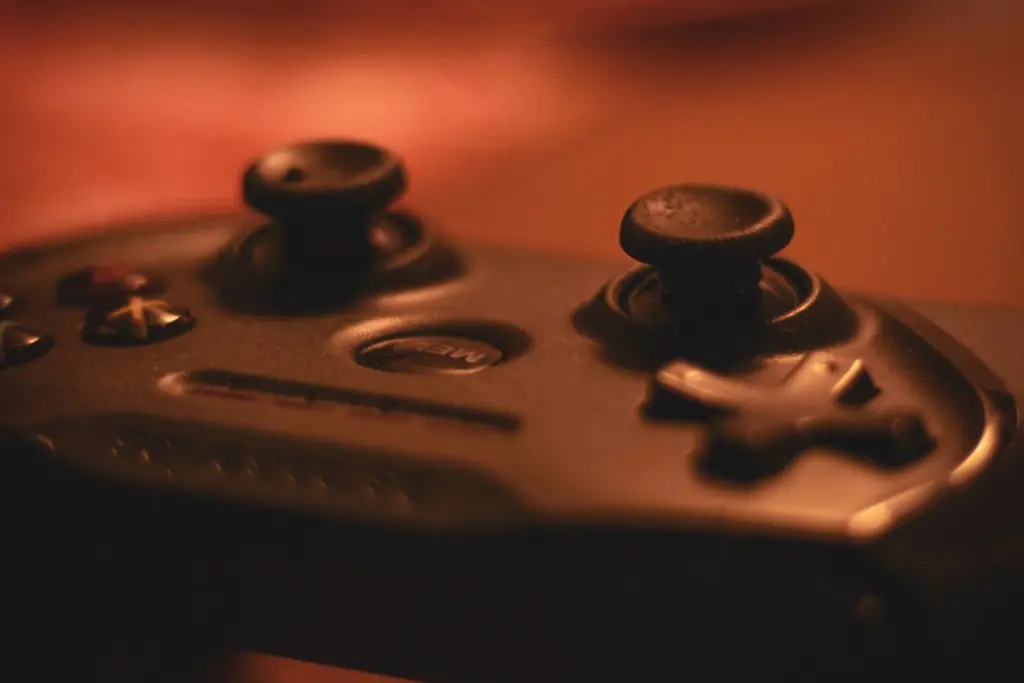
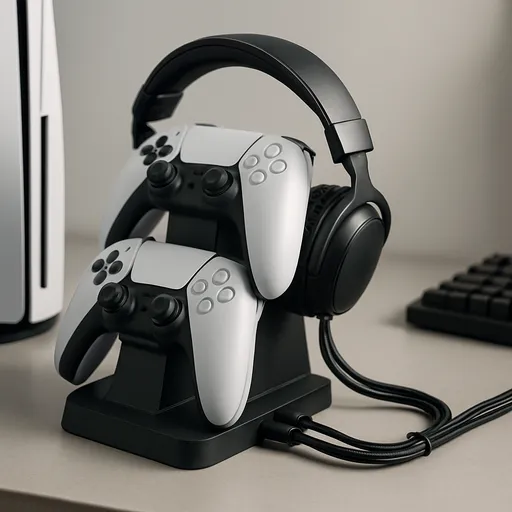
Controllers differ in layout, stick technology, battery type and platform support. This hub names specific controllers from the makers' own pages, explains how to choose, and links every controller guide, including how to fix stick drift and a controller that keeps disconnecting.
Shop on Amazon
Sponsored
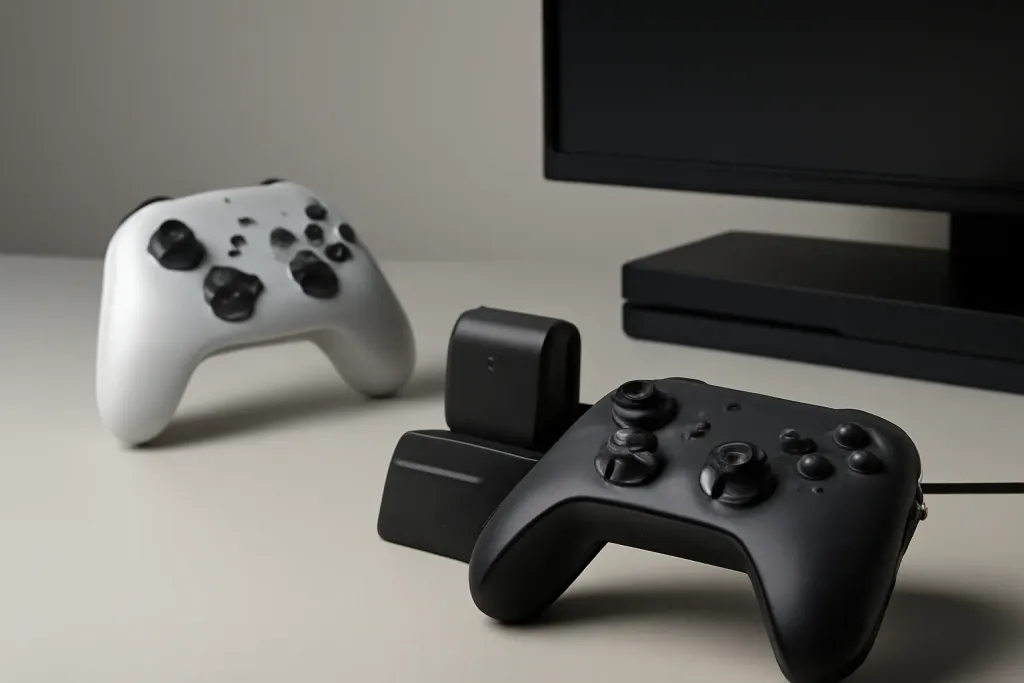
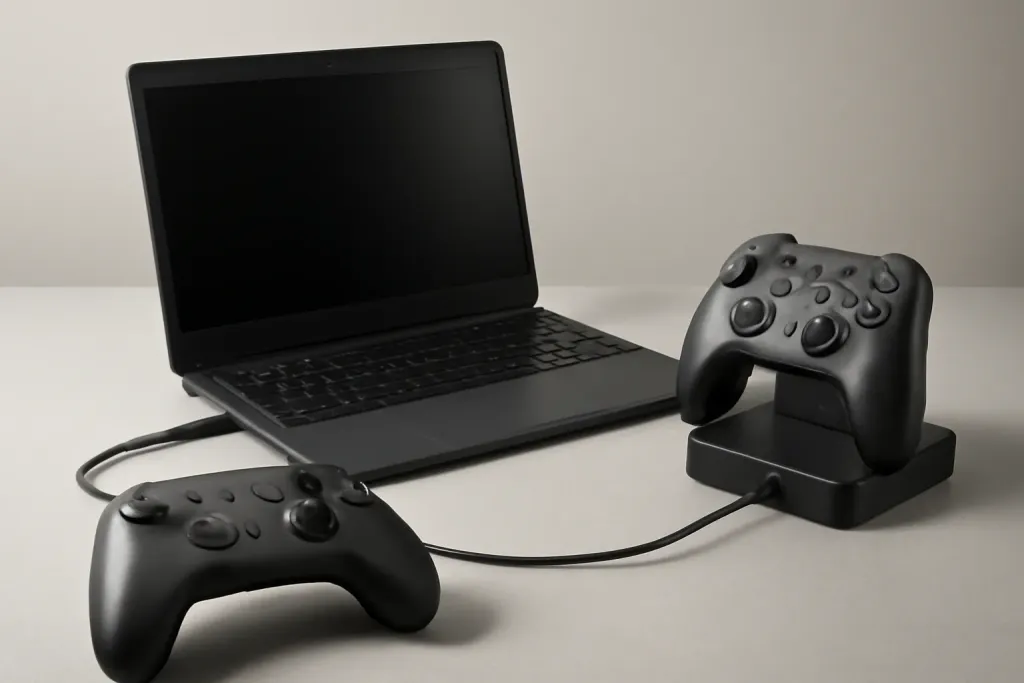
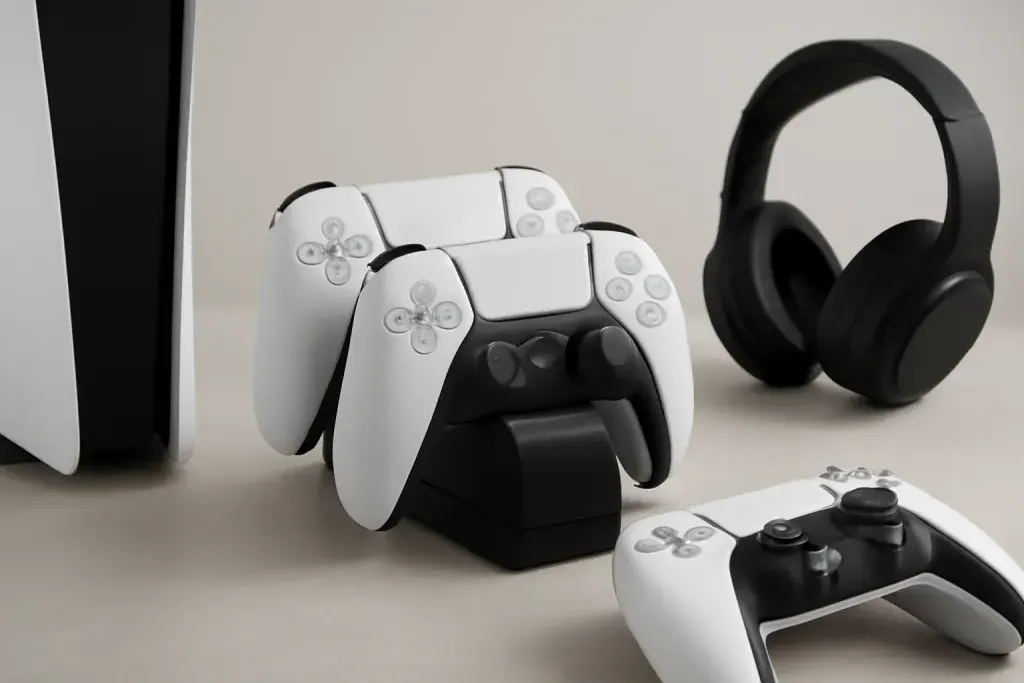
As an Amazon Associate, GameGearLab earns from qualifying purchases. Affiliate disclosure. Images are generic illustrations, not the exact listing.
Controllers
A general starting point for browsing controllers, covering standard and alternative layouts for PC and consoles.
Start with the platform. Xbox and Windows share a lot, PlayStation and Switch are more closed, and a PC will take almost anything with the right driver. Next decide wired or wireless, and then what you care about most: sticks that last, extra buttons, or comfort.
Not sure what exists? Our overview of types is in the table above. For a PC, check that the pad lists Windows and the connection you plan to use. If you play on a Chromebook, read using a PC controller on a Chromebook.
Sticks, drift and Hall effect
Stick drift is when a controller reports movement while you are not touching it. It happens when the sensor no longer reads a clean zero at rest. Most standard controllers use a contact-based sensor that wears. Makers of Hall effect and TMR sticks describe them as built to prevent drift because they use magnets and a non-contact sensor. We have not tested that, so treat it as a maker claim.
Use the free Gamepad Tester to measure your idle offset, then follow how to fix stick drift. If the sticks are the reason you are shopping, compare the Hall effect picks above.
Connection and battery
Bluetooth is convenient but varies by device. A 2.4G dongle gives a steady link on PC. A cable never runs out of battery. AA batteries are easy to swap, while a built-in battery needs a charge; the Switch Pro Controller lists about 40 hours, and Microsoft lists up to 40 hours on AA cells.
Stick drift and the deadzone. A resting stick should read zero. Games ignore a small circle around the centre (the deadzone), and drift shows up when the idle reading lands outside it.
If you want something other than the first-party pad, Pro Controller alternatives lists what to check on compatibility, gyro and rumble. Third-party pads vary in how much of the Switch feature set they support.
Controller terms you will see on listings
Deadzone
The small area around a stick's centre that a game ignores. A larger deadzone hides drift but costs fine control.
Hall effect / TMR
Magnetic stick sensors that do not rely on a wearing contact. Makers describe them as built to resist drift.
Potentiometer
The contact-based sensor in most standard sticks, which can wear.
Trigger stops
Switches that shorten the trigger pull for faster shots.
Polling rate
How often the controller reports to the PC. 1,000 Hz means once a millisecond.
Haptics / rumble
Vibration feedback. The Switch Pro Controller lists HD Rumble from two linear resonant actuators.
Gyro
Motion sensing used for aiming in some games. Platform support varies.
Back paddles
Extra buttons on the back so your thumbs can stay on the sticks.
Mistakes to avoid
Buying a controller without checking the platform list is the biggest one. A pad that works on PC may not work on PlayStation, and Xbox only supports licensed hardware. Another is assuming a Hall effect pad is permanent: no stick lasts forever, and returns matter.
Third, many players replace a controller when a software fix would do. Re-pair it, update the firmware and measure drift before you spend money. Fourth, do not open a controller to fix it unless you are comfortable and have checked the maker's repair options.
Who should buy what
Console players who want first-party reliability should stay with the maker's own pad. PC players who want drift resistance can look at the GameSir G7 SE (wired) and 8BitDo Ultimate 2 (2.4G or wired). Switch players who want something besides the Pro Controller should read our alternatives guide for compatibility notes.
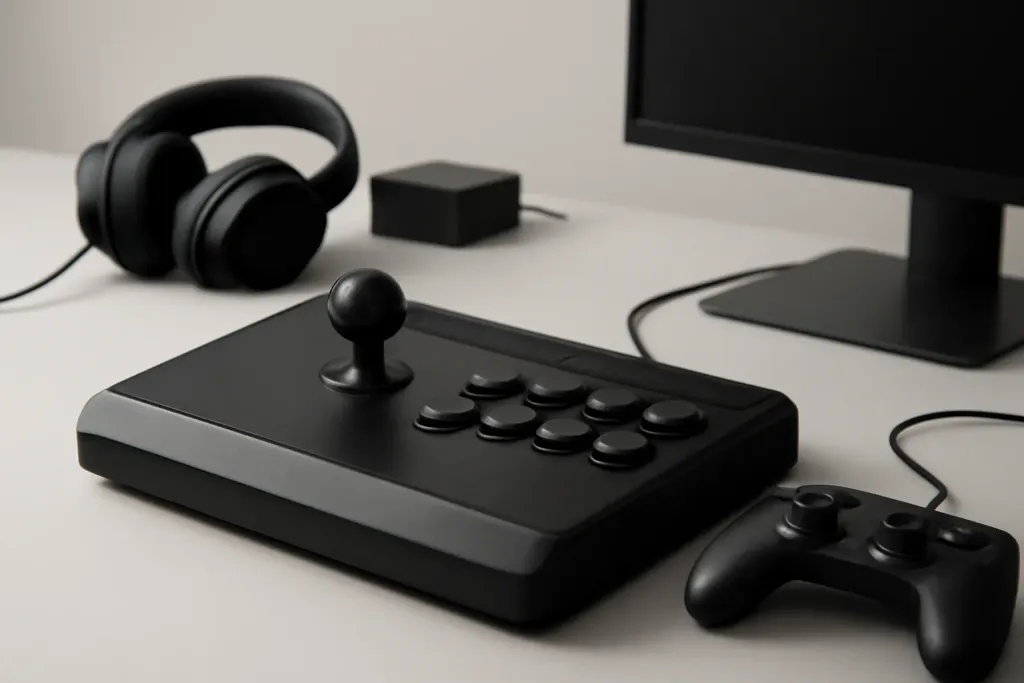
Fighting game fans should read the fight stick guide. Anyone who wants extra buttons can compare premium pads and add-on paddles. Chromebook users should check that their pad uses a standard connection; our Chromebook guide lists what works.
Care and setup
Wipe the controller with a dry or barely damp cloth and keep liquids away. Do not leave it in a hot car. Store it on a dock or flat in a drawer so the sticks are not pressed. Re-run the Gamepad Tester every few months, because a rising idle offset is an early warning of stick wear.
If you share a controller between a console and a PC, remember that re-pairing is required each time on most Bluetooth pads. A 2.4G receiver or a cable avoids that.
How we choose in this category
We build quick picks from the makers' own spec pages and platform holders' support pages, looking at platform support, how the sticks work (contact or magnetic), connection options and the battery type. Platform, sticks and battery come first because they decide whether the controller works and how long it lasts. We do not run lab tests, we do not quote prices, and we leave out any spec we cannot confirm on the maker's page.
Specs change between versions, so confirm the details on the current listing for your region before you buy. Our about page explains our editorial method, and our affiliate disclosure explains how the site earns.
Where to go next
Use the quick picks to shortlist, read the guide linked to each one for the comparison, and use the free tools to check your setup. If you are still not sure, start with the guide that matches your platform. Browse the free tools or the full guides index for anything not listed here.
All Controllers guides
Every controllers guide on the site, in one place:
Arcade Fight Sticks: What Beginners Should Know: Beginner-friendly guide to arcade fight sticks: parts, platform compatibility, layouts, and what first-time buyers should check before they order.
Do Controller Skins Actually Help with Grip?: Do controller grip skins actually help with grip? A practical look at materials, feel, fit, sweat, and the trade-offs to weigh before you buy one.
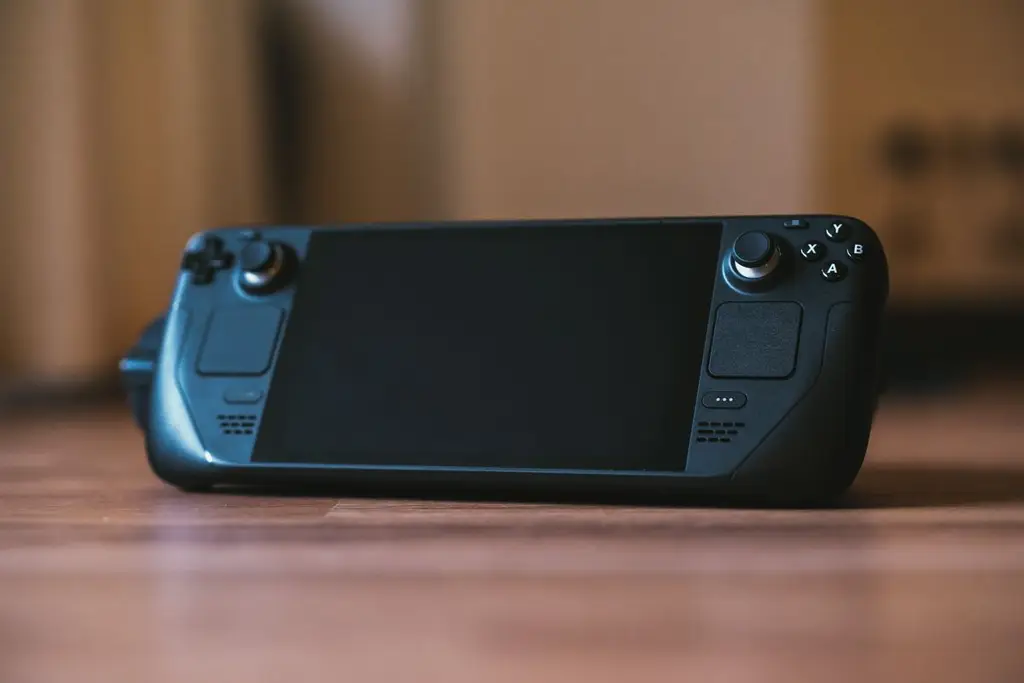
Best Controller for Steam Deck: Four Picks: The best controller for Steam Deck: four named Bluetooth and wired picks for docked play, a comparison table, and how to pair them with Steam Input.
Best Hall Effect Controller: Four Picks: The best Hall effect controller: four named picks with Hall or TMR sticks, a comparison table, and how magnetic sensors resist stick drift.
Browse Controllers on Amazon
Controller picks chosen for broad compatibility and everyday reliability.
How to fix stick drift on Xbox, PS5 and Switch controllers: measure it, calibrate, clean, adjust the deadzone, and when a Hall effect controller makes sense.
Xbox controller keeps disconnecting? Work through batteries, range, interference, firmware and Bluetooth settings on console and PC, one change at a time.
Compare Xbox Elite Series 2 vs Scuf Instinct controller features, feel, customization options and overall value, so you can decide before you buy.
Updated 2026-08-30
Frequently asked questions
What are the main types of game controllers?
Standard gamepads, premium pads with paddles, arcade sticks, racing wheels and motion controllers. Most players want a standard pad.
What is the best controller for PC?
The Xbox Wireless Controller works with Windows by Bluetooth or cable. For drift resistance, look at Hall effect or TMR pads like the GameSir G7 SE and 8BitDo Ultimate 2.
What causes stick drift?
A sensor that no longer reports zero at rest, from wear, dust or a loose stick. Measure it with the Gamepad Tester and see our fix guide.
Are Hall effect controllers worth it?
Makers say they resist drift because they use non-contact sensors. If drift is your worry they are a sensible choice, but check platform support.
Can I use an Xbox controller on PS5?
Not for most PS5 games. PS5 supports its own controllers. Check the maker for PlayStation-licensed alternatives.
Wired or wireless controller?
A wired pad has no battery or lag worries and suits desk play. Wireless suits the sofa. Many players own both.