







Bluetooth vs 2.4GHz Gaming Headset Basics
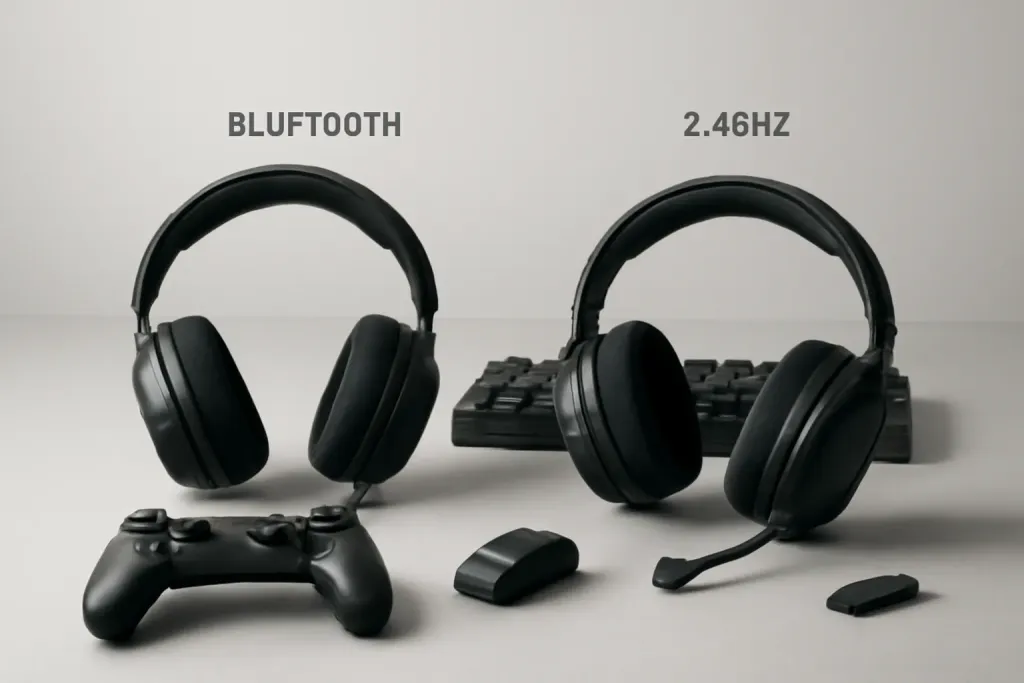
When shoppers compare a bluetooth vs 2.4ghz gaming headset, the biggest question is not which one sounds good on paper, but which one fits the way they actually play. Both are wireless, both reduce cable clutter, and both can be convenient for couch gaming or a clean desk setup. The difference is mainly in how they connect, how quickly they respond, and how broadly they work across devices.
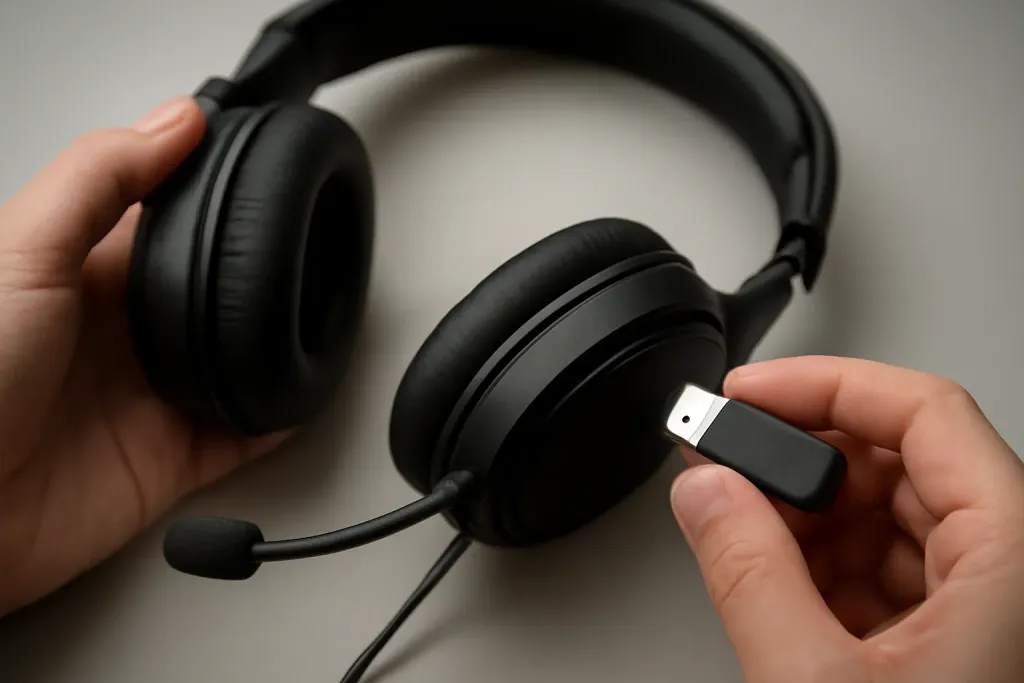
Bluetooth is built for general-purpose wireless audio. It is common on phones, tablets, laptops, handhelds, and many consoles through system support or adapter workarounds. That makes it versatile if you swap between game audio, calls, music, and video. A 2.4GHz gaming headset usually uses a dedicated USB dongle or base station to create a direct link to the device. That connection is designed with gaming in mind, so it often appeals to players who want a simple plug-in path on a PC, PlayStation, Nintendo Switch in docked mode, or other compatible system.
In practical terms, the core trade-off is convenience versus gaming focus. Bluetooth tends to win on universal compatibility and easy pairing with everyday devices. 2.4GHz often wins on the feeling of responsiveness and the simplicity of a purpose-built gaming connection. Neither is automatically better for every person. A headset that is ideal for mobile use may be less appealing for a console player, while a gaming-first model may feel unnecessary if most listening happens on a phone.
For anyone comparing bluetooth vs 2.4ghz gaming headset options, start by listing your main devices and your main use case. If that list is mixed, Bluetooth can make life simpler. If gaming is the priority and you want a direct wireless link, 2.4GHz is often the more targeted choice.
Latency and Game Response
Latency is one of the most important differences in the bluetooth vs 2.4ghz gaming headset debate. In plain language, latency is the small delay between what happens in the game and when you hear it in the headset. For casual play, that delay may not matter much. For rhythm games, competitive shooters, fighting games, or any title where timing matters, it can become more noticeable.
Bluetooth has improved over the years, but it is still a general audio standard rather than a gaming-specific one. Its behavior can vary depending on the headset, the device, the codec support, and the overall wireless environment. That means some Bluetooth models may feel perfectly fine for single-player games, while others can make fast action seem slightly out of sync. If you regularly watch lips in cutscenes or notice sounds arriving a touch after the action, Bluetooth can be the less appealing option.
2.4GHz wireless headsets are usually positioned for gaming responsiveness. Because they use a dedicated USB connection path, they are often chosen by players who want the audio to feel tightly linked to the game. That does not mean every 2.4GHz headset is perfect or that Bluetooth is unusable for gaming. It simply means the wireless system is typically more focused on keeping the gaming experience feeling immediate.
The safest way to think about it is this: if you are sensitive to audio delay, 2.4GHz is usually the more comfortable place to start. If you mainly play slower games, indie titles, RPGs, or use voice chat and menus more than split-second action, Bluetooth may be perfectly adequate. The best pick depends less on brand hype and more on how demanding your games are.
Compatibility Across Devices
Device support is where Bluetooth often looks attractive at first glance. A Bluetooth headset can pair with many phones, tablets, laptops, and some handhelds without extra hardware. That makes it a practical choice for people who jump between gaming and everyday listening. If you want one headset for mobile gaming, streaming video, and commuting audio, Bluetooth can feel very flexible.
Still, Bluetooth gaming support is not always as straightforward as it seems. Some consoles support it directly only in limited ways, and some games or systems may introduce quirks with chat, menus, or microphone behavior. Pairing can also be a little more involved than just plugging in a dongle, especially when switching among several devices. If you often move a headset from a laptop to a console to a phone, those steps can become a small but constant hassle.
2.4GHz headsets are usually less universal but more direct in their intended use. The dongle or base unit is built for a specific device class, so the connection experience can be simple once you are in the supported ecosystem. For PC and console players who mostly stay on one platform, that is appealing. Many 2.4GHz models are also easier to treat like a gaming accessory rather than a general audio device.
Another factor is whether you need wired fallback. Some headsets allow a cable connection in addition to wireless use, which can be helpful if a battery runs low or you want broader compatibility. That is not unique to either wireless type, but it can matter a lot in the real world. If your setup is centered on one gaming device, 2.4GHz is often cleaner. If you want broad day-to-day compatibility, Bluetooth is usually the more flexible route.
Shop on Amazon
SponsoredAs an Amazon Associate, GameGearLab earns from qualifying purchases. Affiliate disclosure. Images are generic illustrations, not the exact listing.
-
Gaming Headsets
A general starting point for browsing gaming headsets, covering wired and wireless options across consoles and PC.
Browse gaming headsets on Amazon: Gaming Headsets on Amazon -
Gaming PCs
A general starting point for browsing gaming PCs and components, covering common configuration tiers.
Browse gaming PCs on Amazon: Gaming PCs on Amazon -
Console Accessories
A general starting point for browsing console and setup accessories, covering stands, hubs, and cable routing tools.
Browse console accessories on Amazon: Console Accessories on Amazon -
Controllers
A general starting point for browsing controllers, covering standard and alternative layouts for PC and consoles.
See controller options on Amazon: Controllers on Amazon -
Gaming Keyboards
A general starting point for browsing mechanical gaming keyboards, covering common layouts and switch styles.
Browse gaming keyboards on Amazon: Gaming Keyboards on Amazon -
Gaming Mice
A general starting point for browsing gaming mice, covering common shapes and grip-friendly designs.
Check current mouse options on Amazon: Gaming Mice on Amazon -
Gaming Monitors
A general starting point for browsing gaming monitors, covering common refresh-rate and resolution tiers.
Browse gaming monitors on Amazon: Gaming Monitors on Amazon -
Gaming Chairs
A general starting point for browsing gaming chairs, covering common adjustability features to look for.
See gaming chair options on Amazon: Gaming Chairs on Amazon
Battery Life and Charging
Battery behavior is another area where expectations matter more than marketing language. A bluetooth vs 2.4ghz gaming headset comparison should consider not only how long a charge lasts, but also how the headset is used during that time. Features like active noise control, RGB lighting, strong microphone monitoring, or dual-device functions can all affect how quickly battery drains, regardless of wireless type.
Bluetooth headsets are often used for mixed listening: music, calls, gaming, and background audio throughout the day. That can be convenient, but it also means the headset may see more frequent and varied use. Many Bluetooth models support common device ecosystems well, but they may not always be built around long gaming sessions first. Some are focused on portability rather than a dedicated desk setup.
2.4GHz gaming headsets are often made with longer play sessions in mind. The main attraction is not a special battery secret; it is the idea of a wireless headset that stays paired for gaming without the extra friction of repeated setup. If you spend hours in one session, that can matter as much as the raw battery figure. It is also common for gaming-first headsets to include quick-access controls, detachable microphones, or charging while idle, all of which shape day-to-day convenience.
For buyers, the best approach is to read the product details carefully and think about your actual routine. If you mostly play for a few hours at a time and can charge overnight, either option may work well. If you forget to charge often or use the headset in many different ways during the day, a model that matches your habits matters more than the wireless standard alone. Battery life is only useful when it fits your schedule.
Microphone and Chat Clarity
Microphone quality can be just as important as game audio, especially for multiplayer chat, co-op runs, and party conversations. In a bluetooth vs 2.4ghz gaming headset comparison, the microphone path can behave differently depending on how the headset handles voice. That is one reason gaming headsets are often marketed with a strong emphasis on chat features instead of only driver size or sound tuning.
Bluetooth has a built-in trade-off that many buyers overlook. When a Bluetooth device switches between high-quality stereo audio and microphone use, the audio mode may change in ways that are not ideal for gaming. On some devices, that can affect how full the sound feels while you are speaking. For people who mainly need occasional voice chat, that may be fine. For those who want game sound and mic use to feel seamless, it can be a drawback.
2.4GHz gaming headsets often handle voice chat more in line with gaming expectations. They are typically designed so the mic and game audio coexist in a more straightforward way through the same wireless link. That can make them easier to recommend to players who talk often while gaming, join group sessions regularly, or want less fiddling with audio modes. Some models also include physical mute switches, mic monitoring, or detachable mics, which can improve everyday usability.
That said, a good microphone is not implied by wireless type alone. The way a headset is tuned, the placement of the mic boom, and the quality of the voice processing all matter. If you care about speaking clearly during game chat, look at the feature set and design first. Bluetooth is workable for voice in many situations, but 2.4GHz is usually the more gaming-oriented option for chat-heavy players.
Which One Should You Buy?
Choosing between Bluetooth and 2.4GHz comes down to priorities, not a universal winner. If you want one headset for gaming, phone audio, travel, and general listening, Bluetooth has a clear appeal. It is the more flexible format for everyday use, and its broad compatibility can reduce the need to keep switching gear. For lighter gaming and mixed-device life, that convenience can outweigh everything else.
If your main goal is a headset for playing games on a console or PC, a 2.4GHz model is often the more natural fit. The dedicated wireless connection is built around gaming expectations, and that usually means less concern about pairing complexity within the supported ecosystem. Players who care about quick response, stable game chat, and a setup that behaves like a gaming accessory rather than a general audio device may prefer this route.
There are also hybrid models that support both Bluetooth and 2.4GHz. Those can be especially useful if you want one headset for both a game system and a phone. The downside is that hybrid features can add cost, complexity, and more controls to learn. If you do not need both connection types, a simpler model may be easier to live with.
A practical buying strategy is to match the headset to your most common scenario. For competitive or chat-heavy gaming, lean 2.4GHz. For multi-purpose listening and broad device support, lean Bluetooth. If you are still unsure, think about where the headset will spend most of its time: docked at a desk, beside a console, or in a bag between devices. The right answer is the one that makes your routine easier, not the one that sounds most advanced on a spec sheet.