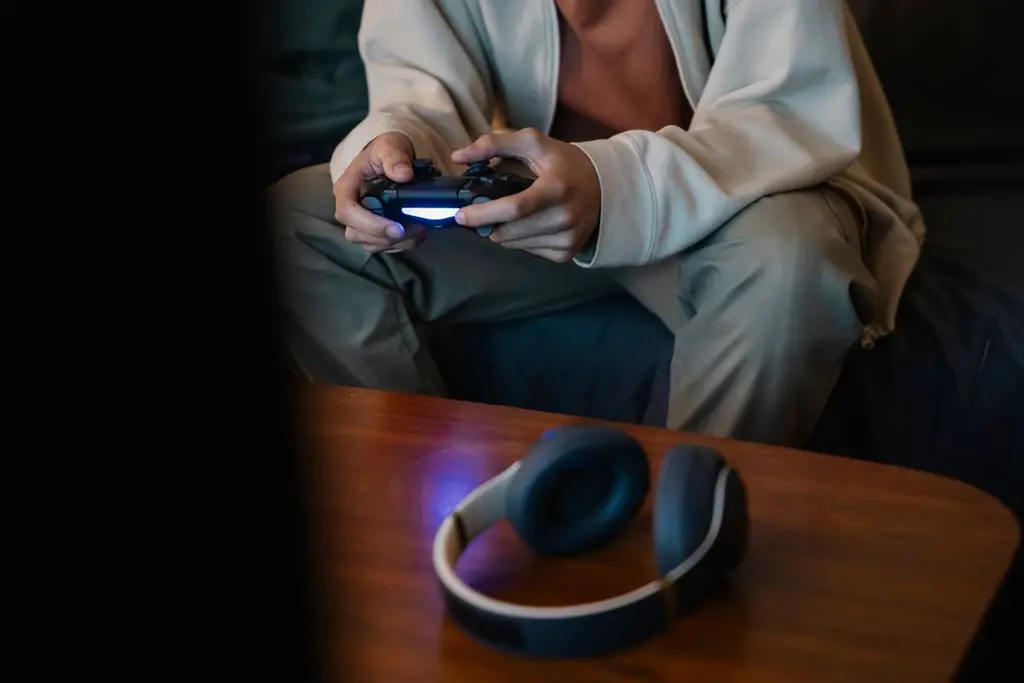








How we chose
We chose four headsets from the makers' own pages that list Xbox Series X|S support. We did not test them. For wireless headsets, read the listing carefully: many are sold in separate Xbox, PlayStation and PC versions.
How a headset connects to Xbox
Xbox Series X|S has no Bluetooth audio. A headset needs the Xbox Wireless connection, a 2.4 GHz dongle made for Xbox, or a cable in the controller's 3.5 mm jack. A plain Bluetooth headset will not give you game audio. See Bluetooth vs 2.4 GHz.
Choose the Xbox version
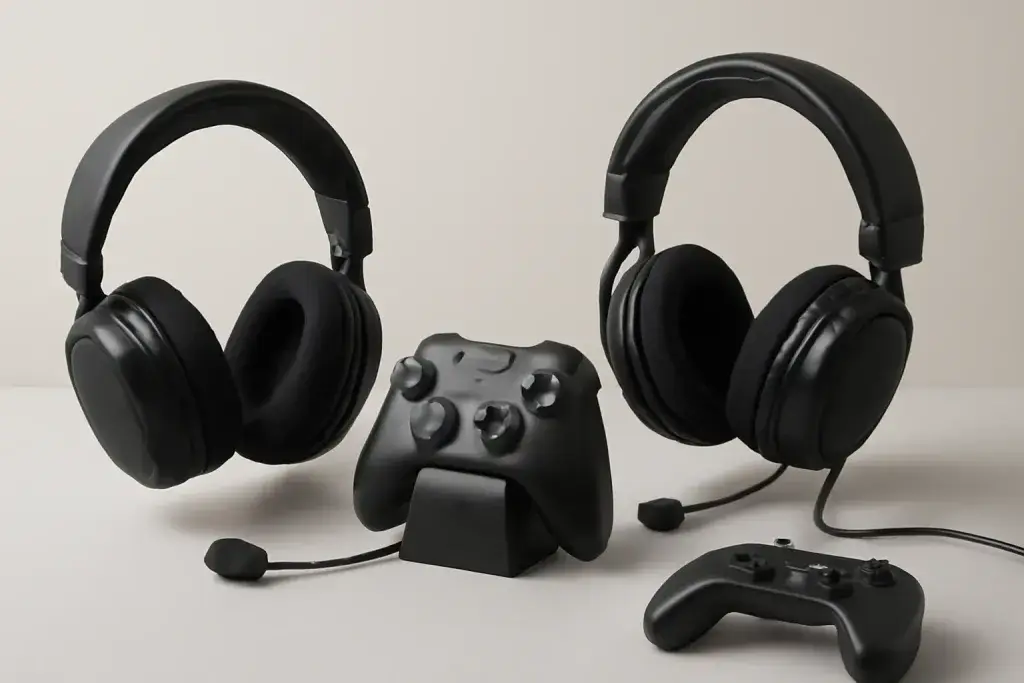
Wireless headsets such as the Stealth 600 and Arctis Nova 7 come in different versions for Xbox, PlayStation and PC. Check the listing title, not just the photo. A dongle built for PlayStation will not work on Xbox.
Mic and chat
Test the mic with the Mic Test on a PC, then check the Xbox chat mix in settings. If the headset keeps cutting out, see why wireless headsets cut out.
Shop on Amazon
SponsoredAs an Amazon Associate, GameGearLab earns from qualifying purchases. Affiliate disclosure. Images are generic illustrations, not the exact listing.
-
Gaming Headsets
A general starting point for browsing gaming headsets, covering wired and wireless options across consoles and PC.
Browse gaming headsets on Amazon: Gaming Headsets on Amazon -
Gaming PCs
A general starting point for browsing gaming PCs and components, covering common configuration tiers.
Browse gaming PCs on Amazon: Gaming PCs on Amazon -
Console Accessories
A general starting point for browsing console and setup accessories, covering stands, hubs, and cable routing tools.
Browse console accessories on Amazon: Console Accessories on Amazon -
Controllers
A general starting point for browsing controllers, covering standard and alternative layouts for PC and consoles.
See controller options on Amazon: Controllers on Amazon -
Gaming Keyboards
A general starting point for browsing mechanical gaming keyboards, covering common layouts and switch styles.
Browse gaming keyboards on Amazon: Gaming Keyboards on Amazon -
Gaming Mice
A general starting point for browsing gaming mice, covering common shapes and grip-friendly designs.
Check current mouse options on Amazon: Gaming Mice on Amazon -
Gaming Monitors
A general starting point for browsing gaming monitors, covering common refresh-rate and resolution tiers.
Browse gaming monitors on Amazon: Gaming Monitors on Amazon -
Gaming Chairs
A general starting point for browsing gaming chairs, covering common adjustability features to look for.
See gaming chair options on Amazon: Gaming Chairs on Amazon
Mistakes to avoid
The costliest mistake is buying a PlayStation or PC version of a wireless headset. The dongle will not work on Xbox. Another is relying on Bluetooth, which the console does not accept for game audio. And a third is forgetting that some headsets need a firmware update or the Xbox Accessories app to unlock chat mix controls.
Before you buy
Check whether you also want to use the headset on a PC or phone, since the Xbox Wireless Headset and the dual-connection models cover that. Read the battery rating and charging method on the listing. If you play late at night, a headset with a good mute and volume control on the ear cup saves fumbling for the console menus.
Quick checklist
- Pick the version of the headset made for Xbox, and read the listing title carefully.
- Decide whether you want a wired headset, a 2.4 GHz dongle or the Xbox Wireless connection.
- Check the battery rating and the charging method, and whether it works on your PC too.
- Test the chat mix and mic level in Xbox settings after you pair it.