







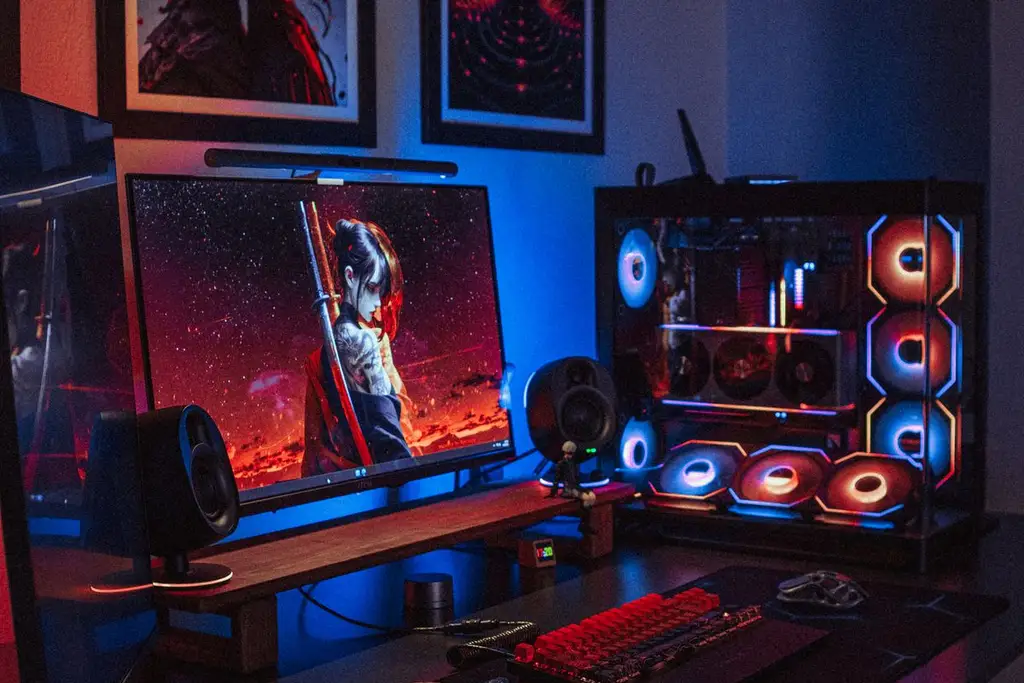
1080p vs 1440p for Gaming: Which Should You Pick?
1080p vs 1440p for gaming: how sharpness, frame rate and graphics card needs compare, a side-by-side table, and monitor picks for each resolution.
Independent gaming gear guides
GameGearLab helps you choose headsets, controllers, keyboards, mice, monitors, chairs, gaming PCs, and setup accessories with clear, disclosed buying criteria -- no invented reviews, no fake ratings, no fabricated benchmark numbers.
As an Amazon Associate, GameGearLab earns from qualifying purchases. Affiliate disclosure. Images are generic illustrations, not the exact listing.
A general starting point for browsing gaming mice, covering common shapes and grip-friendly designs.
Check current mouse options on Amazon: Gaming Mice on AmazonA general starting point for browsing gaming monitors, covering common refresh-rate and resolution tiers.
Browse gaming monitors on Amazon: Gaming Monitors on AmazonA general starting point for browsing gaming chairs, covering common adjustability features to look for.
See gaming chair options on Amazon: Gaming Chairs on AmazonA general starting point for browsing gaming PCs and components, covering common configuration tiers.
Browse gaming PCs on Amazon: Gaming PCs on AmazonA general starting point for browsing console and setup accessories, covering stands, hubs, and cable routing tools.
Browse console accessories on Amazon: Console Accessories on AmazonA general starting point for browsing gaming headsets, covering wired and wireless options across consoles and PC.
Browse gaming headsets on Amazon: Gaming Headsets on AmazonA general starting point for browsing controllers, covering standard and alternative layouts for PC and consoles.
See controller options on Amazon: Controllers on AmazonA general starting point for browsing mechanical gaming keyboards, covering common layouts and switch styles.
Browse gaming keyboards on Amazon: Gaming Keyboards on AmazonEight focused categories, each with its own buying guidance and editorial picks.
A general-purpose pick for shoppers who want a solid starting point before narrowing down to a specific feature set.
Controller picks chosen for broad compatibility and everyday reliability.
A keyboard pick chosen for build quality and a widely-liked switch feel.
A mouse pick chosen for a shape that suits a range of grip styles.
A monitor pick chosen for a widely useful balance of refresh rate and everyday usability.
A chair pick chosen for adjustability and everyday comfort claims that are easy to verify before buying.
A general-purpose pick for shoppers exploring gaming PC and component options.
A pick chosen for practicality in a typical console or desk setup.
Quick checks that run in your browser. They show measurements, not diagnoses, and they all run in your browser.
See whether your microphone is picked up and how loud it is, before you jump into a lobby.
Open toolFree toolPress every button and move every stick to see what your browser registers, including stick drift readings.
Open toolFree toolCheck that each key registers, and spot keys that don't.
Open tool
1080p vs 1440p for gaming: how sharpness, frame rate and graphics card needs compare, a side-by-side table, and monitor picks for each resolution.
144Hz vs 240Hz: frame times, who notices the difference, what your GPU must deliver, and when 144Hz is the better buy. Includes a comparison table.
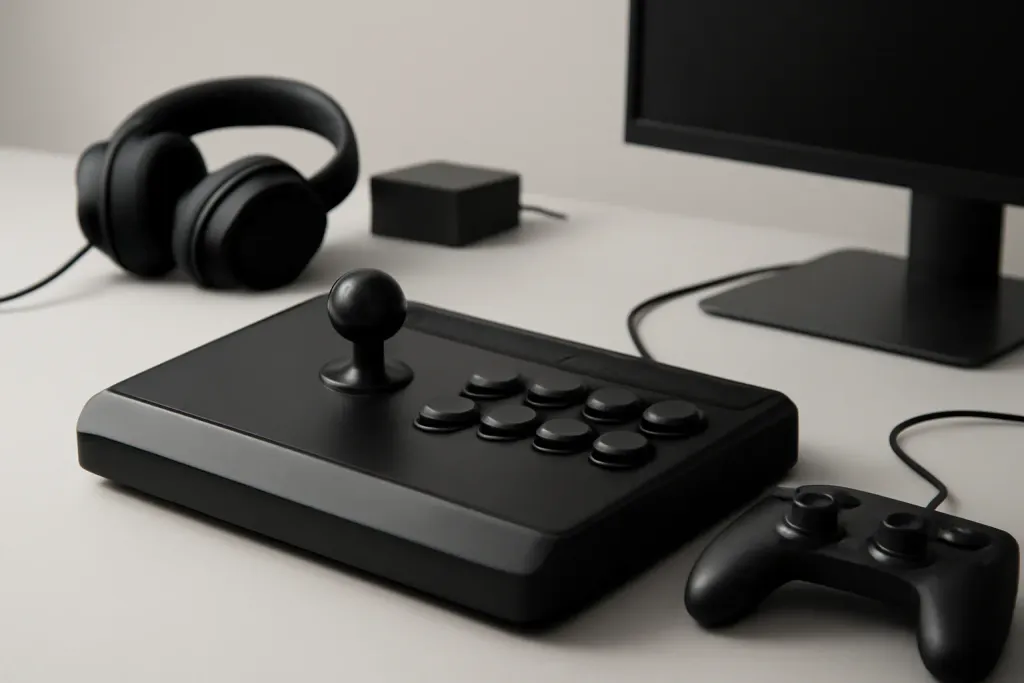
Beginner-friendly guide to arcade fight sticks: parts, platform compatibility, layouts, and what first-time buyers should check before they order.
The best 1440p gaming monitor: four named picks for PC and PS5, a comparison table from maker specs, and what to check on panel, refresh rate and ports.
Best back button attachments for standard controllers, with practical guidance on fit, comfort, remapping, and who each option suits.
The best budget gaming monitor: four named 24-inch 1080p picks, a comparison table from maker specs, and what to check on panel, refresh rate and ports.

We prioritize categories and listings that clearly disclose compatibility, connection type, and core features rather than vague marketing copy.

Where relevant, we favor guidance that helps newcomers make a confident choice without needing to already be an expert in the category.

We consider price only in general, relative terms -- without inventing discounts, exact figures, or limited-time claims.

We do not publish star ratings, review counts, or claims of hands-on lab testing or benchmarking. Our picks reflect editorial research, not personal use.
As an Amazon Associate, GameGearLab earns from qualifying purchases. Affiliate disclosure. Images are generic illustrations, not the exact listing.
A general starting point for browsing gaming chairs, covering common adjustability features to look for.
See gaming chair options on Amazon: Gaming Chairs on AmazonA general starting point for browsing gaming PCs and components, covering common configuration tiers.
Browse gaming PCs on Amazon: Gaming PCs on AmazonA general starting point for browsing console and setup accessories, covering stands, hubs, and cable routing tools.
Browse console accessories on Amazon: Console Accessories on AmazonA general starting point for browsing gaming headsets, covering wired and wireless options across consoles and PC.
Browse gaming headsets on Amazon: Gaming Headsets on AmazonA general starting point for browsing controllers, covering standard and alternative layouts for PC and consoles.
See controller options on Amazon: Controllers on AmazonA general starting point for browsing mechanical gaming keyboards, covering common layouts and switch styles.
Browse gaming keyboards on Amazon: Gaming Keyboards on AmazonA general starting point for browsing gaming mice, covering common shapes and grip-friendly designs.
Check current mouse options on Amazon: Gaming Mice on AmazonA general starting point for browsing gaming monitors, covering common refresh-rate and resolution tiers.
Browse gaming monitors on Amazon: Gaming Monitors on AmazonStart with the piece that affects your experience most, instead of buying everything at once.
If your headset mic cuts out or your controller drifts, fix that before upgrading anything else.
Confirm PS5, Xbox, Switch, or PC compatibility for headsets, controllers, and monitors before ordering.
Add a monitor, chair, or PC upgrade only after the core input devices already feel right.