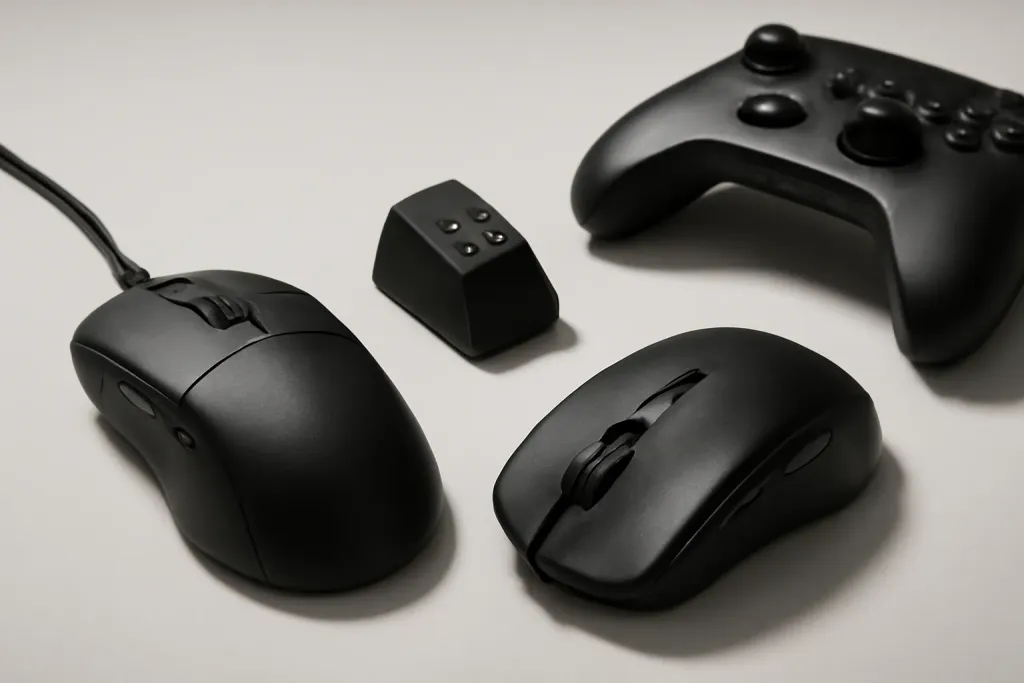
A gaming mouse should match your grip and hand size before anything else. This hub names specific mice from the makers' own pages, explains how to choose, and links every mouse guide plus the free DPI, sensitivity and click-speed tools.
Shop on Amazon
Sponsored
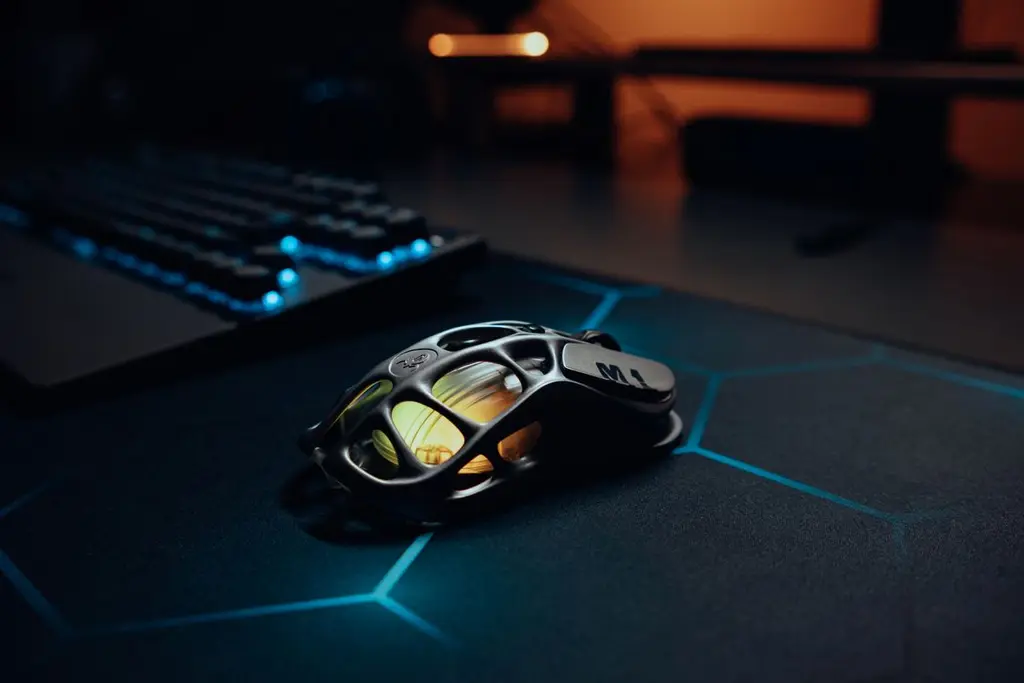
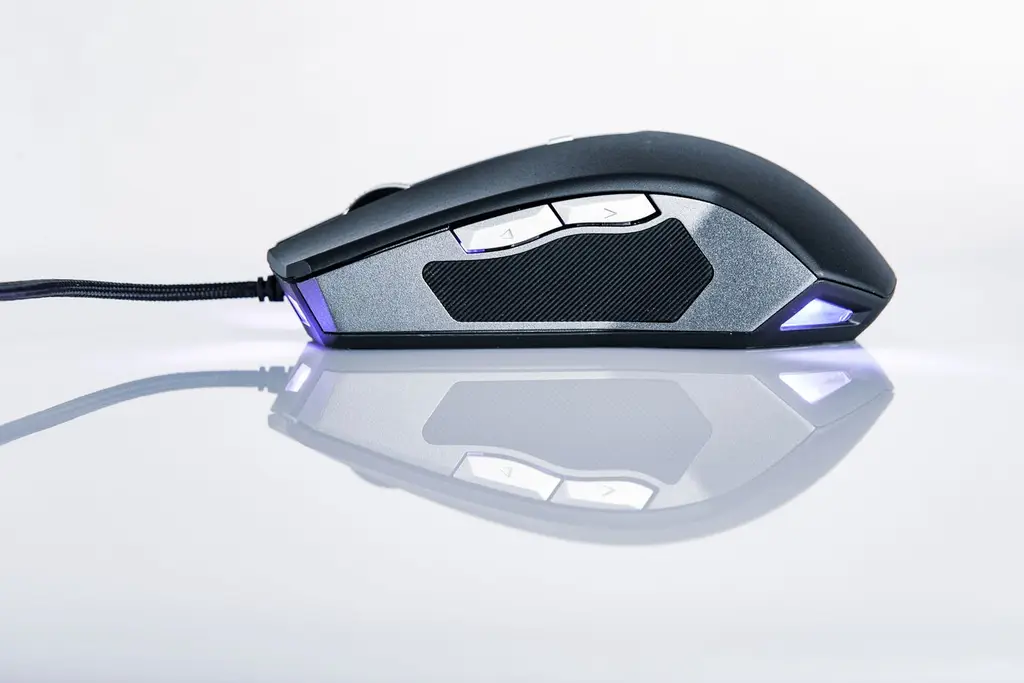
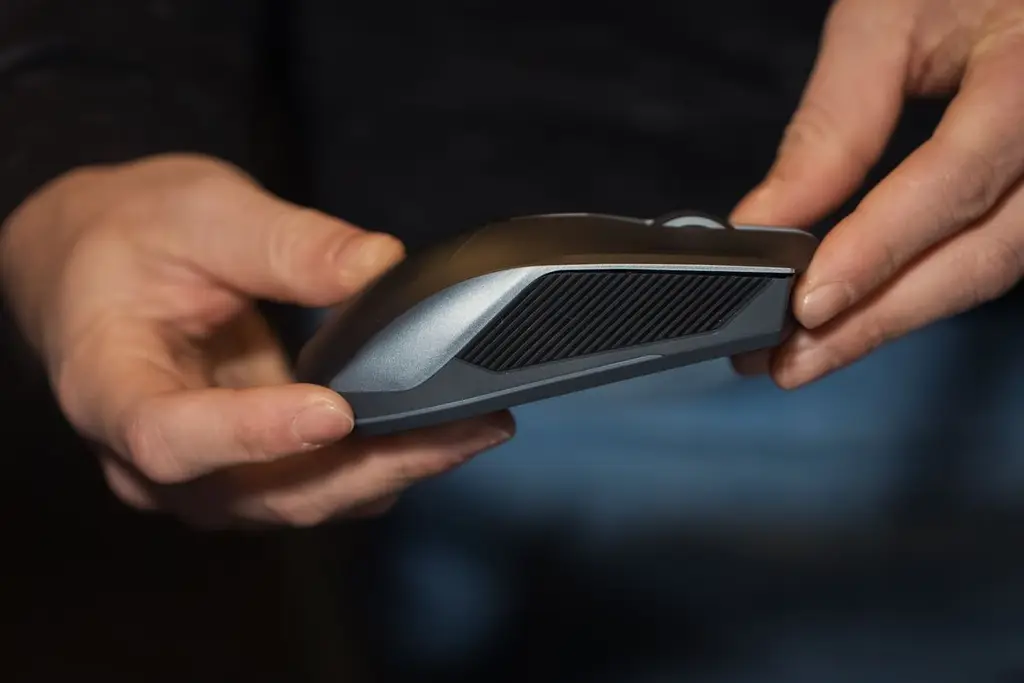
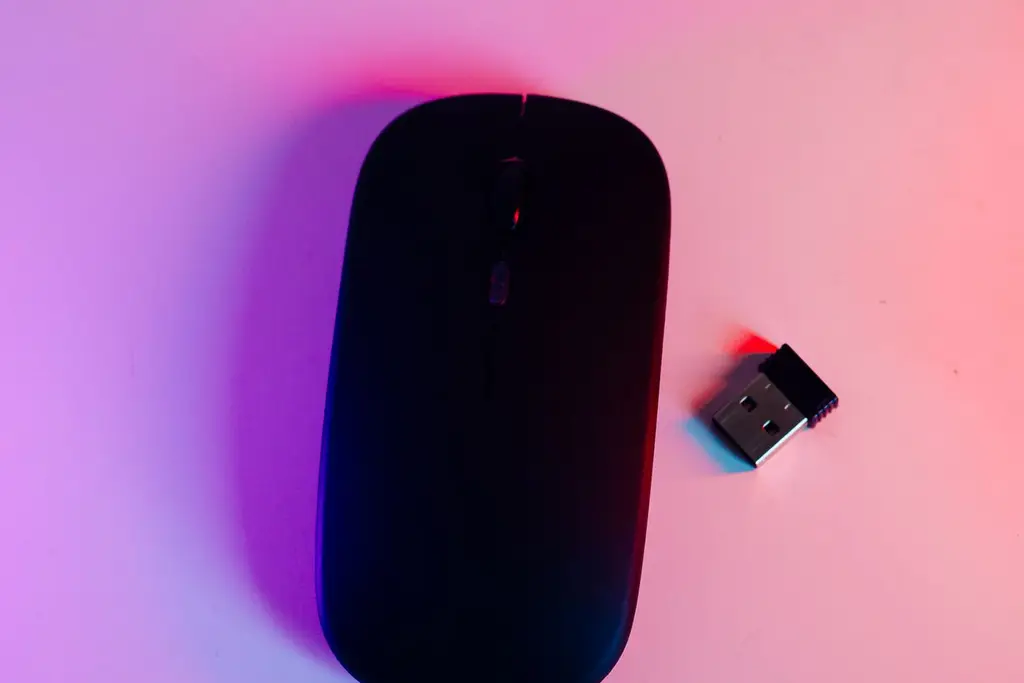
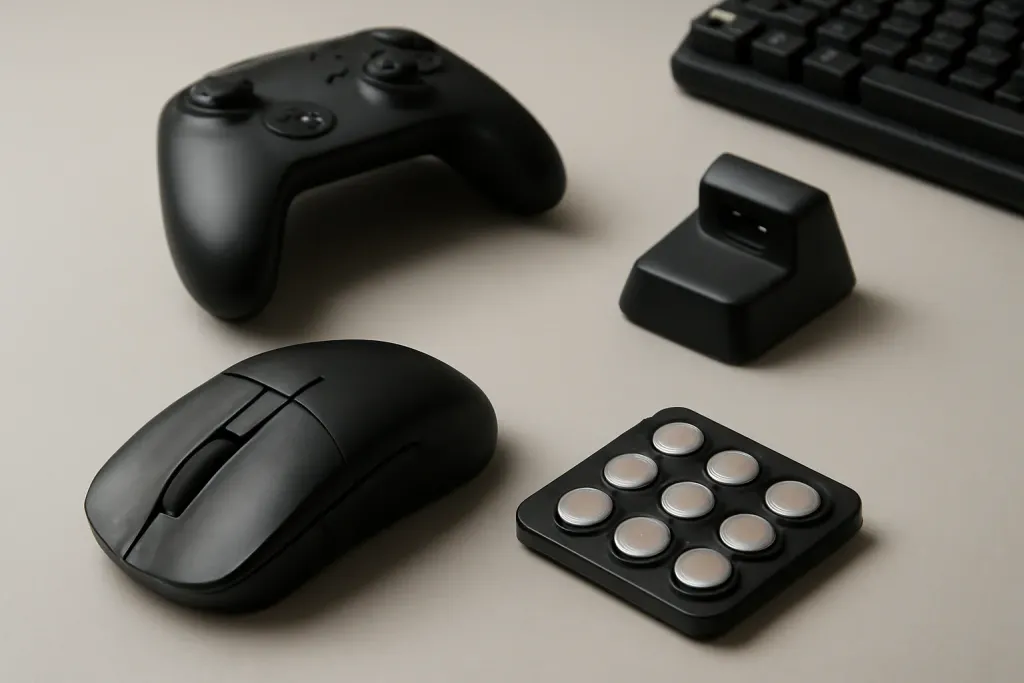
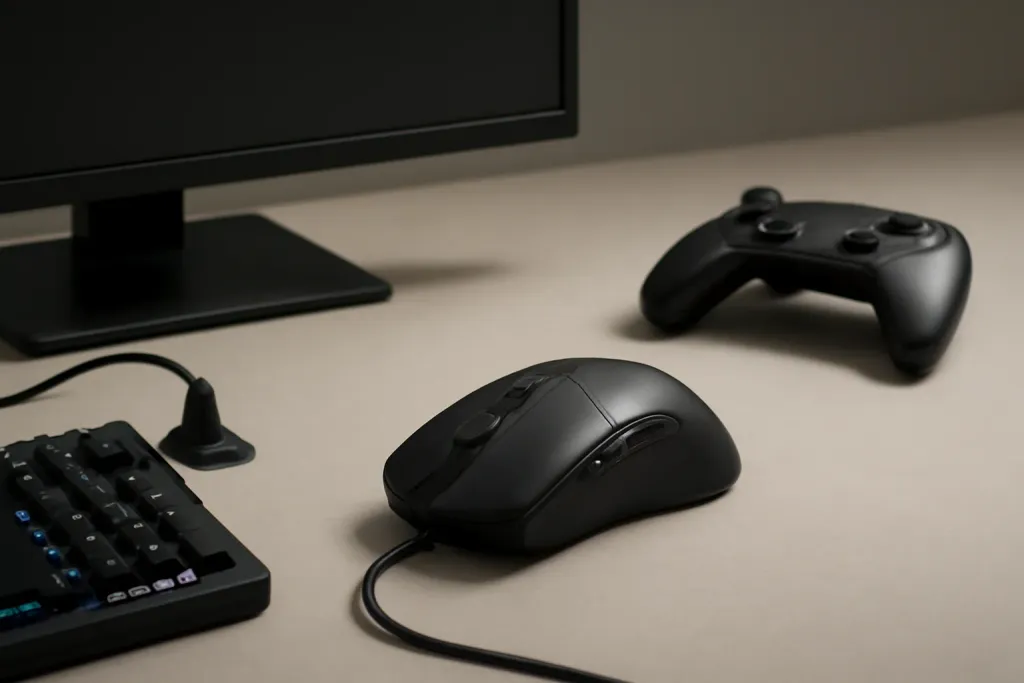
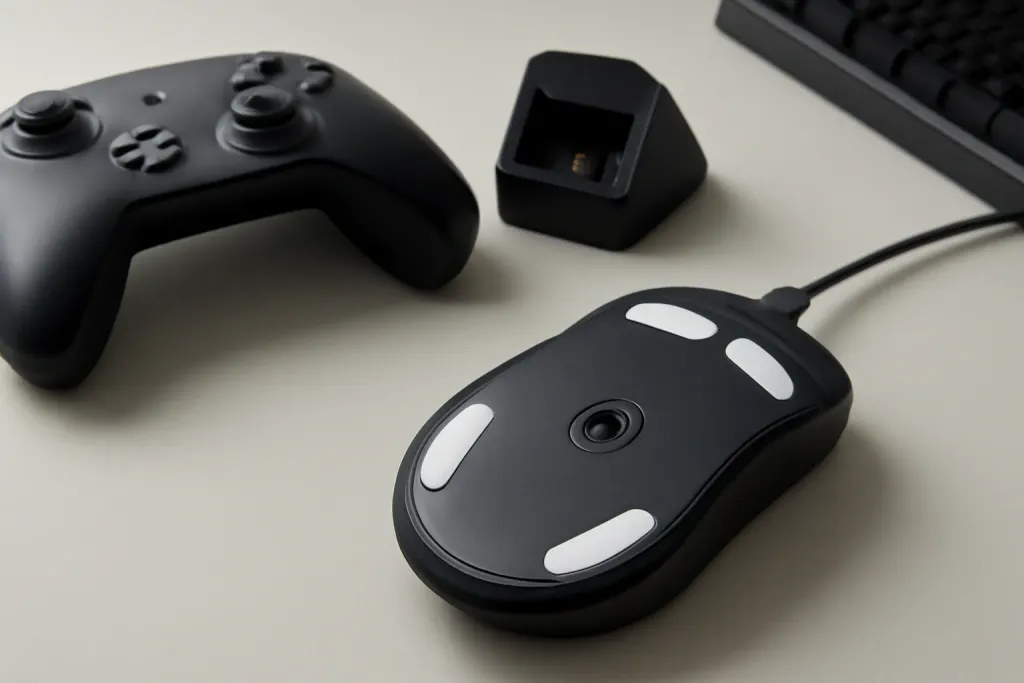
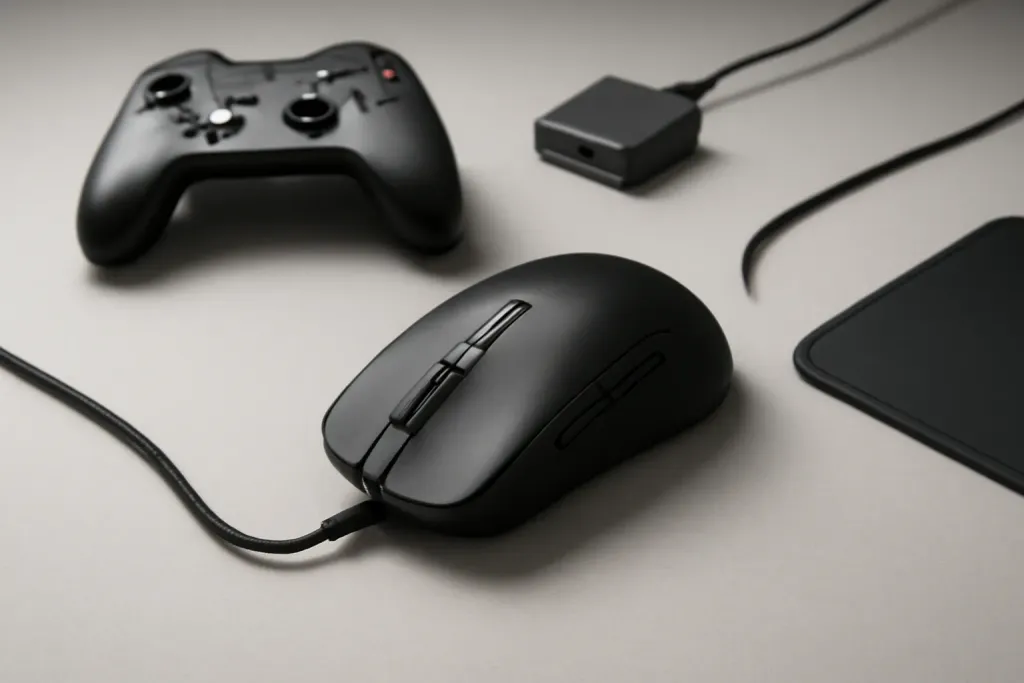
As an Amazon Associate, GameGearLab earns from qualifying purchases. Affiliate disclosure. Images are generic illustrations, not the exact listing.
Gaming Mice
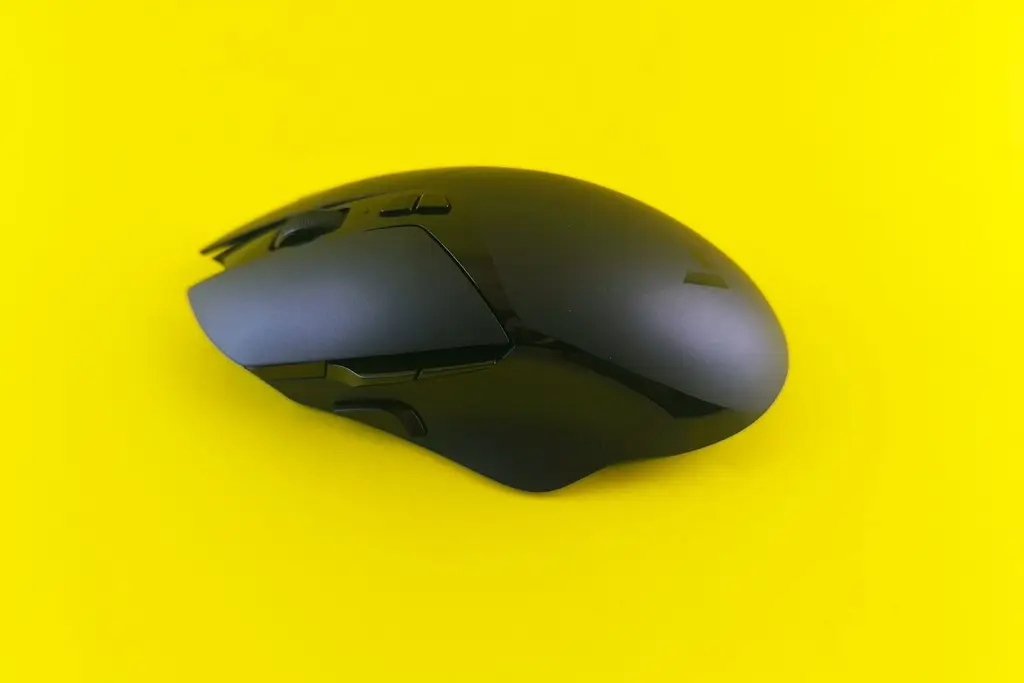
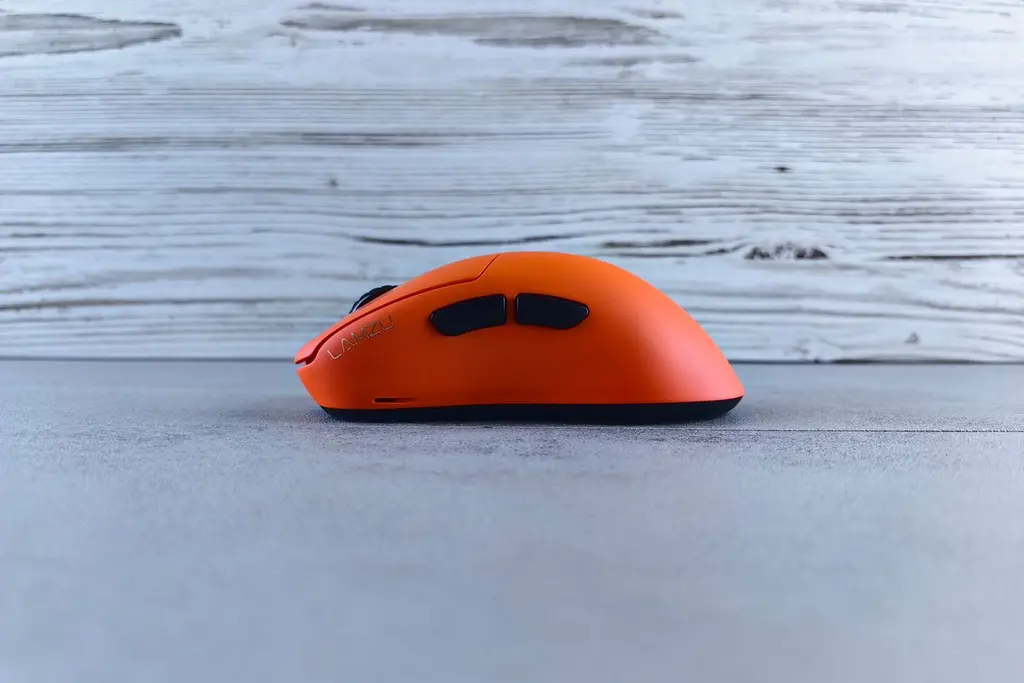
A general starting point for browsing gaming mice, covering common shapes and grip-friendly designs.
Named mice we chose from the makers' own pages. We did not run lab tests; weights and battery numbers are the makers' figures. Links are affiliate links.
Lightest
Razer Viper V3 Pro
54 g and a symmetrical shape for claw and fingertip grips. Wireless mouse picks.
54 g (55 g white)
Up to 95 hours at 1,000 Hz (Razer rating; far less at 8,000 Hz)
Start with grip and hand size, then weight, then connection, then buttons and sensor. A mouse that fits your hand is worth more than any spec. Work out your grip with our grip types guide, which covers palm, claw and fingertip.
Pick a weight you can control for hours. Light mice are popular, but a lighter mouse that does not fit is a poor swap; our heavier mice and aim guide goes through the trade-off.
Where your hand touches the mouse. Palm grip rests the whole hand on the shell. Claw arches the fingers and keeps the palm on the back. Fingertip uses only the fingertips.
Wireless, wired and latency
Modern 2.4 GHz gaming mice are designed to match wired for games. Bluetooth is slower and meant for office use. Check the battery rating and how you charge it. The latency guide explains what the numbers mean, and wireless mouse picks compares five.
Sensor, DPI and sensitivity
DPI is how far the cursor moves per inch. Sensor ceilings like 35,000 DPI are not what you use; most players sit around 400 to 1,600 DPI. What matters is how you set DPI with in-game sensitivity. Our DPI guide explains it.
Use the free tools: the eDPI Calculator combines DPI and sensitivity, and the Sensitivity Converter carries your feel between games. The CPS Test measures clicking speed. Take breaks if your hand tires.
Weights from the maker pages. Manufacturer-listed weights in grams for the mice in this guide. Lighter is not automatically better; shape and grip matter more.
Buttons and special use
Standard mice have two to six buttons. If you play MMOs or MOBAs, a thumb grid saves keystrokes; see MMO mouse picks. For shooters, fewer buttons and less weight are the common choice.
Mouse terms you will see on listings
DPI
Dots per inch; how far the cursor moves per inch of hand movement.
eDPI
DPI multiplied by in-game sensitivity. It lets you compare setups.
Polling rate
How often the mouse reports its position. 1,000 Hz is standard; some mice list 4,000 or 8,000 Hz.
Sensor
The optical part that tracks movement. Sensor ceilings are not what you use.
Lift-off distance
How high you can lift the mouse before it stops tracking.
Switches
The mechanism under each main button. Optical and mechanical types exist.
Feet / skates
The pads on the underside that set glide. They can be replaced.
LIGHTSPEED / HyperSpeed
Logitech's and Razer's names for their low-delay 2.4 GHz wireless links.
Mistakes to avoid
The biggest mistake is buying on weight alone. A 54 g mouse that does not fit your hand is worse than a 100 g one that does. The second is chasing sensor numbers, since few players use more than a fraction of a high DPI ceiling. The third is ignoring the pad; a rough or worn pad changes how any mouse feels.
Finally, avoid pushing your hand through pain. If your hand aches, rest, change grip or mouse, and see a professional if it continues. We give gear advice, not medical advice.
Who should buy what
Claw and fingertip players will like the Viper V3 Pro and PRO X SUPERLIGHT 2. Palm players can look at the DeathAdder V3 Pro and G502 X. Players who want a cheaper wireless mouse can look at the G305, which runs on one AA. MMO and MOBA players should pick from our MMO mouse guide.
People who share a PC may prefer a wired mouse that never needs charging. Anyone setting up a new desk should choose a pad at the same time; see our pad guide.
Care and setup
Clean the sensor window with a dry cotton swab, and wipe the feet. Replace feet when the glide gets scratchy. Charge wireless mice before the battery is empty and keep the dongle on a short extension to improve the link. Check the maker's app for firmware updates.
Take breaks, and adjust your chair and desk so your wrist stays neutral.
A buying checklist
Grip. Palm, claw or fingertip? Pick a shape for it.
Hand size. Compare your hand length with the mouse length on the maker's page.
Weight. Choose one you can control for long sessions.
Connection. Wired, or wireless with a 2.4 GHz dongle for games.
Buttons. Count how many you will use and where.
Pad. Match the pad to your mouse feet and your swipe size.
Quick troubleshooting
If the cursor skips, clean the sensor window and try a different surface. If it jumps on a wireless mouse, move the dongle closer and away from USB 3 ports. If double-clicks appear, the switch may be worn; ask the maker about repair or replacement. If tracking feels off after a driver update, reset the DPI and polling rate in the maker's app. Our cursor skipping guide goes through the causes in order.
How we choose in this category
We build quick picks from the makers' own spec pages and platform holders' support pages, looking at shape and grip fit, weight, connection and battery, and how many buttons it has. Shape comes first because a mouse that does not fit your hand cannot be fixed by specs. We do not run lab tests, we do not quote prices, and we leave out any spec we cannot confirm on the maker's page.
Specs change between versions, so confirm the details on the current listing for your region before you buy. Our about page explains our editorial method, and our affiliate disclosure explains how the site earns.
Where to go next
Use the quick picks to shortlist, read the guide linked to each one for the comparison, and use the free tools to check your setup. If you are still not sure, start with the guide that matches your platform. Browse the free tools or the full guides index for anything not listed here.
All Gaming Mice guides
Every gaming mice guide on the site, in one place:
Best MMO Mouse: Four Picks With a Thumb Grid: The best MMO mouse: four named picks with 12-button thumb grids, wired and wireless, a comparison table, and how to map the side buttons.
Best Wireless Gaming Mouse: Five Picks by Grip: The best wireless gaming mouse: five named picks by grip and weight, a comparison table from maker specs, and what to check on battery and polling rate.
Do Heavier Gaming Mice Improve Aim?: Heavier gaming mice can change control and stability, but mouse weight and aim is personal. Learn trade-offs, grip styles, and buying tips.
How to Choose DPI for FPS Gaming: Learn how to choose DPI for FPS gaming mouse settings, balance aim control and speed, and build a simple setup that fits your playstyle.
What Mouse Feet Material Glides Best?: A practical guide to gaming mouse feet material: PTFE, glass, ceramic, and hybrid options, plus what glide, control, and pad compatibility mean.
Why Does My Mouse Cursor Skip or Jump?: Practical reasons mouse cursor skipping happens, from sensor tracking and surfaces to wireless interference, software, and quick fixes.
Best Claw Grip Mouse: Four Picks by Size: The best claw grip mouse: four named picks with maker weights and shapes, a comparison table, and how hand size and the arch of the back set your choice.
Best Gaming Mouse Under $50: Four Picks: The best gaming mouse under $50: four named picks, wired and wireless, a comparison table from maker specs, and what to check on shape, sensor and weight.
Best Mouse for Big Hands: Four Picks by Grip: The best mouse for big hands: four named picks with maker shapes, a comparison table, and how to measure your hand and match a mouse to your grip.
Best Lightweight Gaming Mouse: Four Picks: The best lightweight gaming mouse: four named picks under about 61 g, with maker weights, a comparison table, and the trade-offs of going light.
Browse Gaming Mice on Amazon
A mouse pick chosen for a shape that suits a range of grip styles.
The best claw grip mouse: four named picks with maker weights and shapes, a comparison table, and how hand size and the arch of the back set your choice.
The best gaming mouse under $50: four named picks, wired and wireless, a comparison table from maker specs, and what to check on shape, sensor and weight.
The best wireless gaming mouse: five named picks by grip and weight, a comparison table from maker specs, and what to check on battery and polling rate.