







How we chose
We chose four mice with maker-listed weights from 54 g to about 61 g. We did not test them. Weights are the makers' figures.
Why people go light
A light mouse takes less effort to start and stop, which helps in fast flicks and long sessions. It can feel unstable if you like to rest your hand's weight on it. Many players find 55 to 70 g a comfortable range, but fit and grip matter more. See do heavier mice improve aim.
Shape and trade-offs
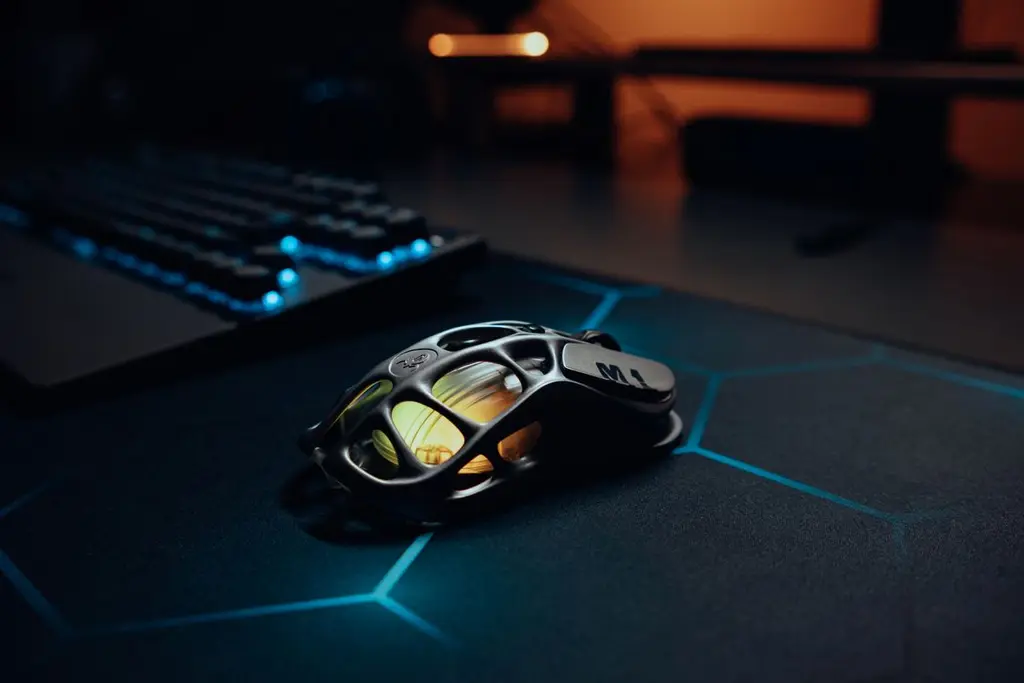
Very light mice are usually symmetrical shells. Ones with open honeycomb shells can let dust in. If you rest your palm on the mouse, a light ergonomic shape may suit you better; see mice for big hands.
Pad and feet
A light mouse reacts to the pad strongly. A cloth pad adds control; a hard pad adds speed. See mouse feet and mouse pad picks.
Shop on Amazon
SponsoredAs an Amazon Associate, GameGearLab earns from qualifying purchases. Affiliate disclosure. Images are generic illustrations, not the exact listing.
-
Gaming Mice
A general starting point for browsing gaming mice, covering common shapes and grip-friendly designs.
Check current mouse options on Amazon: Gaming Mice on Amazon -
Gaming PCs
A general starting point for browsing gaming PCs and components, covering common configuration tiers.
Browse gaming PCs on Amazon: Gaming PCs on Amazon -
Console Accessories
A general starting point for browsing console and setup accessories, covering stands, hubs, and cable routing tools.
Browse console accessories on Amazon: Console Accessories on Amazon -
Gaming Headsets
A general starting point for browsing gaming headsets, covering wired and wireless options across consoles and PC.
Browse gaming headsets on Amazon: Gaming Headsets on Amazon -
Controllers
A general starting point for browsing controllers, covering standard and alternative layouts for PC and consoles.
See controller options on Amazon: Controllers on Amazon -
Gaming Keyboards
A general starting point for browsing mechanical gaming keyboards, covering common layouts and switch styles.
Browse gaming keyboards on Amazon: Gaming Keyboards on Amazon -
Gaming Monitors
A general starting point for browsing gaming monitors, covering common refresh-rate and resolution tiers.
Browse gaming monitors on Amazon: Gaming Monitors on Amazon -
Gaming Chairs
A general starting point for browsing gaming chairs, covering common adjustability features to look for.
See gaming chair options on Amazon: Gaming Chairs on Amazon
Mistakes to avoid
The usual mistake is chasing the lowest number on the page. Going from 80 g to 55 g is a larger step than from 60 g to 54 g, and past a point the difference is smaller than the effect of the pad or your grip. Another is ignoring the cable on a wired light mouse: a stiff cable can make it feel heavier in use than a heavier wireless mouse.
Before you buy
Check the shape against your grip, the battery rating, and whether replacement mouse feet are sold for the model. Consider a thin cloth pad if you find the mouse hard to stop. Light mice are best for players who flick often and reposition the mouse; if you like to drag slowly, a heavier mouse may feel steadier.
After you buy
After you buy, give the mouse a week before judging it, and keep your sensitivity the same so you can compare. Wipe the sensor and the pad now and then, because dust causes skipping; our cursor skipping guide lists the other usual causes. Replace worn feet when the glide turns scratchy.
Quick checklist
- Choose the shape that fits your grip first, then compare the weight among the shapes that suit you.
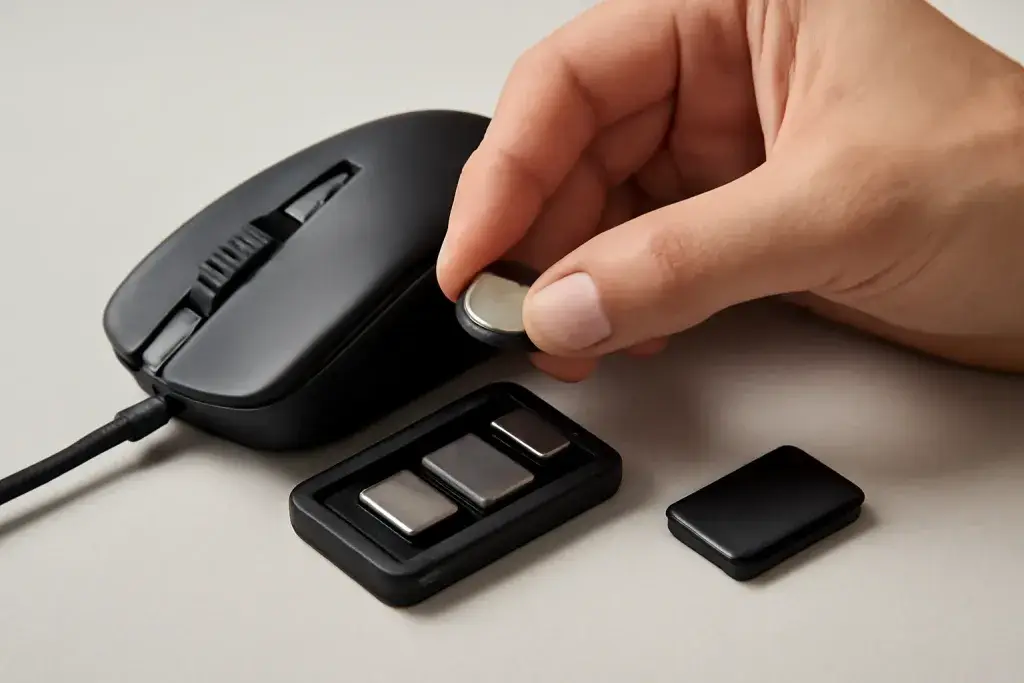
- Check the battery rating and the charging port, since a light mouse has a small battery.
- Look for a pad that suits a light mouse, because a very smooth pad can make it hard to stop.
- Give yourself a week to adjust, since a lighter mouse changes how your arm moves at first.