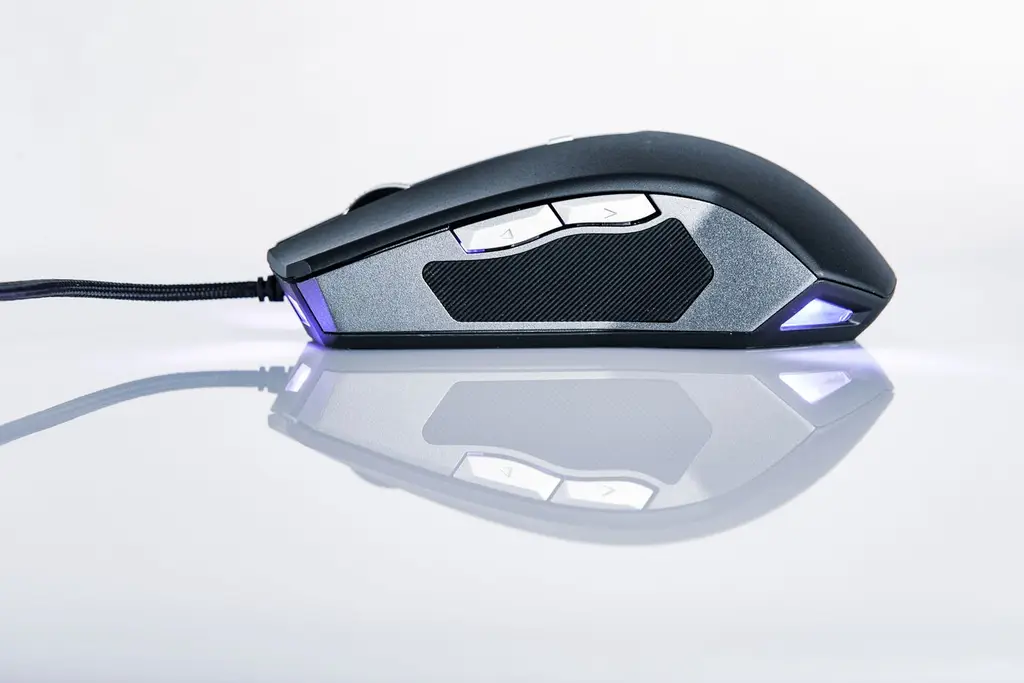








How we chose
We chose four mice with 12-button side grids from the makers' own pages and left out any spec the page did not list. We did not test them. Weights and battery ratings are the makers' claims, and Corsair's and Razer's pages give different weights in places, so we avoid comparing them.
The number of programmable buttons also varies by source. We quote the maker's own figure for each mouse.
What a thumb grid does
An MMO or MOBA mouse puts a grid of buttons under your thumb. Each can hold a skill, a macro or a keybind, so you press one button instead of reaching for the number row. The best grids have buttons you can tell apart by feel.
Some grids can slide. Corsair's Scimitar line has a key slider you can move forward or back, and the RGB Elite slides 8 mm. That helps with different hand sizes.
Wired or wireless
Wireless frees your desk, but MMO mice are heavier than esports mice and many need AA batteries or a charge. The Naga V2 HyperSpeed uses one AA and the Scimitar Elite Wireless lists up to 150 hours. Wired mice never run out of power, which suits long raid nights.
Shop on Amazon
SponsoredAs an Amazon Associate, GameGearLab earns from qualifying purchases. Affiliate disclosure. Images are generic illustrations, not the exact listing.
-
Gaming Mice
A general starting point for browsing gaming mice, covering common shapes and grip-friendly designs.
Check current mouse options on Amazon: Gaming Mice on Amazon -
Gaming Monitors
A general starting point for browsing gaming monitors, covering common refresh-rate and resolution tiers.
Browse gaming monitors on Amazon: Gaming Monitors on Amazon -
Gaming Chairs
A general starting point for browsing gaming chairs, covering common adjustability features to look for.
See gaming chair options on Amazon: Gaming Chairs on Amazon -
Gaming PCs
A general starting point for browsing gaming PCs and components, covering common configuration tiers.
Browse gaming PCs on Amazon: Gaming PCs on Amazon -
Console Accessories
A general starting point for browsing console and setup accessories, covering stands, hubs, and cable routing tools.
Browse console accessories on Amazon: Console Accessories on Amazon -
Gaming Headsets
A general starting point for browsing gaming headsets, covering wired and wireless options across consoles and PC.
Browse gaming headsets on Amazon: Gaming Headsets on Amazon -
Controllers
A general starting point for browsing controllers, covering standard and alternative layouts for PC and consoles.
See controller options on Amazon: Controllers on Amazon -
Gaming Keyboards
A general starting point for browsing mechanical gaming keyboards, covering common layouts and switch styles.
Browse gaming keyboards on Amazon: Gaming Keyboards on Amazon
Size, weight and grip
MMO mice are larger than esports mice because the thumb grid needs room. Most suit palm and relaxed claw grips, and few suit fingertip. Weight is often higher too, and the Redragon adds a weight-tuning cartridge, so read the weight on the listing. Check the length against your hand before you commit, since a thumb grid you can't reach is no use.
See our grip types guide for how to measure your hand and match a shape.
Setting up the buttons
Start with your most-used skills on the middle of the grid, keep the corner buttons for rare actions, and keep the numbers in the same order as your game. Most mice use software to store layouts, so save a profile per game. Test the buttons first with the Keyboard Tester, which logs the keys your mouse sends if you map buttons to keys.