







How we chose
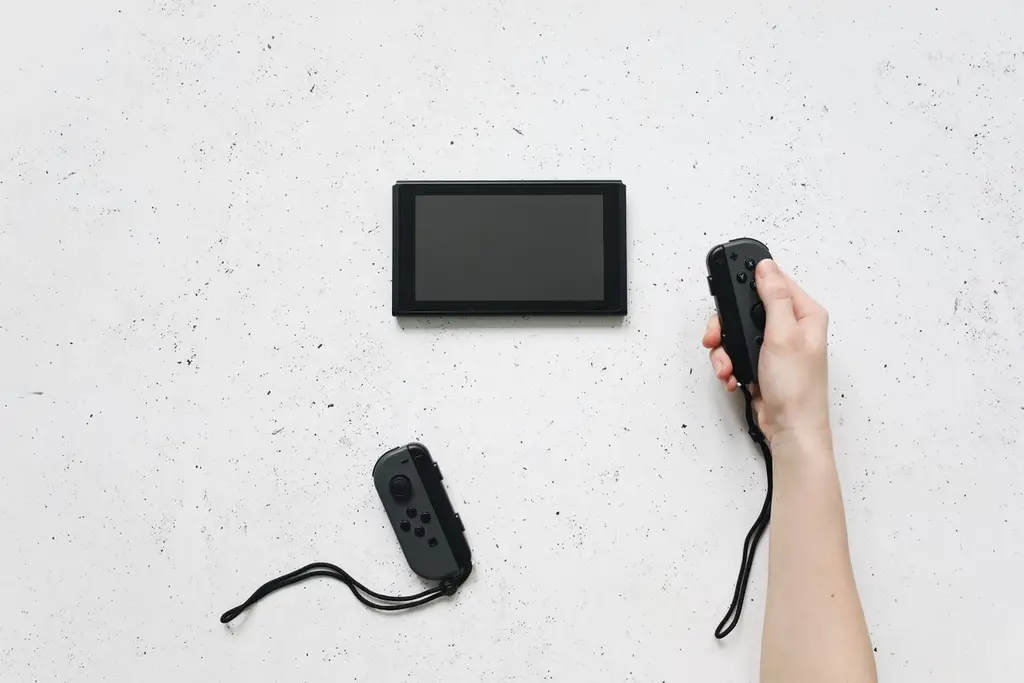
We chose four accessories that solve the most common Switch problems. We did not test them. Accessories do not always fit every model, so check each listing for Switch, OLED, Lite and Switch 2.
Controllers
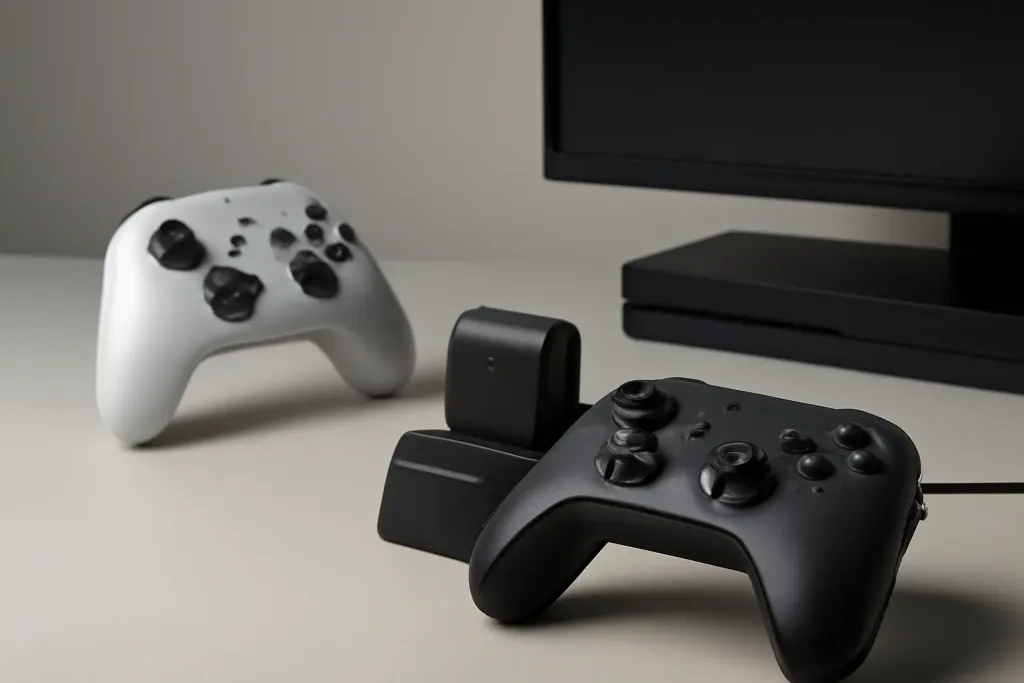
The Pro Controller is built for docked play and lists about 40 hours of battery per Nintendo. For handheld play, grips such as the HORI Split Pad Pro make long sessions more comfortable. Compare alternatives in our Switch Pro Controller alternatives.
Storage
The original Switch, OLED and Lite use regular microSD cards. Switch 2 needs microSD Express, which a regular card will not work in. See microSD cards for Switch 2.
Protection and audio
A hard case protects the console in a bag. For headsets see using a headset on Switch.
Shop on Amazon
SponsoredAs an Amazon Associate, GameGearLab earns from qualifying purchases. Affiliate disclosure. Images are generic illustrations, not the exact listing.
-
Console Accessories
A general starting point for browsing console and setup accessories, covering stands, hubs, and cable routing tools.
Browse console accessories on Amazon: Console Accessories on Amazon -
Gaming Mice
A general starting point for browsing gaming mice, covering common shapes and grip-friendly designs.
Check current mouse options on Amazon: Gaming Mice on Amazon -
Gaming Monitors
A general starting point for browsing gaming monitors, covering common refresh-rate and resolution tiers.
Browse gaming monitors on Amazon: Gaming Monitors on Amazon -
Gaming Chairs
A general starting point for browsing gaming chairs, covering common adjustability features to look for.
See gaming chair options on Amazon: Gaming Chairs on Amazon -
Gaming PCs
A general starting point for browsing gaming PCs and components, covering common configuration tiers.
Browse gaming PCs on Amazon: Gaming PCs on Amazon -
Gaming Headsets
A general starting point for browsing gaming headsets, covering wired and wireless options across consoles and PC.
Browse gaming headsets on Amazon: Gaming Headsets on Amazon -
Controllers
A general starting point for browsing controllers, covering standard and alternative layouts for PC and consoles.
See controller options on Amazon: Controllers on Amazon -
Gaming Keyboards
A general starting point for browsing mechanical gaming keyboards, covering common layouts and switch styles.
Browse gaming keyboards on Amazon: Gaming Keyboards on Amazon
Mistakes to avoid
The expensive mistake is buying a microSD card for a Switch 2 that is not microSD Express. Another is assuming that a case for the original Switch fits the OLED or Switch 2; sizes differ. Finally, third-party docks and chargers can damage a console if they do not follow the right power standard, so choose a maker with a clear compatibility list.
Before you buy
Write down your exact model before you shop. Check that the accessory lists it by name on the listing, and that the return policy covers a wrong fit. For storage, choose a capacity that matches the size of the games you plan to keep, and leave room for updates and saves.
After you buy
Keep the receipts for any accessory you attach to the console. Update the console's software before you use a new controller, since controller support is often part of an update. Clean the dock contacts with a dry cloth if charging seems unreliable, and check that any third-party dock lists your model by name.
Quick checklist
- Write down your exact console model: Switch, OLED, Lite or Switch 2.
- Check that each listing names that model, and that the return policy covers a wrong fit.
- For storage, remember that Switch 2 needs microSD Express and the earlier models take regular microSD cards.
- Choose accessories that solve a real problem, such as comfort in handheld play, rather than buying a full bundle.