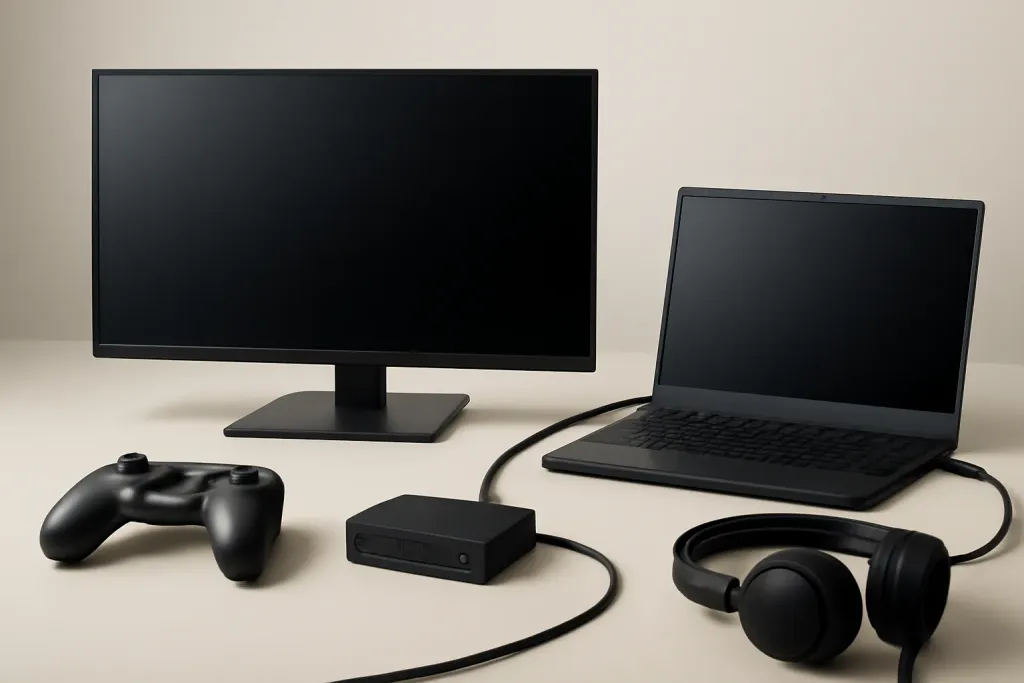








HDMI vs DisplayPort: the basic difference
When people compare hdmi vs displayport gaming, they are usually trying to answer one simple question: which cable should connect a PC or console to a gaming monitor? The short version is that both can carry video and audio, but they are not identical in how they fit different setups. HDMI is the most common port on TVs, consoles, and many monitors. DisplayPort is more common on desktop graphics cards and gaming monitors, especially models aimed at PC players.
The practical difference is less about brand loyalty and more about device support. If your monitor and graphics card both support DisplayPort, that connection often makes the cleanest sense for a PC gaming setup. If you are using a console, HDMI is usually the default choice because consoles typically rely on HDMI output. If you are mixing devices, you may end up using both ports at different times.
It also helps to think about what you want from the monitor. A 1080p monitor at a modest refresh rate has very different needs from a high-refresh QHD or 4K panel. The connection type matters because the available version of HDMI or DisplayPort sets the ceiling for bandwidth, which affects what resolutions, refresh rates, and color formats the display can accept. In other words, the port itself does not improve picture quality by magic; it just has to support the signal you want to send.
For most buyers, the decision comes down to compatibility first, then convenience, then future flexibility. That is why hdmi vs displayport gaming is best treated as a setup question rather than a universal winner-and-loser contest.
When HDMI is the better fit
HDMI makes sense whenever your source device already expects it. That includes almost all modern game consoles, many media devices, and plenty of monitors built with a TV-like feature set. If you game on a console and use a gaming monitor instead of a television, HDMI is usually the straightforward way to connect. You plug in one cable, choose the right input, and you are done.
HDMI can also be the most convenient choice for mixed-use rooms. If your monitor doubles as a display for a console, streaming box, or work laptop, HDMI input is often the easiest common denominator. For households with several devices, the familiar cable standard can reduce friction. You are also more likely to find HDMI on adapters, capture gear, and AV equipment, which can matter if your setup includes more than one source.
That said, HDMI is not automatically the best choice for every gaming monitor. The important detail is the HDMI version supported by both the monitor and the device. Older HDMI implementations may limit refresh rate or resolution combinations that newer DisplayPort links can handle more comfortably. So when you are shopping, do not stop at the word HDMI. Check the monitor’s specification list and make sure the port version lines up with your target resolution and refresh rate.
HDMI is a sensible pick when simplicity matters more than maximum flexibility. It is often the right answer for console players, living-room setups, and anyone who wants the fewest compatibility surprises. If your gear already centers on HDMI, there is no reason to overcomplicate the decision.
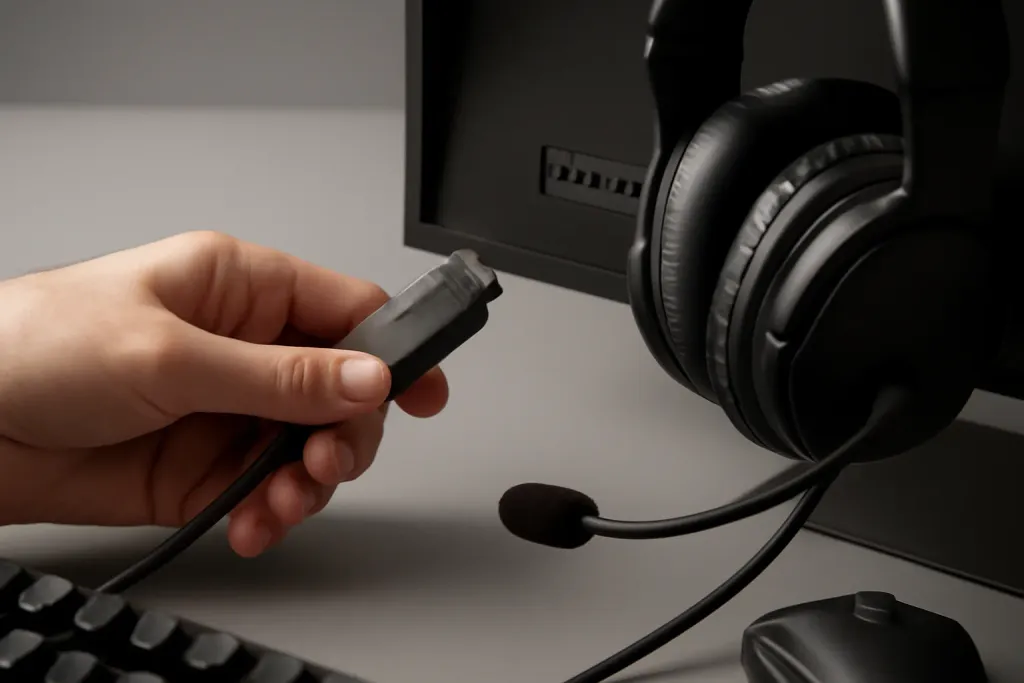
When DisplayPort is the stronger PC choice
DisplayPort is often the preferred connection for a desktop gaming PC because it is widely used on graphics cards and gaming monitors built for higher-performance PC use. If you are pairing a modern GPU with a monitor that supports a high refresh rate, DisplayPort is often the first port to check. Many PC-focused monitors expose their best refresh-rate support through DisplayPort, which makes it an easy default for desktop gaming.
Another reason DisplayPort gets attention is flexibility. Depending on the devices involved, it may support features that matter to PC users who switch between productivity and play. Some monitors and GPUs also use DisplayPort for daisy-chaining or for broader multi-monitor setups, though that depends on the hardware and is not universal. If you use one PC for work, games, and multiple displays, DisplayPort can fit that kind of setup neatly.
For the average buyer, the biggest advantage is often compatibility with gaming-oriented hardware rather than a visible jump in image quality. If both HDMI and DisplayPort are available and the monitor’s specification sheet gives DisplayPort the higher refresh ceiling, that is a strong clue that the manufacturer expects PC gamers to use it. Still, the right choice depends on the exact version, cable quality, and the source device’s output support.
It is worth noting that not every monitor needs DisplayPort to be a good gaming display. If your gear is limited by the monitor’s panel or by the GPU’s output, the port alone will not change everything. But for many PC-first buyers, DisplayPort is the safer bet when they want to avoid unnecessary limitations.
Shop on Amazon
SponsoredAs an Amazon Associate, GameGearLab earns from qualifying purchases. Affiliate disclosure. Images are generic illustrations, not the exact listing.
-
Gaming Monitors
A general starting point for browsing gaming monitors, covering common refresh-rate and resolution tiers.
Browse gaming monitors on Amazon: Gaming Monitors on Amazon -
Gaming Mice
A general starting point for browsing gaming mice, covering common shapes and grip-friendly designs.
Check current mouse options on Amazon: Gaming Mice on Amazon -
Gaming Chairs
A general starting point for browsing gaming chairs, covering common adjustability features to look for.
See gaming chair options on Amazon: Gaming Chairs on Amazon -
Gaming PCs
A general starting point for browsing gaming PCs and components, covering common configuration tiers.
Browse gaming PCs on Amazon: Gaming PCs on Amazon -
Console Accessories
A general starting point for browsing console and setup accessories, covering stands, hubs, and cable routing tools.
Browse console accessories on Amazon: Console Accessories on Amazon -
Gaming Headsets
A general starting point for browsing gaming headsets, covering wired and wireless options across consoles and PC.
Browse gaming headsets on Amazon: Gaming Headsets on Amazon -
Controllers
A general starting point for browsing controllers, covering standard and alternative layouts for PC and consoles.
See controller options on Amazon: Controllers on Amazon -
Gaming Keyboards
A general starting point for browsing mechanical gaming keyboards, covering common layouts and switch styles.
Browse gaming keyboards on Amazon: Gaming Keyboards on Amazon
Refresh rate, resolution, and bandwidth
The most important technical issue in hdmi vs displayport gaming is bandwidth. In plain terms, bandwidth is how much video data the connection can carry at once. That matters because higher resolutions and higher refresh rates require more data. A 1080p monitor at 60 Hz is easy to drive compared with a 1440p or 4K panel at a high refresh rate. Once you start combining sharper resolution with faster refresh, the connection standard becomes more important.
This is where version numbers matter more than the connector shape. A newer HDMI implementation may support much more demanding signal combinations than an older one, and the same is true for DisplayPort. So you should not assume every HDMI port is weaker than every DisplayPort port, or the other way around. The actual version on your monitor and GPU determines what combinations are realistic.
For gaming, that means checking your target use case before you buy. If you want a monitor for a console that targets a specific output mode, HDMI is often the path of least resistance. If you want a PC monitor that can handle a fast panel at a high resolution, DisplayPort may be easier to match to the monitor’s full spec. Either way, the key is to match the display’s capabilities with the source device’s output.
Also remember that the monitor itself matters as much as the cable. A display that only accepts a certain refresh rate over one port may behave differently from another model in the same size class. Always read the spec sheet closely, because the best connection is the one that lets the monitor operate as intended without forcing compromises you do not need.
Features that affect real gaming setups
Beyond resolution and refresh rate, a few setup details can influence your choice. One is adaptive sync support. Some gaming monitors offer variable refresh behavior through one connection type more cleanly than the other, depending on the monitor and GPU pairing. Since implementations vary, it is smart to verify the monitor’s input notes rather than assume every feature works identically over both ports.
Another practical detail is cable length and desk layout. If your PC tower sits under the desk and your monitor is mounted higher up, you may need a longer cable run. Both HDMI and DisplayPort can work fine in typical desk setups, but the quality of the cable and the demand of the signal matter more as lengths increase. For everyday use, pick a cable that matches the port version and keep the route as simple as possible.
Input switching is also worth thinking about if you use one monitor for multiple devices. HDMI is common on consoles and streaming gear, while DisplayPort is common on desktops. Many gaming monitors include several inputs, which lets you connect both a PC and a console at the same time. That can be a better purchase strategy than obsessing over one connector alone.
Audio support is another small but useful point. Both interfaces can carry audio when the source and display are set up for it, which is handy if you use the monitor’s speakers or pass audio through the display to another device. None of this changes the need to review the monitor’s own feature list. The port choice should support your setup, not define it.
How to choose the right port for your monitor
The easiest way to choose is to start with the device you already own. If you mainly game on a console, use HDMI unless the monitor’s documentation says otherwise for a specific feature. If you game on a desktop PC with a modern graphics card, start by checking DisplayPort first, especially on monitors built for fast gaming use. That simple rule handles many shopping decisions without overthinking it.
Next, compare the monitor’s supported inputs against your target use. Look for the refresh-rate and resolution combinations listed for each port. A monitor can have both HDMI and DisplayPort, yet only one of them may fully support the top-end mode you want. If you want a 1440p high-refresh display, for example, do not assume every port will deliver the same options.
It also helps to think about future flexibility. If you may upgrade your GPU later, a monitor with a stronger DisplayPort implementation could be the more practical PC buy. If you expect to move the monitor between a PC and console, HDMI can be more convenient as a shared standard. In many cases, the best answer is not choosing one forever, but choosing a monitor with both inputs so you can switch as needed.
Finally, avoid buying on cable type alone. The panel quality, size, refresh rate, response behavior, and ergonomics of the monitor matter just as much. Port choice is important, but it should be one part of a broader purchase decision. For most shoppers, hdmi vs displayport gaming is really about matching the monitor to the rest of the setup with as few compromises as possible.