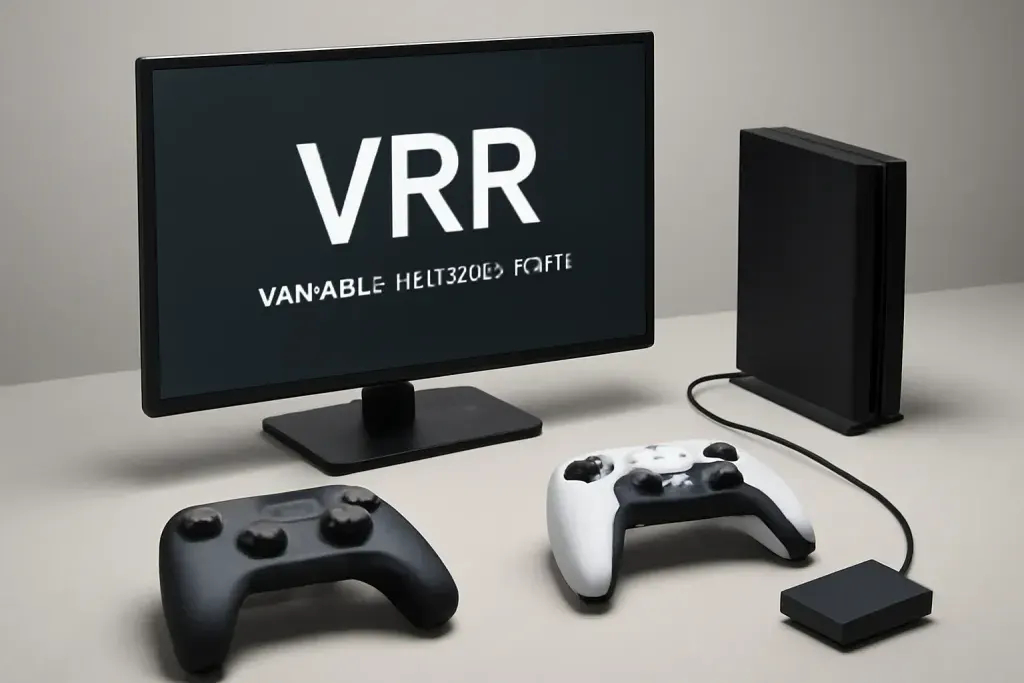








What VRR Does on a Gaming Monitor
VRR, or variable refresh rate, helps a monitor change how often it redraws the image so it can stay in step with the game’s frame output. In plain terms, it is meant to reduce the distracting problems that happen when a game and a monitor are not moving at the same pace. That is why the phrase VRR variable refresh rate explained usually comes up when people compare smoother gameplay with traditional fixed refresh displays.
On a normal fixed-refresh monitor, the screen updates at a set pace such as 60 Hz, 120 Hz, or 144 Hz. If the game is pushing frames at a different pace, the display may show part of one frame and part of the next frame at the same time. That can look like tearing. VRR tries to line up the refresh cycle with the frame timing from the console or PC, so the image changes more cleanly.
The important thing is that VRR does not create extra frames and it does not magically make a weak system fast. It simply helps the monitor display the frames the source already sends in a way that looks less uneven. If the game’s frame output shifts around from scene to scene, VRR can make those shifts feel less jarring. That is useful in fast action games, open-world titles, and any game where frame output is not perfectly steady.
Not every game benefits equally. If a title already holds a very steady frame pace at a refresh rate your monitor can match, VRR may be less noticeable. If a game fluctuates a lot, the benefit is easier to appreciate. The feature is about presentation and consistency, not raw speed. For buyers comparing gaming monitors, that difference matters, because VRR is often one of the most practical quality-of-life features available.
Why VRR Can Make Motion Look Cleaner
When frame timing and refresh timing are mismatched, your eyes may notice tearing, stutter, or uneven motion. VRR helps by letting the monitor wait for the next frame rather than forcing a fixed cycle that might cut through the middle of the image. The result is often a cleaner picture during motion, especially when frame output is moving around instead of staying locked.
This matters because a lot of games do not run at one perfectly steady rate every second. A scene with light action may hold one pace, while a dense combat area or a busy city scene may slow things down. With VRR, the monitor can adapt to those changes instead of showing every swing in frame timing as a visual hiccup. That makes movement feel more stable, even when the game is not perfectly smooth behind the scenes.
For many players, the biggest change is not dramatic, but practical. Camera pans can look less messy. Fast movement can feel easier to follow. Repeated jumps between frame times can be less distracting. In other words, VRR is about reducing friction between the game and the display, not adding a cinematic effect or changing image quality in a creative way.
It is also worth remembering that VRR is one tool in a wider picture. A monitor’s panel type, response behavior, and refresh ceiling all affect motion clarity too. VRR cannot replace those basics. What it can do is help the display behave more gracefully when the source signal is uneven. For people who want the shortest explanation possible, VRR is a synchronization feature that helps gaming monitors show motion more consistently when frame output changes.
VRR on PC Versus Console
VRR works a little differently depending on whether you use a gaming PC or a console, but the core idea stays the same. The display adapts its refresh timing to the frame output it receives. On PC, VRR is often used alongside a graphics card and a game engine that can vary frame timing from moment to moment. On consoles, it is typically aimed at smoothing out supported games and system output when performance is not perfectly locked.
For PC buyers, support details matter. A monitor may support one ecosystem’s VRR implementation while another setup needs a different connection or setting. That is why it helps to check the monitor’s input support, the graphics hardware, and the version of the console or platform you plan to use. VRR only helps when the whole chain is set up to pass the signal correctly.
For console players, VRR can be especially appealing in games that target a flexible frame pace rather than a hard lock. If a game is designed to run around a target but does not always stay there, VRR can make the motion feel calmer. If a title already runs at a fixed pace, the benefit may be smaller. Some players also care about how menus, cutscenes, and non-game video content behave, since VRR usually matters most during active gameplay.
One practical takeaway: do not buy a monitor for VRR alone without checking the rest of the feature set. The refresh ceiling, the available ports, and the device you own all shape the experience. VRR is useful, but it works best when it matches your platform, your favorite games, and the kind of performance your system actually delivers.
Shop on Amazon
SponsoredAs an Amazon Associate, GameGearLab earns from qualifying purchases. Affiliate disclosure. Images are generic illustrations, not the exact listing.
-
Gaming Monitors
A general starting point for browsing gaming monitors, covering common refresh-rate and resolution tiers.
Browse gaming monitors on Amazon: Gaming Monitors on Amazon -
Gaming Mice
A general starting point for browsing gaming mice, covering common shapes and grip-friendly designs.
Check current mouse options on Amazon: Gaming Mice on Amazon -
Gaming Chairs
A general starting point for browsing gaming chairs, covering common adjustability features to look for.
See gaming chair options on Amazon: Gaming Chairs on Amazon -
Gaming PCs
A general starting point for browsing gaming PCs and components, covering common configuration tiers.
Browse gaming PCs on Amazon: Gaming PCs on Amazon -
Console Accessories
A general starting point for browsing console and setup accessories, covering stands, hubs, and cable routing tools.
Browse console accessories on Amazon: Console Accessories on Amazon -
Gaming Headsets
A general starting point for browsing gaming headsets, covering wired and wireless options across consoles and PC.
Browse gaming headsets on Amazon: Gaming Headsets on Amazon -
Controllers
A general starting point for browsing controllers, covering standard and alternative layouts for PC and consoles.
See controller options on Amazon: Controllers on Amazon -
Gaming Keyboards
A general starting point for browsing mechanical gaming keyboards, covering common layouts and switch styles.
Browse gaming keyboards on Amazon: Gaming Keyboards on Amazon
Trade-Offs and Limits to Keep in Mind
VRR sounds simple, but it has limits. It usually works within a supported refresh range, so if the game goes far outside that range, the monitor may no longer be able to follow it cleanly. That means VRR is not a fix for every performance problem. It helps most when frame output stays within the display’s supported window and only varies moderately.
Another point is that not all screens behave the same when VRR is active. Some monitors may handle the feature more gracefully than others depending on panel design, firmware, and input support. Buyers should expect differences in how smoothly the transition happens, how the on-screen picture feels during variable frame pacing, and whether extra settings are needed to get the best result.
VRR can also interact with other settings. Sometimes users pair it with frame caps, motion smoothing options, or game-specific display settings to keep performance steadier. That can be useful, but it also means setup takes a little attention. If you want the simplest possible experience, you may need to spend time matching the monitor, cable, and device settings.
There is also a perception issue: some people expect VRR to make every game look dramatically better. That is not what it does. It reduces certain artifacts and makes unstable frame timing less obvious. If a game already looks and runs well, VRR may feel subtle. If a game regularly wobbles between frame times, the improvement is usually easier to notice. The feature is best viewed as a comfort and consistency tool, not a miracle fix.
What to Check Before Buying a VRR Monitor
If you are shopping for a gaming monitor, start with the basics: does it support the VRR format your setup needs, and does it do so over the inputs you plan to use? That sounds obvious, but it matters because a feature can look good on the spec sheet and still be awkward if your console or graphics card needs a specific connection path. The phrase VRR variable refresh rate explained is useful here because it reminds buyers that implementation matters as much as the label.
Next, look at the refresh rate range and the monitor’s maximum refresh rate. VRR only helps when the monitor can adjust within its supported window, and the top end still matters for smooth play. A high refresh rate display may feel more responsive overall, while VRR helps keep that response steadier when frame output moves around. That combination is often more useful than either feature alone.
You should also think about the games you actually play. Competitive titles with very stable performance may need VRR less than open-world games, story games, or large multiplayer scenes that can change pace quickly. If your library includes a mix of both, VRR can be a nice all-around feature. If you mostly play games with locked frame output, it may be less central.
Finally, treat VRR as one part of the monitor decision, not the whole decision. Panel size, resolution, brightness behavior, and port selection all affect daily use. A monitor with solid VRR support can still be a poor fit if the rest of the specs do not match your setup. The best buy is usually the one that aligns with your device, your room, and the games you play most often.
The Simple Bottom Line
VRR exists to make gaming displays follow the game more closely. Instead of forcing the screen to refresh on a fixed schedule no matter what the game is doing, it lets the monitor adapt to changing frame timing within a supported range. That is why VRR can reduce tearing and make uneven motion feel less distracting.
For most shoppers, the benefit is practical rather than flashy. You may notice cleaner motion during busy scenes, fewer visual interruptions when performance shifts, and a more even feel overall. You will not get extra frames from VRR, and you should not expect it to solve every performance issue. It is a synchronization feature, not a replacement for stronger hardware.
If you are choosing between monitors, VRR is worth considering alongside refresh rate, ports, and the device you plan to connect. The feature tends to matter most when frame output changes often, which is common in many modern games. It may matter less if your play style centers on titles that already run at a very steady pace.
The most useful way to think about VRR is this: it helps the display get out of the game’s way. When the monitor and the source are working together, the picture usually looks calmer and more consistent. That is the real value of the feature, and it is why so many gaming monitor buyers care about it even when they are not chasing the highest possible spec sheet number.