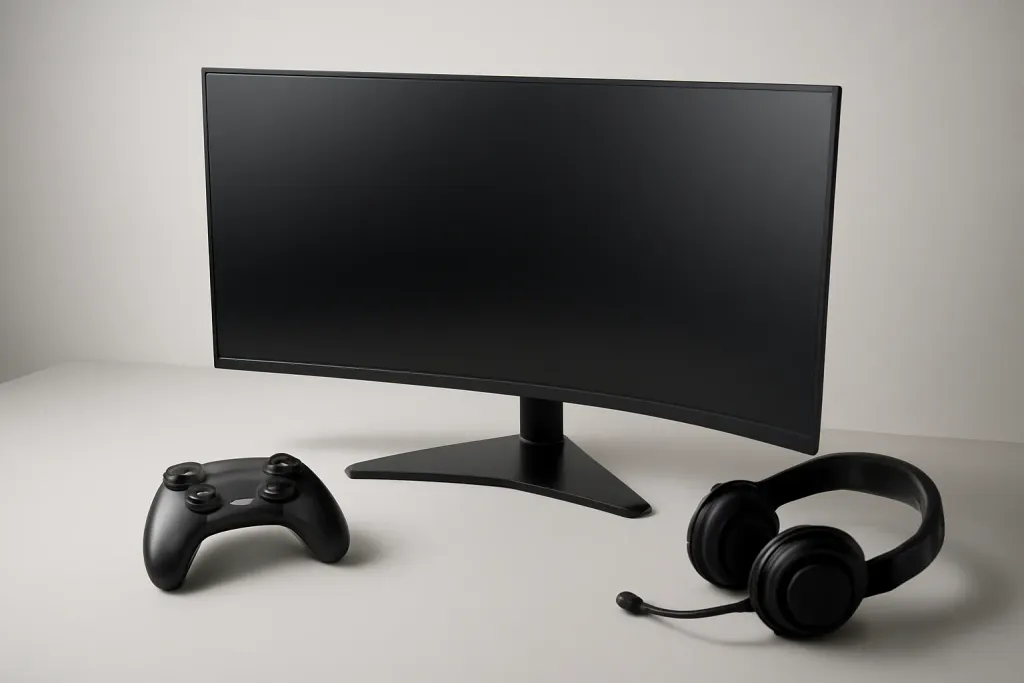








What a Curved Monitor for Gaming Changes
A curved monitor for gaming is designed to wrap the image slightly around your field of view. The idea is simple: instead of every part of the screen sitting on one flat plane, the edges angle toward you a bit. That can make large displays feel more natural, especially when you sit close enough to notice the corners without turning your head much.
In practical terms, the curve mostly affects immersion and viewing comfort. A wide image can feel a little more centered, and the corners may seem less distant on a big panel. For games with expansive landscapes, cockpit views, or HUD elements spread across the screen, that shape can make the experience feel more cohesive. It does not change the game itself, but it can change how you perceive the game.
The curve is usually measured by a number such as 1000R, 1500R, or 1800R, where the lower number means a tighter curve. A tighter curve can feel more enveloping, but it can also be more noticeable in desktop use or when you share the screen with others. A gentler curve is often easier to live with day to day.
The key point is that curvature is a design choice, not an automatic upgrade. A curved panel may help certain setups feel more immersive, but it is not a requirement for good gaming. What matters more is the size of the screen, your seating distance, and the type of games you play.
When Curved Makes the Most Sense
The curved monitor for gaming tends to make the most sense on larger screens, especially ultrawide models. Once a display gets wide enough, the far edges can feel farther away on a flat panel. A curve can pull those edges into a more comfortable viewing arc, which may be especially welcome if you sit fairly close to the desk.
It also suits genres that benefit from a broad sense of space. Racing games, flight sims, open-world titles, and some first-person games often feel more immersive when the image wraps around your vision. If you spend a lot of time looking straight ahead while keeping peripheral details in view, the shape can make the screen feel less like a rectangle and more like a window.
People who use one monitor for both gaming and everyday browsing sometimes like curved displays for another reason: the curve can make the center of the panel feel like the natural focus point. That can be handy when a task has a lot of content spread across a wide canvas, such as timelines, maps, or inventory-heavy interfaces.
That said, curved monitors are not only for serious enthusiasts. They can be a solid fit for anyone who knows they prefer a more immersive feel and is buying a screen large enough for the curvature to matter. On smaller sizes, the effect is usually subtle and may not justify choosing curved over flat.
If you mainly want a display that feels enveloping in fast-paced or wide-view games, a curved monitor for gaming is worth considering. If your usage is more mixed and your desk setup is compact, the curve may be less important than panel quality, resolution, and refresh rate.
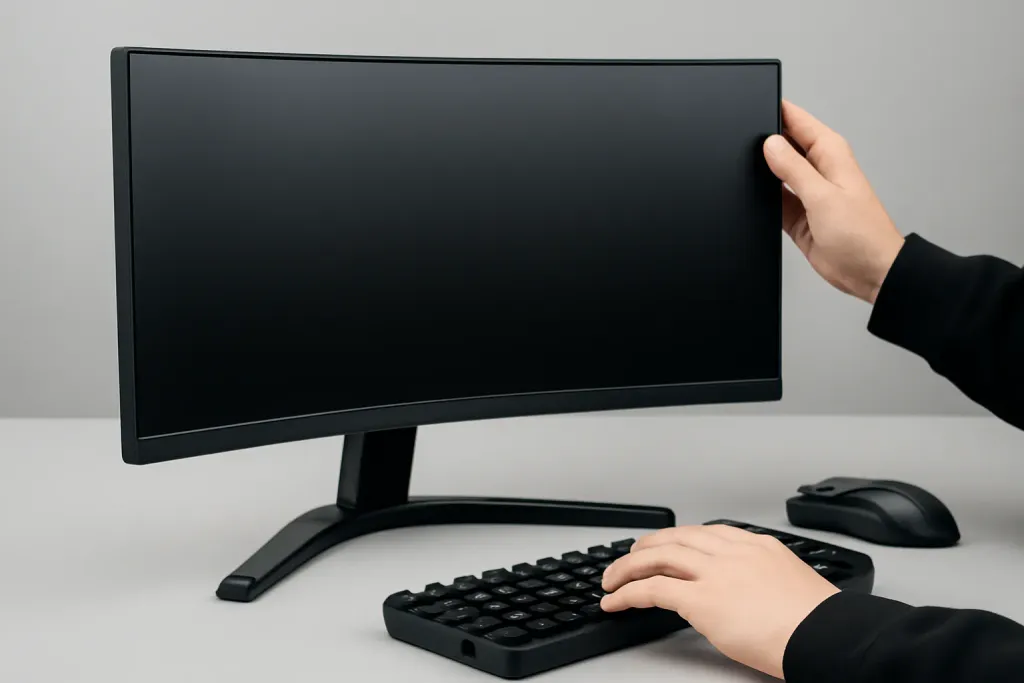
When Flat Is the Better Choice
A flat monitor is often the better choice if you play a wide variety of games and also use your screen for work, browsing, or creative tasks. Flat panels make straight lines look straight, which many people find simpler for spreadsheets, photo work, UI-heavy apps, and anything where visual precision matters more than immersion.
They are also easier to place in multi-monitor setups. If you use two or three screens side by side, a flat panel can create a more predictable visual layout across the desk. Curved displays can work in multi-monitor arrays, but matching the curve and angle across several panels is not always as seamless as placing flat screens together.
Competitive players sometimes prefer flat screens too. The reason is not that curved panels are poor for gaming, but that many players like the familiarity of a flat frame when tracking motion and reading the screen edges. If your focus is fast reaction, consistency, and a display that disappears into the background, flat may feel more natural.
There is also a matter of room and seating. If your desk is shallow or your seating position changes often, the curve can feel less useful. A monitor that looks great from one distance may feel less ideal when you lean back, lean in, or share the screen with someone else.
In other words, a curved monitor for gaming is not a universal improvement. If your priorities are versatility, simple setup, and a display that stays flexible across many types of use, flat remains the safer default. For many buyers, the best monitor is the one that fits their space and habits first, not the one with the most striking shape.
Shop on Amazon
SponsoredAs an Amazon Associate, GameGearLab earns from qualifying purchases. Affiliate disclosure. Images are generic illustrations, not the exact listing.
-
Gaming Monitors
A general starting point for browsing gaming monitors, covering common refresh-rate and resolution tiers.
Browse gaming monitors on Amazon: Gaming Monitors on Amazon -
Gaming Mice
A general starting point for browsing gaming mice, covering common shapes and grip-friendly designs.
Check current mouse options on Amazon: Gaming Mice on Amazon -
Gaming Chairs
A general starting point for browsing gaming chairs, covering common adjustability features to look for.
See gaming chair options on Amazon: Gaming Chairs on Amazon -
Gaming PCs
A general starting point for browsing gaming PCs and components, covering common configuration tiers.
Browse gaming PCs on Amazon: Gaming PCs on Amazon -
Console Accessories
A general starting point for browsing console and setup accessories, covering stands, hubs, and cable routing tools.
Browse console accessories on Amazon: Console Accessories on Amazon -
Gaming Headsets
A general starting point for browsing gaming headsets, covering wired and wireless options across consoles and PC.
Browse gaming headsets on Amazon: Gaming Headsets on Amazon -
Controllers
A general starting point for browsing controllers, covering standard and alternative layouts for PC and consoles.
See controller options on Amazon: Controllers on Amazon -
Gaming Keyboards
A general starting point for browsing mechanical gaming keyboards, covering common layouts and switch styles.
Browse gaming keyboards on Amazon: Gaming Keyboards on Amazon
Key Factors to Check Before You Buy
Before deciding on a curved monitor for gaming, look beyond the curve itself. Screen size is one of the biggest factors. Curvature tends to feel more meaningful on larger displays, while a smaller curved monitor may look unusual without offering much extra benefit. If the screen is too small, you may notice the shape more than the experience.
Resolution matters as well. A larger screen with too low a resolution can look soft, while a higher-resolution panel can make text and game detail feel cleaner. The curve does not fix or replace image sharpness, so it is worth matching the panel size to the resolution you actually want to live with.
Refresh rate and panel type also deserve attention. A curved design does not automatically make motion smoother or colors better. Those qualities come from the underlying monitor specification. If you care about fluid motion, response behavior, or color performance, focus on the screen’s core features first, then decide whether a curve is a bonus.
Seating distance is another practical point. A curve is more likely to feel balanced when you sit at a sensible distance for the panel size. Too close, and the edges may feel exaggerated. Too far, and the curvature may become difficult to notice. Your desk depth matters more than many shoppers realize.
Finally, think about how often you will use the screen outside of gaming. If the monitor will also handle movies, productivity, or shared viewing, make sure the curve works for those uses too. A curved monitor for gaming can be a smart choice, but only when the rest of the setup supports it.
Common Misconceptions About Curved Panels
One common misconception is that a curved monitor for gaming is automatically more immersive in every situation. In reality, immersion depends on the game, the screen size, and how close you sit. A strong curve on a small display may add little, while a large ultrawide panel can make the effect much more noticeable.
Another assumption is that curved screens are always more comfortable for the eyes. That is too broad a claim. Some people find the curve easier on long sessions because the edges feel more natural to view, while others simply prefer the straightforward look of a flat screen. Comfort is personal and depends on how you use your monitor.
It is also easy to think a curve will solve every issue with a setup. It will not. If a monitor has poor image quality, awkward height, or an unsuitable size, the curvature will not make those problems disappear. A monitor still needs to fit your desk, your viewing distance, and your game library.
Some buyers worry that curved monitors look strange for everyday use. That concern is understandable, but the answer depends on the degree of curvature and the screen size. Mild curves can be easy to adapt to, while stronger ones may feel more specialized. If multiple people will use the same display, a flatter option can be more universal.
The important takeaway is that curved and flat are both valid choices. The question is not which shape is universally better. It is which shape best matches the way you play, the games you like, and the space where the monitor will sit.
A Simple Buying Decision Guide
If you mostly play story-driven games, racing titles, sims, or open-world adventures on a large screen, a curved monitor for gaming is often worth a close look. The shape can make the scene feel more contained and the wide image easier to take in without constantly shifting your eyes across a flat expanse.
If you split your time between gaming and productivity, start by asking how often you need straight lines and a neutral viewing surface. For general browsing, office work, or mixed household use, flat monitors usually stay easier to adapt to. They are also less opinionated, which can be a virtue if several people will use the same display.
If you are building a compact desk setup, pay special attention to viewing distance. A curve that feels inviting on a deep desk may feel cramped on a shallow one. The monitor should fit your space before it fits your taste. That sounds basic, but it is where many buyers make the wrong call.
If you are deciding between two similar screens, treat curvature as a tie-breaker rather than the main reason to buy. Choose the monitor with the stronger overall fit: size, resolution, refresh rate, image quality, and the inputs you need. Then decide whether the curve adds enough value to justify the design.
For many gamers, the right answer is simple: no, you do not need a curved monitor for gaming. But if you like the look, have the right desk space, and play games that benefit from a wider sense of presence, it can be a satisfying choice. The best monitor is the one that matches your habits, not the one that sounds most exciting on paper.