







How we chose
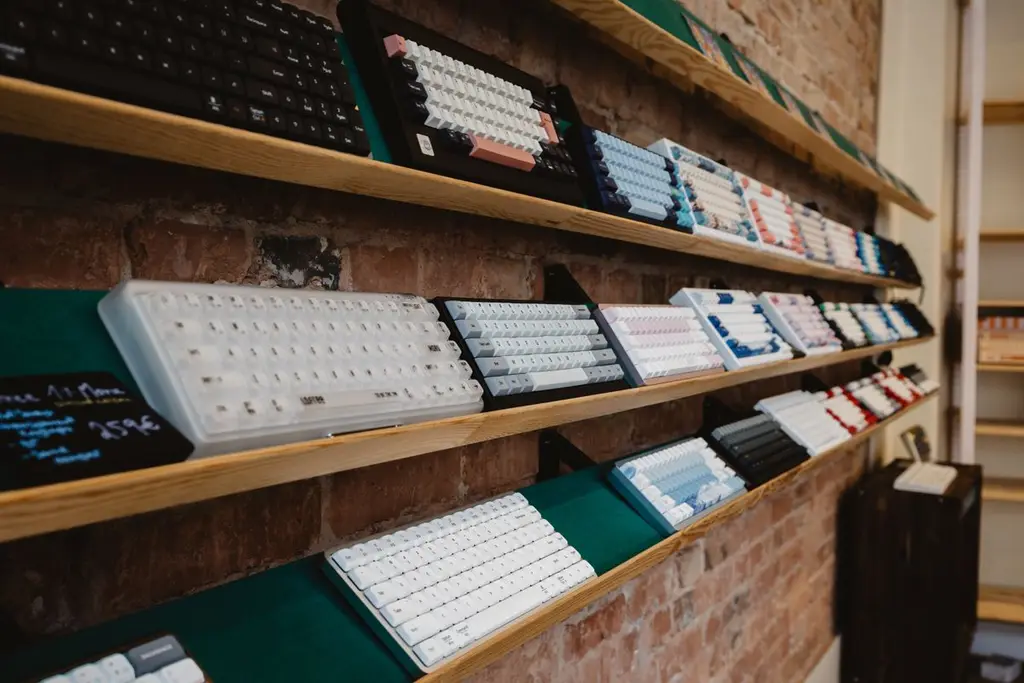
We chose four wired tenkeyless keyboards from the makers' own pages. We did not test them and we show no prices; check the listing against your limit. Switch names and options vary by seller, so confirm the switch on the exact listing.
Switches first
Linear switches feel smooth, tactile switches have a bump, and clicky ones add a sharp sound. Pick the type before the board; see linear vs tactile switches and the beginner keyboard guide.
Hot-swap or not
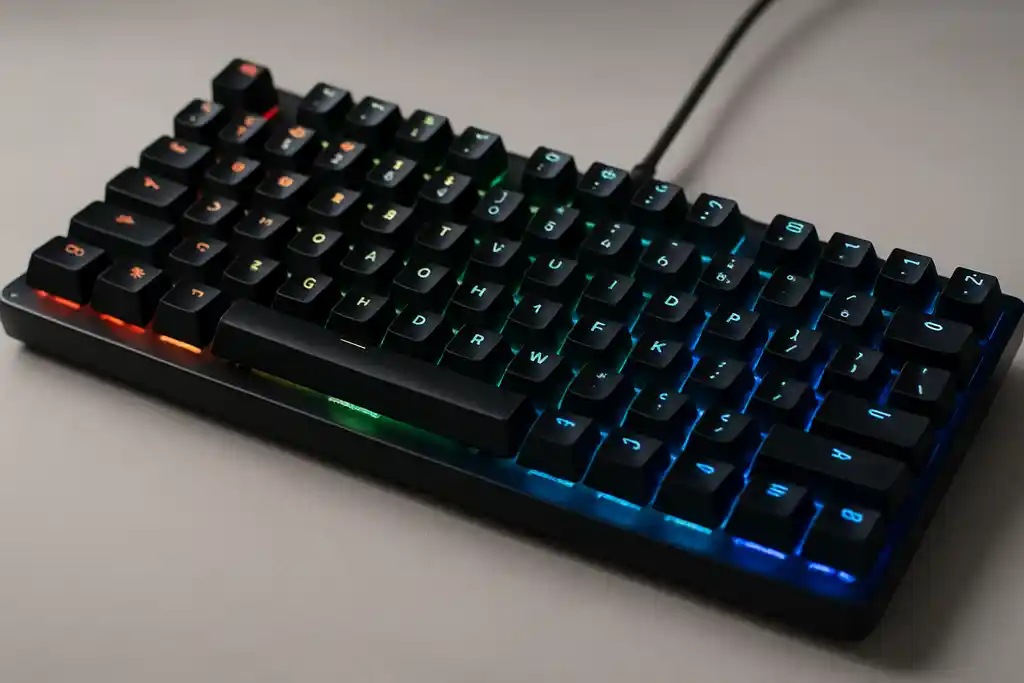
A hot-swappable board lets you change switches with no soldering, which is a safe way to fix a bad key or try a new feel. Only one of our picks has it. See hot-swappable keyboards.
Layout
Tenkeyless (TKL) drops the number pad to give your mouse more room. If you want even smaller, read should beginners buy a 60% keyboard. Test every key with the Keyboard Tester on arrival.
Mistakes to avoid
Watch the switch name on the exact listing. Many keyboards are sold with several switch options, and the product photo may show another one. Do not buy a 'mechanical-feel' board, which uses rubber domes under a mechanical-style cap. And do not ignore the layout: if you need the number pad, a TKL leaves it out.
Shop on Amazon
SponsoredAs an Amazon Associate, GameGearLab earns from qualifying purchases. Affiliate disclosure. Images are generic illustrations, not the exact listing.
-
Gaming Keyboards
A general starting point for browsing mechanical gaming keyboards, covering common layouts and switch styles.
Browse gaming keyboards on Amazon: Gaming Keyboards on Amazon -
Gaming PCs
A general starting point for browsing gaming PCs and components, covering common configuration tiers.
Browse gaming PCs on Amazon: Gaming PCs on Amazon -
Console Accessories
A general starting point for browsing console and setup accessories, covering stands, hubs, and cable routing tools.
Browse console accessories on Amazon: Console Accessories on Amazon -
Gaming Headsets
A general starting point for browsing gaming headsets, covering wired and wireless options across consoles and PC.
Browse gaming headsets on Amazon: Gaming Headsets on Amazon -
Controllers
A general starting point for browsing controllers, covering standard and alternative layouts for PC and consoles.
See controller options on Amazon: Controllers on Amazon -
Gaming Mice
A general starting point for browsing gaming mice, covering common shapes and grip-friendly designs.
Check current mouse options on Amazon: Gaming Mice on Amazon -
Gaming Monitors
A general starting point for browsing gaming monitors, covering common refresh-rate and resolution tiers.
Browse gaming monitors on Amazon: Gaming Monitors on Amazon -
Gaming Chairs
A general starting point for browsing gaming chairs, covering common adjustability features to look for.
See gaming chair options on Amazon: Gaming Chairs on Amazon
Before you buy
Check the cable type and the length, whether there is a wrist rest, and the keycap material. If the board is hot-swappable, check which switch pins it takes. Then test every key and the sound as soon as it arrives, using our keyboard tester, and use the return window if it does not suit you.
Sound and noise
Budget boards can sound hollow. A thin foam layer or a deskmat under the keyboard helps, and so does choosing linear switches in a shared room. Clicky switches are loud to anyone nearby, which matters if you game on voice chat.
After you buy
Once it arrives, wipe the keycaps and the case with a dry cloth, and use a puller and a soft brush to remove crumbs before they work into the switches. Keep the box for the return window. If a key feels wrong, our mushy keys guide lists the usual causes.
Quick checklist
- Choose linear, tactile or clicky first, then find a keyboard that sells that switch on the exact listing.
- Decide whether you need a number pad; if not, a tenkeyless board saves desk space for your mouse.
- Check whether the keyboard has a detachable cable, which makes travel and replacement easier.
- Run a keyboard test on arrival to check that every key registers, then keep the packaging until you are sure.