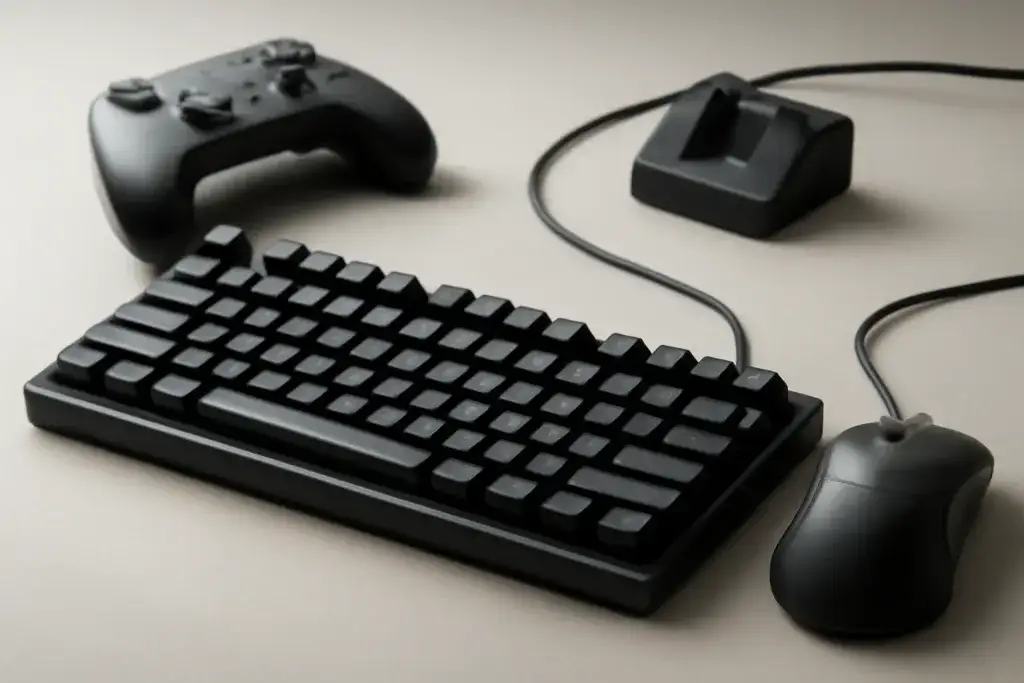








What mushy keyboard keys feel like
When people say their mushy keyboard keys feel “off,” they usually mean the keypress lacks a clear snap, stop, or return point. Instead of a crisp downstroke and a definite rebound, the key can feel soft, damped, or vague. That sensation may show up on one key or on the whole board. It can be subtle at first: you notice more missed rhythm while gaming, slightly uneven actuation, or a key that seems to sink farther than expected before responding.
This is not always a sign that something is broken. Some keyboards are designed with a softer feel from the start, especially models that prioritize quiet typing or low-key resistance. Rubber dome boards often feel softer than mechanical switches, and even within mechanical keyboards, switch type and stabilizer tuning can change the feel a lot. That means “mushy” can describe a normal characteristic, not just a fault.
Still, a keyboard that once felt sharp and now feels dampened may be telling you something changed. Spilled residue, dust buildup, worn keycaps, damaged switch parts, or a loose stabilizer can all affect how the key travels. If the board is used heavily for gaming, the difference is easy to notice because repeated presses make the inconsistency more obvious.
The important first step is to separate “soft by design” from “soft because something is wrong.” If every key feels equally subdued, the keyboard’s construction may simply lean that way. If only a few keys feel sloppy, sticky, or uneven, the cause is usually local and more fixable. That distinction can save time and help you choose the right solution instead of replacing the whole board too soon.
Common causes of mushiness
There are several common reasons keyboard keys lose their crisp feel. The most ordinary one is debris. Dust, crumbs, skin oils, and pet hair can work their way under keycaps and around switch housings. Even a small amount of buildup can make a key feel heavier on the way down or slower on the way back up. If the key is not returning cleanly, the result often feels mushy rather than obviously stuck.
Liquids are another frequent cause. A small spill may leave behind residue that changes how the key moves, even after the surface looks dry. Sugar-heavy drinks are especially troublesome because sticky residue can remain inside the board. In some cases the key still works, but the motion feels dampened or inconsistent.
Wear is also a factor. On keyboards used daily for gaming or long typing sessions, switch components can lose their original feel over time. Springs may feel softer, stabilizers can become loose, and older rubber dome keyboards may simply age into a flatter, less defined press. This does not happen overnight, but gradual change is common on high-use boards.
Keycap issues can add to the problem too. A cracked stem, a poorly seated keycap, or a cap rubbing against nearby keys can create a vague press. Larger keys such as Space, Enter, Shift, and Backspace often feel the most complicated because they use stabilizers. If those stabilizers are dry, bent, or uneven, the key may feel soft on one side and firm on the other.
Finally, software can sometimes confuse the picture. If repeated input feels delayed or inconsistent, users may suspect a mushy switch when the issue is actually key repeat settings, remapping software, or a game-specific binding problem. Physical feel and input behavior are related, but they are not always the same thing.
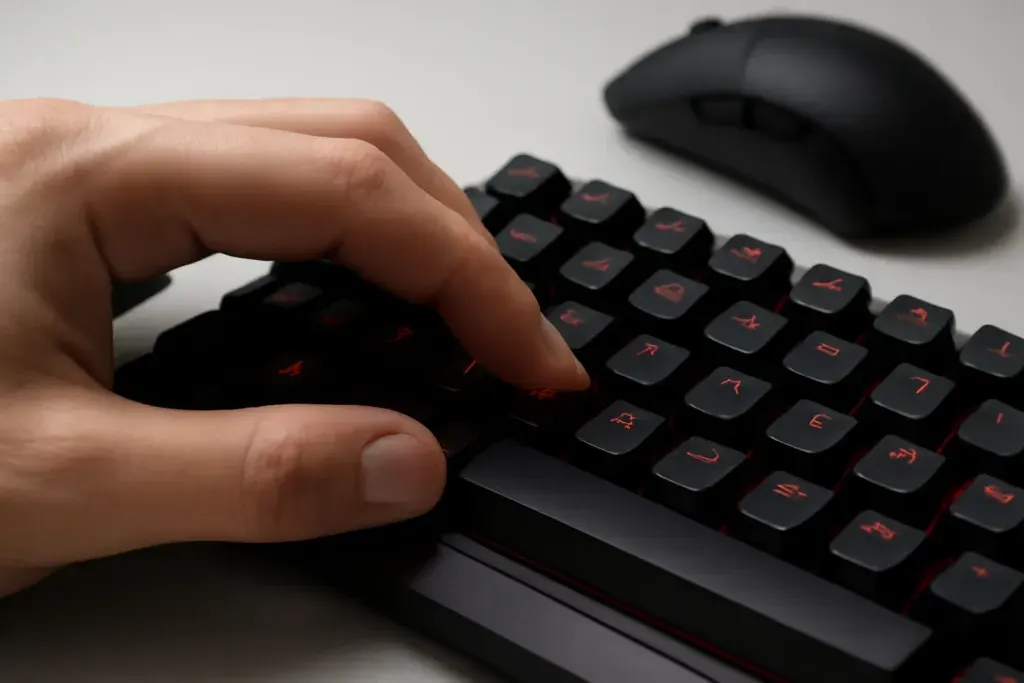
Shop on Amazon
SponsoredAs an Amazon Associate, GameGearLab earns from qualifying purchases. Affiliate disclosure. Images are generic illustrations, not the exact listing.
-
Gaming Keyboards
A general starting point for browsing mechanical gaming keyboards, covering common layouts and switch styles.
Browse gaming keyboards on Amazon: Gaming Keyboards on Amazon -
Gaming Monitors
A general starting point for browsing gaming monitors, covering common refresh-rate and resolution tiers.
Browse gaming monitors on Amazon: Gaming Monitors on Amazon -
Gaming Chairs
A general starting point for browsing gaming chairs, covering common adjustability features to look for.
See gaming chair options on Amazon: Gaming Chairs on Amazon -
Gaming PCs
A general starting point for browsing gaming PCs and components, covering common configuration tiers.
Browse gaming PCs on Amazon: Gaming PCs on Amazon -
Console Accessories
A general starting point for browsing console and setup accessories, covering stands, hubs, and cable routing tools.
Browse console accessories on Amazon: Console Accessories on Amazon -
Gaming Headsets
A general starting point for browsing gaming headsets, covering wired and wireless options across consoles and PC.
Browse gaming headsets on Amazon: Gaming Headsets on Amazon -
Controllers
A general starting point for browsing controllers, covering standard and alternative layouts for PC and consoles.
See controller options on Amazon: Controllers on Amazon -
Gaming Mice
A general starting point for browsing gaming mice, covering common shapes and grip-friendly designs.
Check current mouse options on Amazon: Gaming Mice on Amazon
How switch type changes the feel
Not all keyboards are built to feel crisp, and that matters when you are trying to understand mushy keyboard keys. Switch type has a major impact on how a board responds. Linear switches can feel smooth from top to bottom, which some players love, but that smoothness can be mistaken for mushiness if the user expects a sharper stop. Tactile switches add a bump that helps signal actuation, while clicky switches add both a bump and a sound cue. A board without those cues may feel softer even when it is functioning normally.
Rubber dome keyboards are especially likely to feel mushy to users who are used to mechanical switches. They rely on a rubber membrane that compresses as you press down. That can create a soft landing and a less defined release point. Some people prefer that feel for quiet office use or late-night typing, but competitive gamers often want faster feedback and more certainty from each press.
Low-profile keyboards can add another layer of perception. Because the travel distance is shorter, any extra softness or wobble may stand out more. Likewise, heavily lubed switches or boards designed with sound dampening may intentionally reduce sharpness in favor of a quieter, smoother experience. That is a trade-off, not necessarily a defect.
If your keyboard used to feel firmer and now feels flatter, compare one key to another. If the whole board feels consistently soft, the switch design may simply be on the mellow side. If a few keys feel different from the rest, the issue is more likely mechanical than architectural. That comparison helps narrow the next step, whether it is cleaning, reseating keycaps, or looking at switch wear.
For buyers comparing gaming boards, the key takeaway is simple: a “better” feel is subjective. The right choice depends on whether you value lightness, silence, tactile feedback, or a more defined press for fast in-game actions.
Simple checks before replacing anything
Before assuming a keyboard needs to be replaced, start with a few simple checks. First, press the problem key slowly and then normally. If it feels squishy only when pressed at an angle, the keycap may be misaligned or rubbing against nearby parts. If it feels soft no matter how you press it, the issue may be inside the switch or under the cap.
Next, compare the key to others on the same board. Gaming keyboards often include keys with stabilizers, and those larger keys can feel different from the rest. If only one large key feels mushy, stabilizer friction or uneven seating may be the real reason. If many keys on the same side of the board feel weaker, check for liquid residue or debris under that area.
You can also remove the keycap carefully, if your keyboard design allows it, and inspect the area beneath it. Look for crumbs, lint, or anything that might interfere with travel. A keycap that was not seated properly can make the press feel vague even when the switch itself is fine. When putting the cap back, make sure it sits straight and does not tilt.
Another useful check is to see whether the board behaves the same in different apps. If the key feels soft in one game but not another, the problem may be tied to bindings, software layers, or in-game settings rather than the hardware feel itself. If the key also registers unevenly in a simple text field, the hardware deserves more attention.
Try not to rush to a full replacement based on one annoying key. Many cases of mushiness come from simple issues that can be corrected with careful cleaning or reseating. A little observation at the start can save you from buying a new board when the old one just needs attention.
Shop on Amazon
SponsoredAs an Amazon Associate, GameGearLab earns from qualifying purchases. Affiliate disclosure. Images are generic illustrations, not the exact listing.
-
Gaming Keyboards
A general starting point for browsing mechanical gaming keyboards, covering common layouts and switch styles.
Browse gaming keyboards on Amazon: Gaming Keyboards on Amazon -
Gaming PCs
A general starting point for browsing gaming PCs and components, covering common configuration tiers.
Browse gaming PCs on Amazon: Gaming PCs on Amazon -
Console Accessories
A general starting point for browsing console and setup accessories, covering stands, hubs, and cable routing tools.
Browse console accessories on Amazon: Console Accessories on Amazon -
Gaming Headsets
A general starting point for browsing gaming headsets, covering wired and wireless options across consoles and PC.
Browse gaming headsets on Amazon: Gaming Headsets on Amazon -
Controllers
A general starting point for browsing controllers, covering standard and alternative layouts for PC and consoles.
See controller options on Amazon: Controllers on Amazon -
Gaming Mice
A general starting point for browsing gaming mice, covering common shapes and grip-friendly designs.
Check current mouse options on Amazon: Gaming Mice on Amazon -
Gaming Monitors
A general starting point for browsing gaming monitors, covering common refresh-rate and resolution tiers.
Browse gaming monitors on Amazon: Gaming Monitors on Amazon -
Gaming Chairs
A general starting point for browsing gaming chairs, covering common adjustability features to look for.
See gaming chair options on Amazon: Gaming Chairs on Amazon
How to fix or improve the feel
Once you know the likely cause, you can decide how far to go. For basic debris, a careful cleaning is often the best first move. Disconnect the keyboard, remove keycaps if the model allows it, and clear out dust or crumbs with a soft brush or compressed air used cautiously. The goal is to remove anything that interferes with travel, not to force air deep into the board or flood it with cleaning fluid.
If residue from a spill is involved, surface cleaning may not be enough. Sticky buildup can hide inside stabilizers and around switch housings. In that case, more thorough cleaning may help, but it requires patience. Rushing the process can make things worse, especially on boards with delicate parts or non-removable designs. If a keyboard is valuable to you, take your time and use the manufacturer’s care guidance where available.
For keycap issues, reseating or replacing a damaged cap can restore a cleaner feel. This is especially helpful when a key is wobbling or binding against another key. On hot-swap mechanical keyboards, a stubborn switch may sometimes be replaced individually if the board supports it. That can be a practical fix when one or two keys feel different from the rest.
Lubrication and stabilizer work can improve feel too, but they are best approached carefully. Too much lubricant can make a key feel overly soft, while uneven application may create new problems. If you are not comfortable opening the board, it may be better to stick with cleaning and reseating before attempting deeper modifications.
If the keyboard is older and many keys now feel dull, the most honest answer may be that wear has changed the board’s character. In that case, replacement can make more sense than repeated repairs. The right move depends on how much you like the current board, how much effort it deserves, and whether the soft feel is a minor annoyance or a constant distraction during use.
When it may be time to replace the keyboard
Sometimes mushiness points to a keyboard that has simply reached the end of its comfortable life for your needs. If multiple keys feel inconsistent, if cleaning does not help, and if the board has a history of spills or heavy wear, replacement may be the most straightforward path. That is especially true for budget keyboards where repair time can exceed the value of the board itself.
It is also worth considering replacement if the keyboard no longer matches how you play. A board that once felt fine for casual use may now seem too soft for fast-paced gaming, where repeated presses and rapid movement make feedback more important. In that situation, the issue is not just comfort; it is whether the feel supports your habits.
For buyers shopping Amazon affiliates and similar retailers, it helps to read product descriptions with a focus on switch type, travel distance, and stabilizer design rather than marketing buzzwords. Look for boards that explain whether they aim for a soft, silent feel or a more defined press. That can prevent another round of disappointment. The keyboard you choose should match the sensation you want, not just the lighting or layout.
One practical approach is to decide whether you are fixing a problem or changing a preference. If the keyboard is malfunctioning, repair or cleaning is sensible. If the board is working normally but the feel no longer suits you, a better-matched model may be the cleaner answer. That is especially relevant for gamers who want firmer actuation on movement keys but do not mind softer keys elsewhere.
When replacement makes sense, keep the choice grounded in feel, layout, noise, and build style. A new keyboard should solve the mushiness you dislike, not introduce a different trade-off you will notice every day. Clear expectations matter more than flashy features when the main goal is a more satisfying keypress.