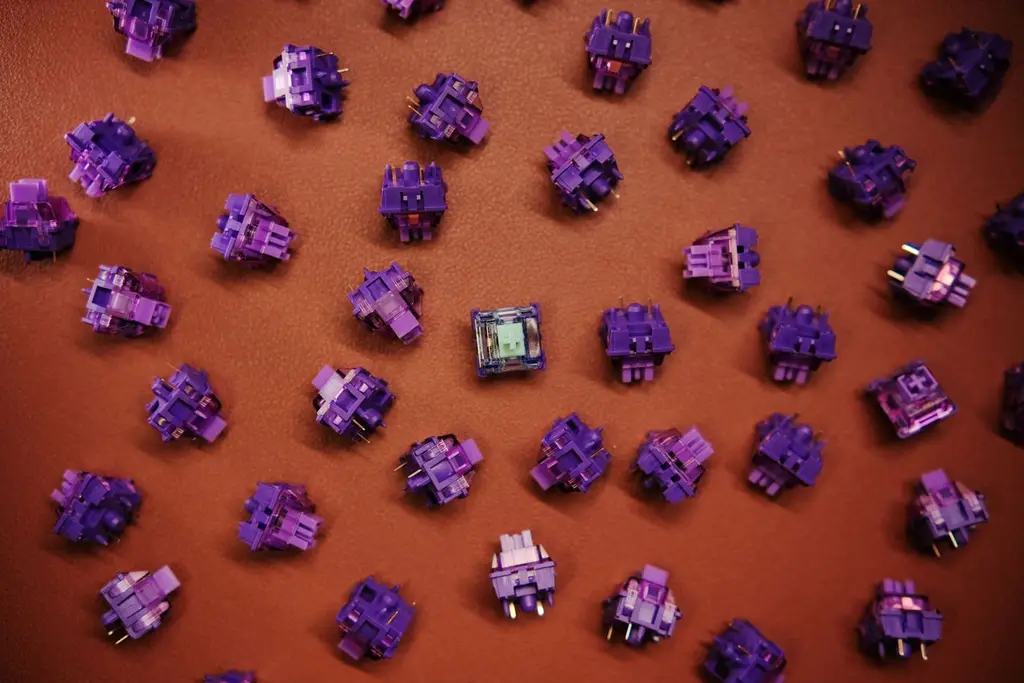








The three switch types
Linear. A smooth press from top to bottom with no bump or click. Many gamers like it for double-taps and quick strafing.
Tactile. A bump partway down that tells you the key has registered. It helps typing accuracy and gives clear feedback.
Clicky. A tactile bump plus a sharp click. It sounds loud, so it is rarely a fit for shared rooms.
Which suits gaming
Neither type is faster. The speed of a switch is set by its actuation distance and your finger, not by its feel. Linear suits rapid repeated presses because there is no bump to push through, and tactile suits people who like confirmation. If you also type a lot, tactile is a safe middle.
Pick based on feel, noise and what you play. A switch tester is the best way to find out, because the difference is physical. If a key ever feels mushy or inconsistent, see why keys feel mushy.
Noise, force and travel
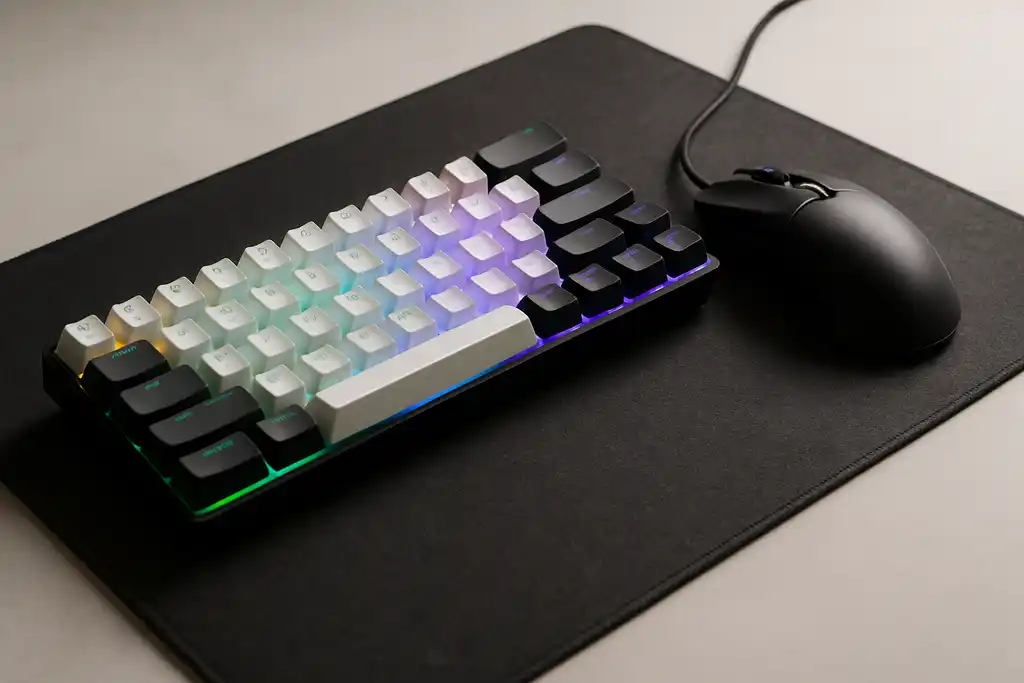
Noise comes from the bottom-out hit and the keycaps more than from the switch type, so a clicky switch is the only type that is loud by design. Force (how hard you press) and travel (how far the key moves) vary by switch model. Makers list them, so compare the numbers on the page of the specific board.
Low-profile switches, like the GL switches on the G515, have a shorter travel. Logitech lists a 1.3 mm actuation point on that board.
Shop on Amazon
SponsoredAs an Amazon Associate, GameGearLab earns from qualifying purchases. Affiliate disclosure. Images are generic illustrations, not the exact listing.
-
Gaming Keyboards
A general starting point for browsing mechanical gaming keyboards, covering common layouts and switch styles.
Browse gaming keyboards on Amazon: Gaming Keyboards on Amazon -
Gaming PCs
A general starting point for browsing gaming PCs and components, covering common configuration tiers.
Browse gaming PCs on Amazon: Gaming PCs on Amazon -
Console Accessories
A general starting point for browsing console and setup accessories, covering stands, hubs, and cable routing tools.
Browse console accessories on Amazon: Console Accessories on Amazon -
Gaming Headsets
A general starting point for browsing gaming headsets, covering wired and wireless options across consoles and PC.
Browse gaming headsets on Amazon: Gaming Headsets on Amazon -
Controllers
A general starting point for browsing controllers, covering standard and alternative layouts for PC and consoles.
See controller options on Amazon: Controllers on Amazon -
Gaming Mice
A general starting point for browsing gaming mice, covering common shapes and grip-friendly designs.
Check current mouse options on Amazon: Gaming Mice on Amazon -
Gaming Monitors
A general starting point for browsing gaming monitors, covering common refresh-rate and resolution tiers.
Browse gaming monitors on Amazon: Gaming Monitors on Amazon -
Gaming Chairs
A general starting point for browsing gaming chairs, covering common adjustability features to look for.
See gaming chair options on Amazon: Gaming Chairs on Amazon
Common mistakes when choosing
The biggest mistake is buying on a reputation. Switch feel is personal, so a switch that a friend loves may not suit you. The second is chasing speed claims: a lighter or "faster" switch does not make you click faster. The third is ignoring noise if you share a room, especially with clicky types.
Test and swap
A hot-swap keyboard lets you change switches without soldering, which is the easiest way to try another type. Check what you buy with the Keyboard Tester, which lights keys as they register and flags a key that repeats within 30 ms. A switch tester sampler is a cheap way to try many switches first.