How we chose
We chose four 27-inch 1440p monitors from the makers' own pages: two IPS, one fast IPS and one QD-OLED. We did not test them. Where a maker page did not list a number, we left it out. If you are still deciding on the resolution itself, read 1080p vs 1440p first.
Panel type and size
IPS panels give wide viewing angles and steady colour, which is why they are the default for the best 1440p gaming monitor lists. QD-OLED has near-instant pixel response and deep blacks, and some owners take care over static images. At 27 inches 1440p is sharp at a normal desk distance; at 32 inches pixels become easier to see.
Refresh rate and ports
Pick a refresh rate your graphics card can feed. A card that gives 100 frames per second gains little from a 360 Hz panel. For consoles the port matters more than the refresh rate: PS5 and Xbox need HDMI 2.1 for 120 Hz at 1440p, and several monitors here have only HDMI 2.0. See our 144 vs 240 Hz guide and HDMI vs DisplayPort.
Shop on Amazon
SponsoredAs an Amazon Associate, GameGearLab earns from qualifying purchases. Affiliate disclosure. Images are generic illustrations, not the exact listing.
-
Gaming Monitors
A general starting point for browsing gaming monitors, covering common refresh-rate and resolution tiers.
Browse gaming monitors on Amazon: Gaming Monitors on Amazon -
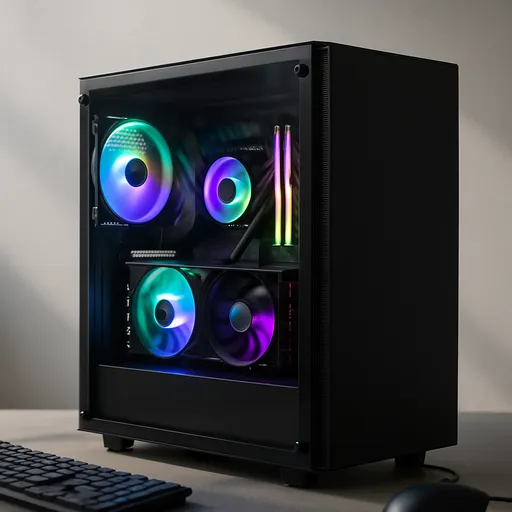
Gaming PCs
A general starting point for browsing gaming PCs and components, covering common configuration tiers.
Browse gaming PCs on Amazon: Gaming PCs on Amazon -
Console Accessories
A general starting point for browsing console and setup accessories, covering stands, hubs, and cable routing tools.
Browse console accessories on Amazon: Console Accessories on Amazon -
Gaming Headsets
A general starting point for browsing gaming headsets, covering wired and wireless options across consoles and PC.
Browse gaming headsets on Amazon: Gaming Headsets on Amazon -
Controllers
A general starting point for browsing controllers, covering standard and alternative layouts for PC and consoles.
See controller options on Amazon: Controllers on Amazon -
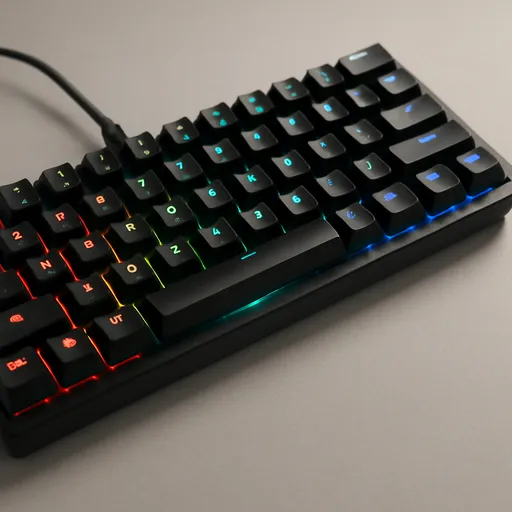
Gaming Keyboards
A general starting point for browsing mechanical gaming keyboards, covering common layouts and switch styles.
Browse gaming keyboards on Amazon: Gaming Keyboards on Amazon -
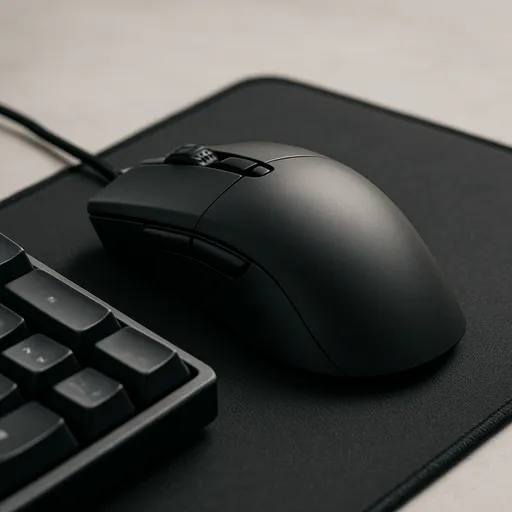
Gaming Mice
A general starting point for browsing gaming mice, covering common shapes and grip-friendly designs.
Check current mouse options on Amazon: Gaming Mice on Amazon -
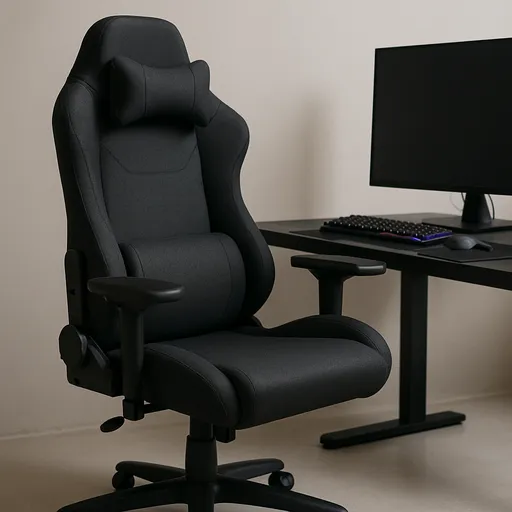
Gaming Chairs
A general starting point for browsing gaming chairs, covering common adjustability features to look for.
See gaming chair options on Amazon: Gaming Chairs on Amazon
Check it when it arrives
Run the Dead Pixel Test in the first days, then confirm the real rate with the Refresh Rate Test. A monitor often ships set to 60 Hz until you change it in display settings.
Mistakes to avoid
The common slip is paying for a refresh rate the PC cannot use. A 360 Hz panel on a graphics card that reaches 120 frames per second gives you 120 Hz of motion at a higher cost. The second slip is a console buyer assuming 1440p at 120 Hz works on any monitor: it needs HDMI 2.1 and a console mode that supports it. The third is buying on HDR labels. A DisplayHDR 400 badge is a basic tier, and the panel's contrast usually matters more than the badge.
Setup tips
Sit about an arm's length from a 27-inch screen, with the top edge at or just below eye level. Use the DisplayPort cable in the box for the highest refresh rate, and turn on variable refresh in both the monitor menu and the graphics driver. If the picture looks soft, check that Windows scaling and the game resolution are both set to the native 2560 x 1440.