







How we built this
This is an editorial checklist, not a test. The picks come from our guides and the makers' own pages. We list them by priority, so you can buy a part at a time.
Plan the zones
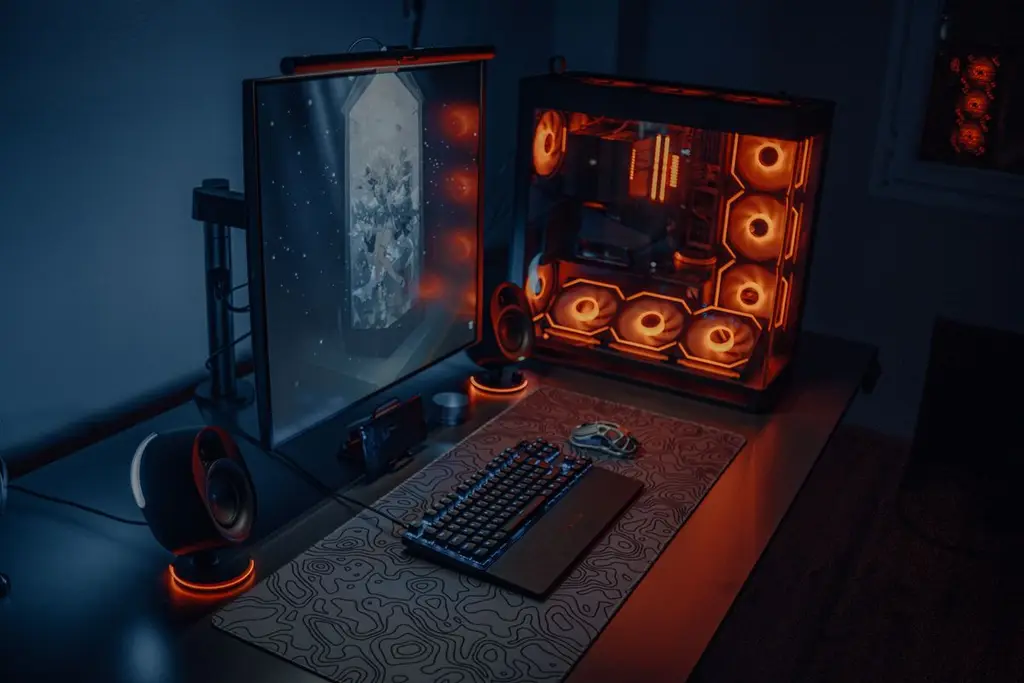
Put the monitor at the back at arm's length, the keyboard and mouse in a reach zone at the front, and the cables off the surface. A deeper desk gives the monitor room to sit back. See gaming desk picks.
What to buy first
Buy in this order: a desk and a chair that fit you, the monitor, the keyboard and mouse, then a headset and extras. Comfort pays off every session, while lighting does not. Our ergonomic chair guide and mouse pad picks cover the middle of that list.
Finish with cables and lighting
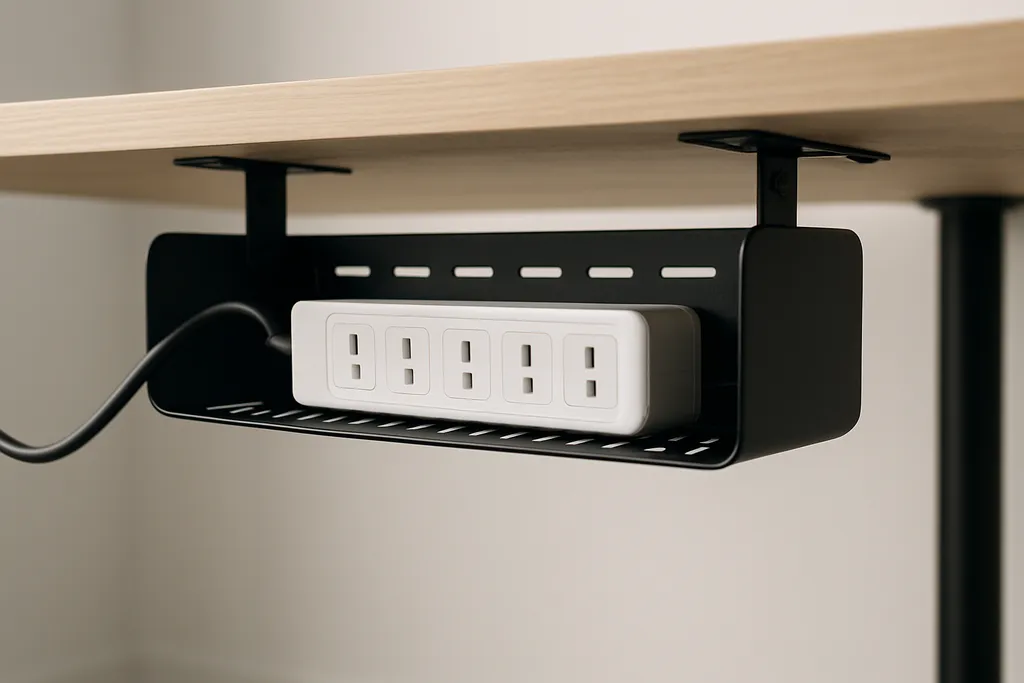
Clean cables make a setup look finished; see cable management. Add lighting last, behind the monitor, so it does not glare on the screen.
Shop on Amazon
SponsoredAs an Amazon Associate, GameGearLab earns from qualifying purchases. Affiliate disclosure. Images are generic illustrations, not the exact listing.
-
Gaming PCs
A general starting point for browsing gaming PCs and components, covering common configuration tiers.
Browse gaming PCs on Amazon: Gaming PCs on Amazon -
Gaming Chairs
A general starting point for browsing gaming chairs, covering common adjustability features to look for.
See gaming chair options on Amazon: Gaming Chairs on Amazon -
Console Accessories
A general starting point for browsing console and setup accessories, covering stands, hubs, and cable routing tools.
Browse console accessories on Amazon: Console Accessories on Amazon -
Gaming Headsets
A general starting point for browsing gaming headsets, covering wired and wireless options across consoles and PC.
Browse gaming headsets on Amazon: Gaming Headsets on Amazon -
Controllers
A general starting point for browsing controllers, covering standard and alternative layouts for PC and consoles.
See controller options on Amazon: Controllers on Amazon -
Gaming Keyboards
A general starting point for browsing mechanical gaming keyboards, covering common layouts and switch styles.
Browse gaming keyboards on Amazon: Gaming Keyboards on Amazon -
Gaming Mice
A general starting point for browsing gaming mice, covering common shapes and grip-friendly designs.
Check current mouse options on Amazon: Gaming Mice on Amazon -
Gaming Monitors
A general starting point for browsing gaming monitors, covering common refresh-rate and resolution tiers.
Browse gaming monitors on Amazon: Gaming Monitors on Amazon
Mistakes to avoid
The usual mistake is starting with lighting and accessories. A pair of light strips costs little but does nothing for comfort, while a desk that is too shallow or a chair that does not fit will annoy you every session. Another is buying a very wide desk for a small room, which leaves no space to push the chair back.
Ideas for small spaces
In a small room, choose a deep, narrow desk, a monitor arm to free the surface, and a headset stand that hangs from the desk edge. A wall-mounted shelf above the monitor holds the lights and the console without using desk space. A desk mat does the job of a mouse pad and keeps the keyboard in the right position.
After you buy
When the setup is done, live with it for a week before moving things. You will notice what is out of reach or glaring. Adjust the monitor height and the chair first, because they change posture most, then the lighting, and only then add accessories.
Quick checklist
- Measure your room and your desk before you buy anything, including the depth you need for your monitor.
- Write down the order in which you will buy parts, starting with the desk, chair and monitor.
- Check that your power outlets and your cables reach, and plan a place for the power strip.
- Take a photo of your setup after you finish, so you can see what you would change next.