







Why we name series, not builds
Prebuilt gaming PCs are sold in configurations that change often, and the price for a given set of parts moves. A build we named today could ship with different parts next month. So we name only well-known series, not single builds, and this guide gives you the checklist to judge any listing, which is the skill that holds up.
We do not quote prices. Compare the price of two listings with the same parts and decide which seller and return terms you trust.
The parts that matter
The graphics card sets what resolution and frame rate you can reach, so it gets the biggest share of the budget. The processor needs to keep up with it. Memory, storage and the power supply are the parts that make everything else work reliably.
Look for a named graphics card model, not "RTX-ready" or "gaming graphics". Look for a modern processor with enough cores for current games. Choose 16 GB of memory as a floor, in two modules so it runs in dual channel. A 1 TB NVMe solid state drive is the practical size, since games are large.
Power supply, cooling and the case
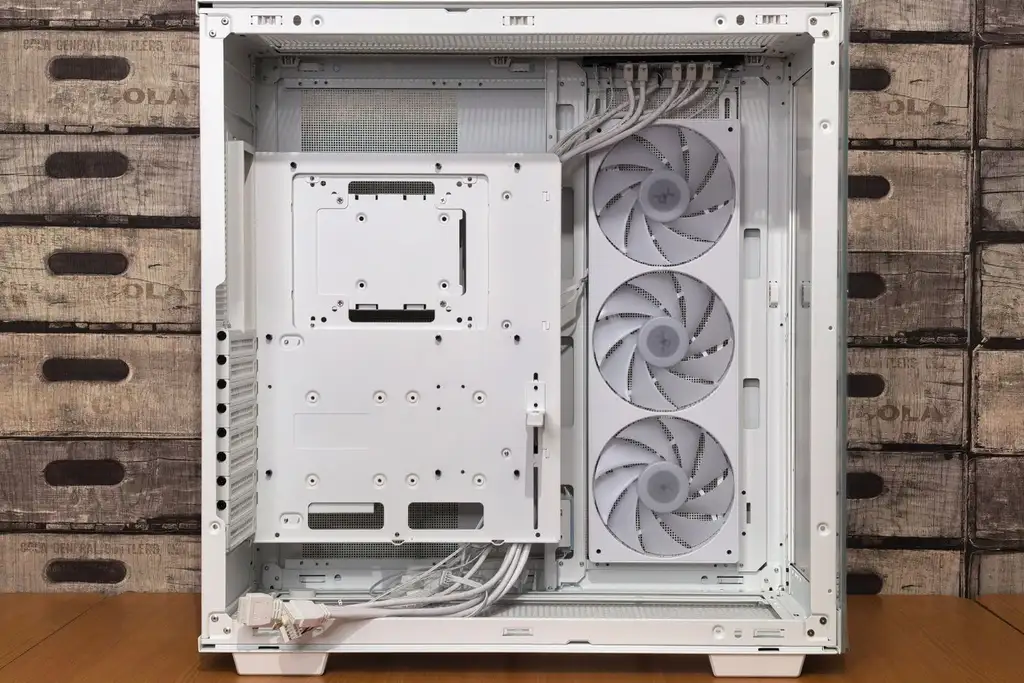
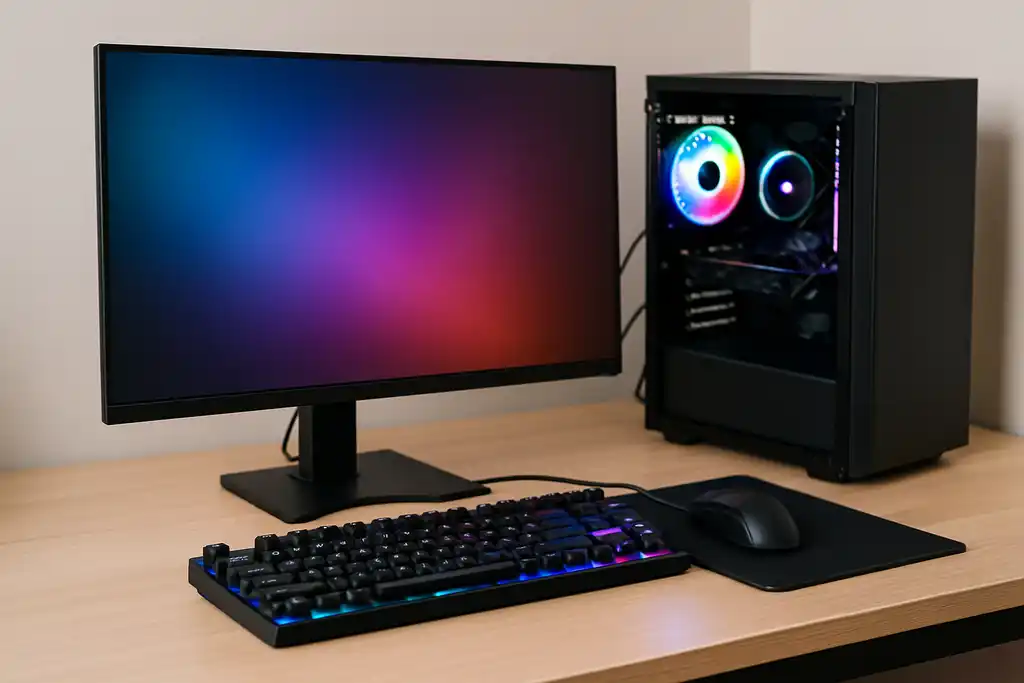
A listing should name the power supply brand and wattage. A vague "650W power supply" with no brand is a flag. Check that the case has airflow with a mesh or vented front and at least one rear fan. Cheap proprietary parts can make upgrades hard, so ask whether the motherboard and power supply are standard sizes.
Shop on Amazon
SponsoredAs an Amazon Associate, GameGearLab earns from qualifying purchases. Affiliate disclosure. Images are generic illustrations, not the exact listing.
-
Gaming PCs
A general starting point for browsing gaming PCs and components, covering common configuration tiers.
Browse gaming PCs on Amazon: Gaming PCs on Amazon -
Gaming Chairs
A general starting point for browsing gaming chairs, covering common adjustability features to look for.
See gaming chair options on Amazon: Gaming Chairs on Amazon -
Console Accessories
A general starting point for browsing console and setup accessories, covering stands, hubs, and cable routing tools.
Browse console accessories on Amazon: Console Accessories on Amazon -
Gaming Headsets
A general starting point for browsing gaming headsets, covering wired and wireless options across consoles and PC.
Browse gaming headsets on Amazon: Gaming Headsets on Amazon -
Controllers
A general starting point for browsing controllers, covering standard and alternative layouts for PC and consoles.
See controller options on Amazon: Controllers on Amazon -
Gaming Keyboards
A general starting point for browsing mechanical gaming keyboards, covering common layouts and switch styles.
Browse gaming keyboards on Amazon: Gaming Keyboards on Amazon -
Gaming Mice
A general starting point for browsing gaming mice, covering common shapes and grip-friendly designs.
Check current mouse options on Amazon: Gaming Mice on Amazon -
Gaming Monitors
A general starting point for browsing gaming monitors, covering common refresh-rate and resolution tiers.
Browse gaming monitors on Amazon: Gaming Monitors on Amazon
Red flags to avoid
- No graphics card model named, or an older generation sold as new.
- Single-channel memory (one module) or less than 16 GB.
- A hard drive as the only storage.
- No power supply brand or rating.
- A seller with no clear return policy or support contact.
- Heavy bundles of cheap peripherals that raise the price without adding performance.
Build it yourself or buy a prebuilt
Building lets you choose each part and often fits more performance into a budget, but you need time and some patience. A prebuilt arrives ready to run, with one support contact. See our gaming PC buying guide for beginners for the full trade-off.
Before you buy, set the monitor and peripherals aside from the PC budget. They add up, and a good monitor is worth planning for; see our gaming monitors hub.
After it arrives
Open the system information tool and confirm the graphics card, memory and drive match the listing. Install the latest graphics driver from the maker, update the operating system, and run a game you know well to see the frame rate you expect. If a part does not match the listing, contact the seller promptly and use the return window.
Keep the box and packing for the first weeks. A quick check of fan noise and temperatures in a long session catches most early problems while a return is still simple.