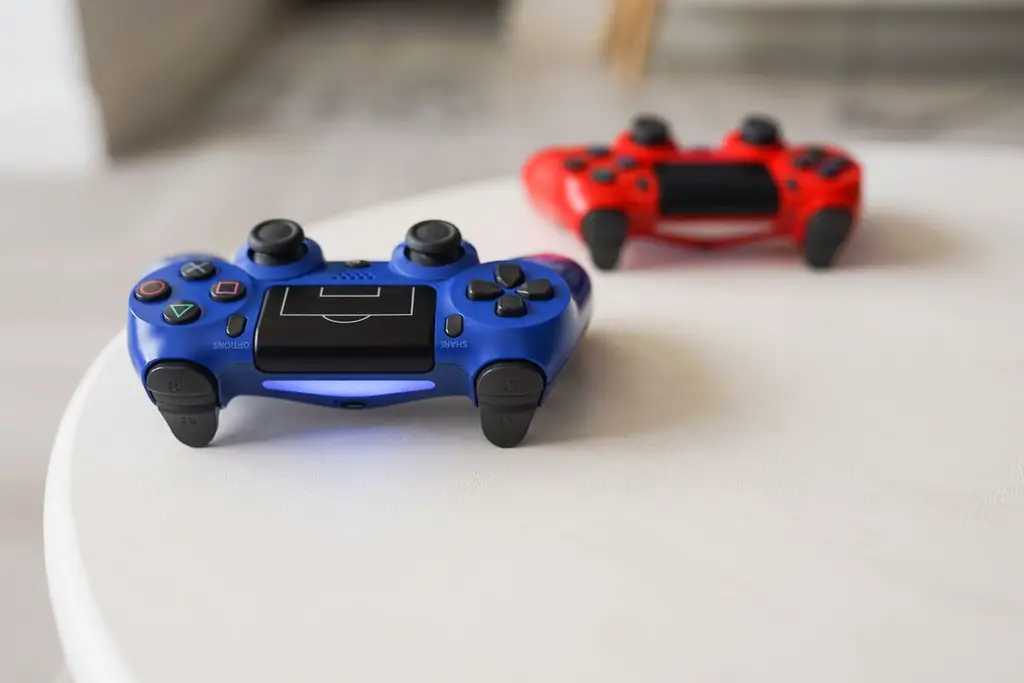








How we chose
We chose four accessories from Sony's own pages that solve common PS5 problems. We did not test them. If you want to keep it simple, start with a charging dock; it is the accessory people use every day.
Charging
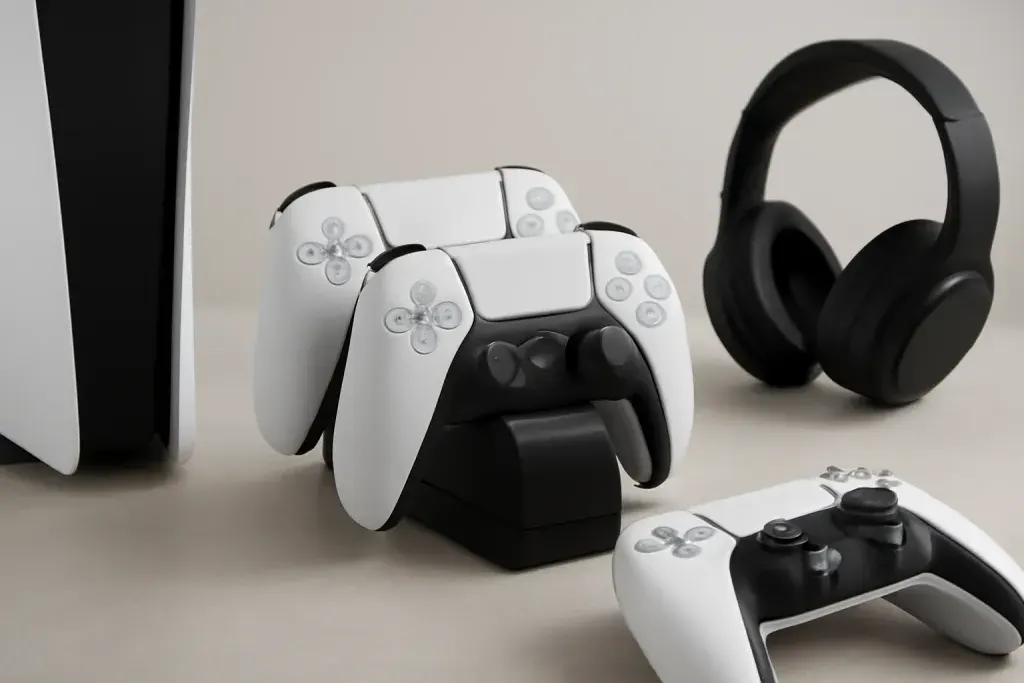
A dock removes the cable that is never where you left it. See our charging dock guide for what to check. Sony lists about three hours to charge from empty on the official station.
Audio and storage
For sound, a headset made for PS5 gives you 3D audio; see PS5 headset picks. For storage, Sony lists M.2 NVMe drives with a heatsink, so check the speed and size on Sony's support page and the listing before buying.
Controller upgrades
The DualSense Edge adds back buttons and swappable stick modules. If your controller has drift, a repair or replacement may cost less; see stick drift fixes. For more, see back button attachments.
Shop on Amazon
SponsoredAs an Amazon Associate, GameGearLab earns from qualifying purchases. Affiliate disclosure. Images are generic illustrations, not the exact listing.
-
Console Accessories
A general starting point for browsing console and setup accessories, covering stands, hubs, and cable routing tools.
Browse console accessories on Amazon: Console Accessories on Amazon -
Gaming Mice
A general starting point for browsing gaming mice, covering common shapes and grip-friendly designs.
Check current mouse options on Amazon: Gaming Mice on Amazon -
Gaming Monitors
A general starting point for browsing gaming monitors, covering common refresh-rate and resolution tiers.
Browse gaming monitors on Amazon: Gaming Monitors on Amazon -
Gaming Chairs
A general starting point for browsing gaming chairs, covering common adjustability features to look for.
See gaming chair options on Amazon: Gaming Chairs on Amazon -
Gaming PCs
A general starting point for browsing gaming PCs and components, covering common configuration tiers.
Browse gaming PCs on Amazon: Gaming PCs on Amazon -
Gaming Headsets
A general starting point for browsing gaming headsets, covering wired and wireless options across consoles and PC.
Browse gaming headsets on Amazon: Gaming Headsets on Amazon -
Controllers
A general starting point for browsing controllers, covering standard and alternative layouts for PC and consoles.
See controller options on Amazon: Controllers on Amazon -
Gaming Keyboards
A general starting point for browsing mechanical gaming keyboards, covering common layouts and switch styles.
Browse gaming keyboards on Amazon: Gaming Keyboards on Amazon
Mistakes to avoid
The easiest mistake is buying an SSD without checking Sony's support page: the drive needs the right interface, a heatsink and enough clearance in the bay. Another is buying a headset made for another platform. Last, be careful with unbranded charging docks that skip safety features; look for a maker with a clear support page.
Before you buy
Check which PS5 model you have, since the expansion bay cover and size differ. Confirm that your TV or monitor accepts the console's signal if you buy a display accessory. Keep the box or receipt for any accessory you install inside the console, in case it needs returning.
After you buy
After installing or pairing an accessory, update the console and the accessory's own firmware, since support often arrives in updates. Keep ventilation space around the console when you fit a drive or a dock, and note the date of purchase for the return period.
Quick checklist
- Check which PS5 model you own, since the cover and the expansion bay differ between models.
- Read Sony's support page for storage drives, and compare the drive's speed and heatsink against it.
- Choose a headset made for PlayStation, or a wired headset that works with the controller jack.
- Start with the accessory that fixes the annoyance you notice most, then add the rest over time.