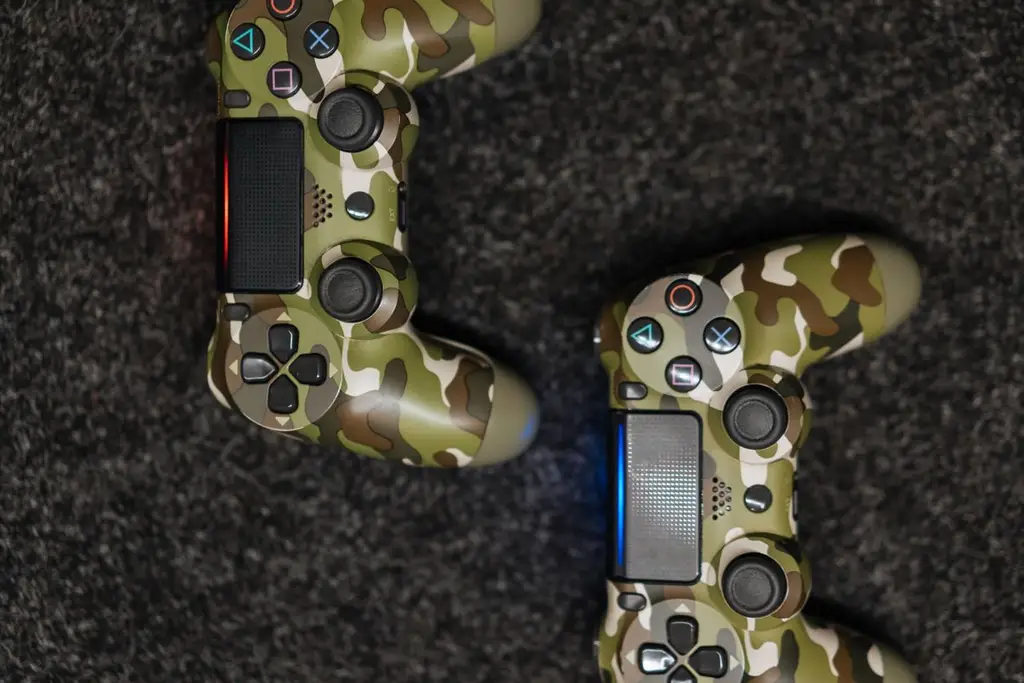








How we chose
We chose four controllers whose makers say they use Hall effect or TMR sticks. We did not test them, and we cannot promise a stick will never drift; we only explain why the design is meant to avoid it.
How Hall effect sticks work
A standard stick uses a potentiometer: a metal contact slides over a worn resistive track. Over time the track wears and the stick can report movement at rest, which is stick drift. A Hall stick reads the position of a magnet with a sensor, so nothing rubs. TMR sensors are a related magnetic design. See how to fix stick drift for what to try first.
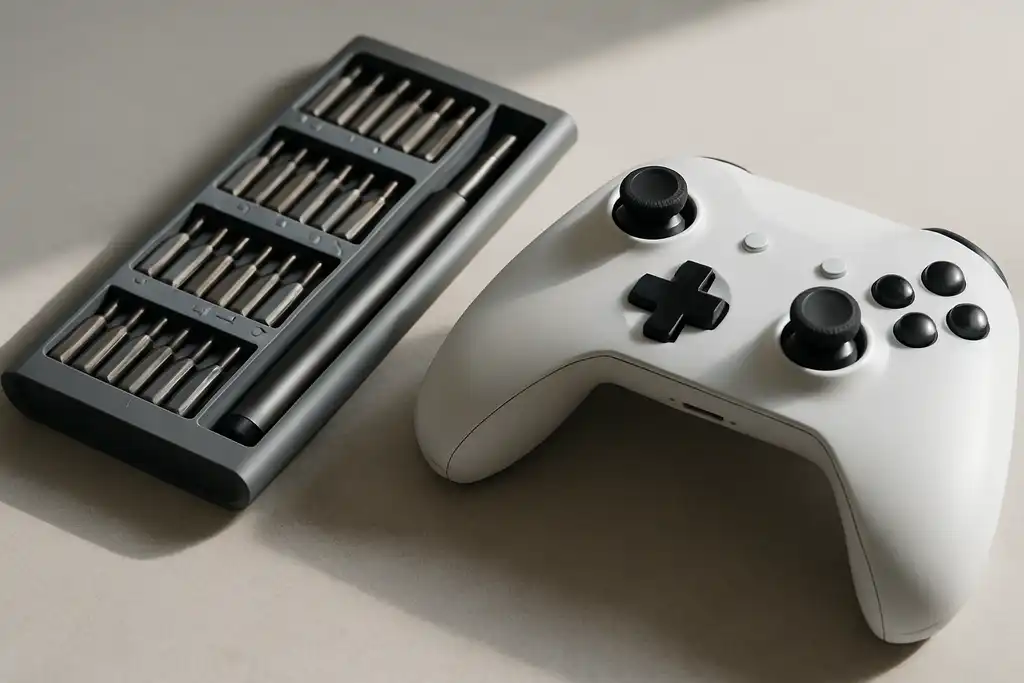
What else to check
Sticks are one part. Compare the connection (wired, 2.4 GHz, Bluetooth), the platform support on the listing, and the battery rating. Check your own stick with the Gamepad Tester when it arrives.
Platform
PC and Android are the usual targets, but each controller lists its own supported systems. For Xbox or Switch, confirm the model. For console alternatives see Switch Pro Controller alternatives.
Shop on Amazon
SponsoredAs an Amazon Associate, GameGearLab earns from qualifying purchases. Affiliate disclosure. Images are generic illustrations, not the exact listing.
-
Controllers
A general starting point for browsing controllers, covering standard and alternative layouts for PC and consoles.
See controller options on Amazon: Controllers on Amazon -
Gaming Monitors
A general starting point for browsing gaming monitors, covering common refresh-rate and resolution tiers.
Browse gaming monitors on Amazon: Gaming Monitors on Amazon -
Gaming Chairs
A general starting point for browsing gaming chairs, covering common adjustability features to look for.
See gaming chair options on Amazon: Gaming Chairs on Amazon -
Gaming PCs
A general starting point for browsing gaming PCs and components, covering common configuration tiers.
Browse gaming PCs on Amazon: Gaming PCs on Amazon -
Console Accessories
A general starting point for browsing console and setup accessories, covering stands, hubs, and cable routing tools.
Browse console accessories on Amazon: Console Accessories on Amazon -
Gaming Headsets
A general starting point for browsing gaming headsets, covering wired and wireless options across consoles and PC.
Browse gaming headsets on Amazon: Gaming Headsets on Amazon -
Gaming Keyboards
A general starting point for browsing mechanical gaming keyboards, covering common layouts and switch styles.
Browse gaming keyboards on Amazon: Gaming Keyboards on Amazon -
Gaming Mice
A general starting point for browsing gaming mice, covering common shapes and grip-friendly designs.
Check current mouse options on Amazon: Gaming Mice on Amazon
Mistakes to avoid
Do not treat Hall effect as a promise. Sticks can still fail from dust, a bent shaft or spilled drinks. Another mistake is buying a Hall controller made for a platform you do not use, since the sensors do not change which consoles it supports. And do not replace a drifting controller without trying the basic steps first: clean around the stick and update the firmware.
Before you buy
Check the platform list, the connection modes, the coverage length and whether the sticks or modules can be replaced. A controller with a low-cost replacement option can outlast one with a drift-resistant stick that cannot be serviced. Also check whether the triggers are Hall effect too, since trigger wear is a separate issue.
Quick checklist
- Check which platforms the controller supports on its listing, and that it is the right version for your console or PC.
- Look at whether the triggers are also magnetic, since trigger wear is a separate fault from stick drift.
- Read the coverage period and the support page before you buy, in case you need a repair.
- When it arrives, run a stick test at rest to check that the centre reads as expected.